
Pillar guide · AI Garden Design
AI Garden Design: How to Redesign Your Garden from a Photo (2026 Guide)
AI garden design has quietly turned into one of the kindest ways to plan a real garden. You take a photo of your backyard, front yard, patio or balcony, and an AI garden planner shows you what it could look like with new planting, paths and a softer layout — before you spend a single hour digging or a single pound on plants. This guide walks you through it all in plain English, with no jargon.
AI Garden Design GuidesPublished April 12, 2026Updated April 27, 20269 min read
What is AI garden design, in plain English?
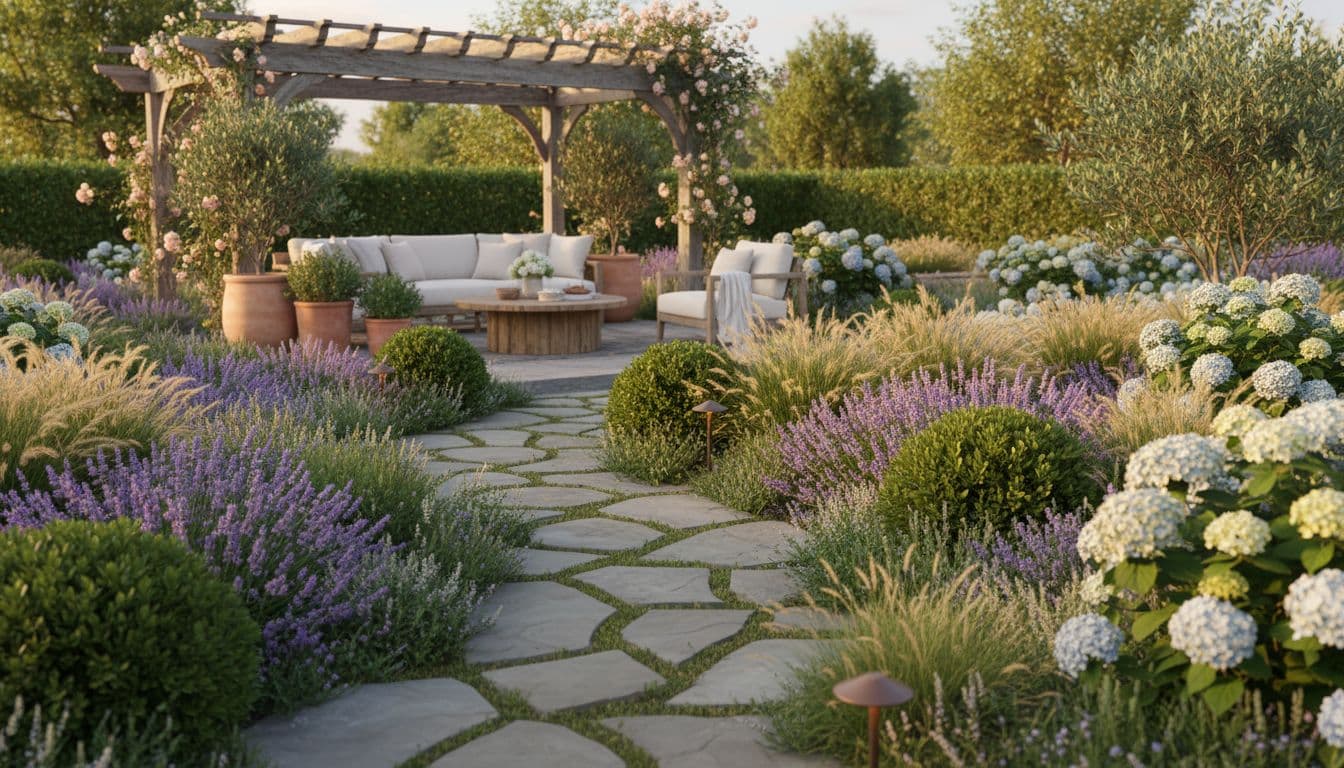
AI garden design is a gentle way of using a computer to draw a new version of your garden from a photograph. You upload a picture of your backyard, front yard or patio. A piece of software — an AI garden planner — keeps the shape of your space (your fence, your paving, your shed) and changes only the things that would make the garden lovelier: the lawn, the borders, the planting, the seating, the path, the light.
You do not have to draw plans on graph paper. You do not have to learn any software. You do not need to know the Latin name of a single plant. If you can take a photograph on a phone, you can use AI garden design.
It is, in many ways, just a kinder version of the old trick of standing in the garden and squinting, trying to imagine the borders fuller and the lawn neater. Only now the picture is right there, on your screen, and you can change your mind ten times without moving a single stone.
How AI garden design actually works (no tech words)
The clever part of an AI garden planner is that it has been shown, over time, an enormous library of real gardens — cottage gardens, Mediterranean courtyards, Japanese-style corners, modern terraces, wildflower meadows. When you give it a photo of your own garden, it gently borrows ideas from that library and lays them over your real space.
You tell it, in a single tap, the kind of garden you would like — say, a soft cottage garden, or a low-maintenance Mediterranean look, or a tidy modern backyard. The AI garden design app does the careful work of matching new planting, paths and seating to the shape of your space.
A few quiet seconds later, you have a believable picture of the finished garden. You can ask for another version. You can try a wilder planting. You can ask for less lawn or more shade. There is no ticking taxi meter, no awkward conversation, no hours wasted.
How to design your garden with AI: a step-by-step walk-through
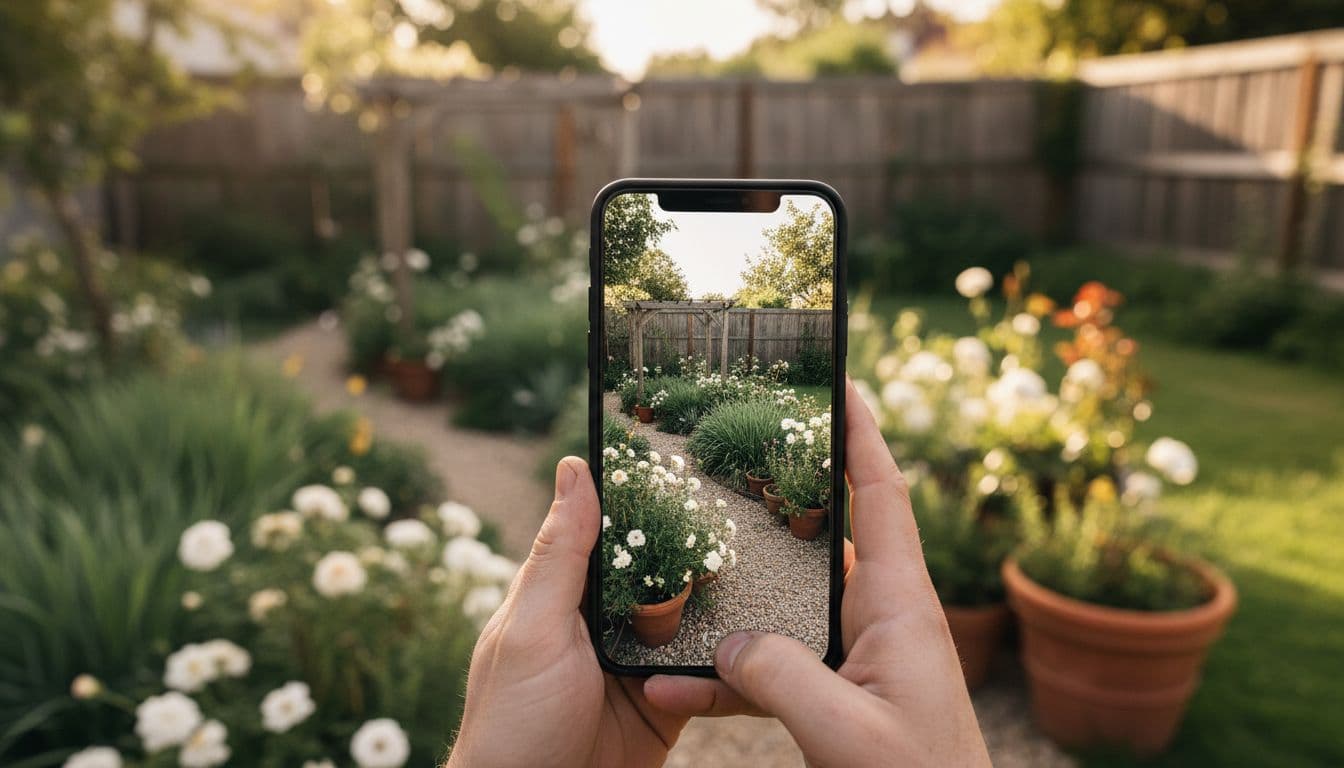
You can run through your first AI garden design in less time than it takes to make a pot of tea. Here is the gentle order most gardeners follow.
- Take one good photo. Stand at the spot you usually look at the garden from — the kitchen window, the back door, the seat by the patio. Daylight is kinder than midday sun. One photo is enough; the AI garden planner does not need a drone shot.
- Open an AI garden design app. FlorAI works on iPhone, Android and the web — whichever feels easier. There is nothing to install on a computer.
- Pick a garden style. Cottage, modern, Mediterranean, Japanese, wildlife, tropical — pick the one that feels like you. You can change it later.
- Press the redesign button and wait a few seconds. The AI garden planner reads your photo, keeps the shape of your real space, and fills it with planting, paths and seating in your chosen style.
- Save the looks you love. Try two or three styles. Send the favourites to your partner, your neighbour or your landscaper. The conversation about your garden becomes easier when everyone is looking at the same picture.
That is the whole loop. No layers, no measurements, no expensive software. If you would like to see what FlorAI does on a real garden before you start your own, the how-it-works section on the home page shows the full before-and-after sequence.
Garden styles you can try with AI garden design
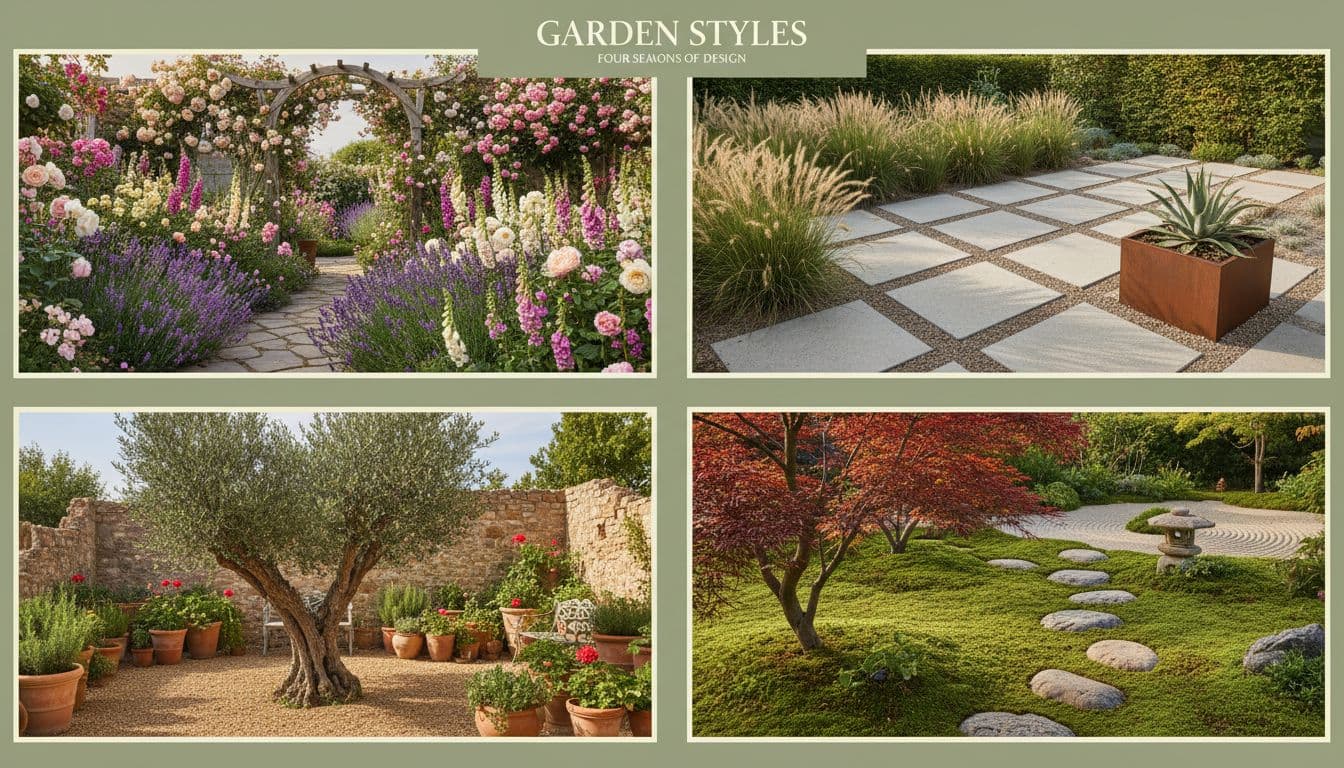
One of the kindest things about AI garden design is that you can try several styles on the same garden in an afternoon. The shape of your space stays exactly as it is — only the planting, the path and the seating change. Here are the styles most gardeners reach for first.
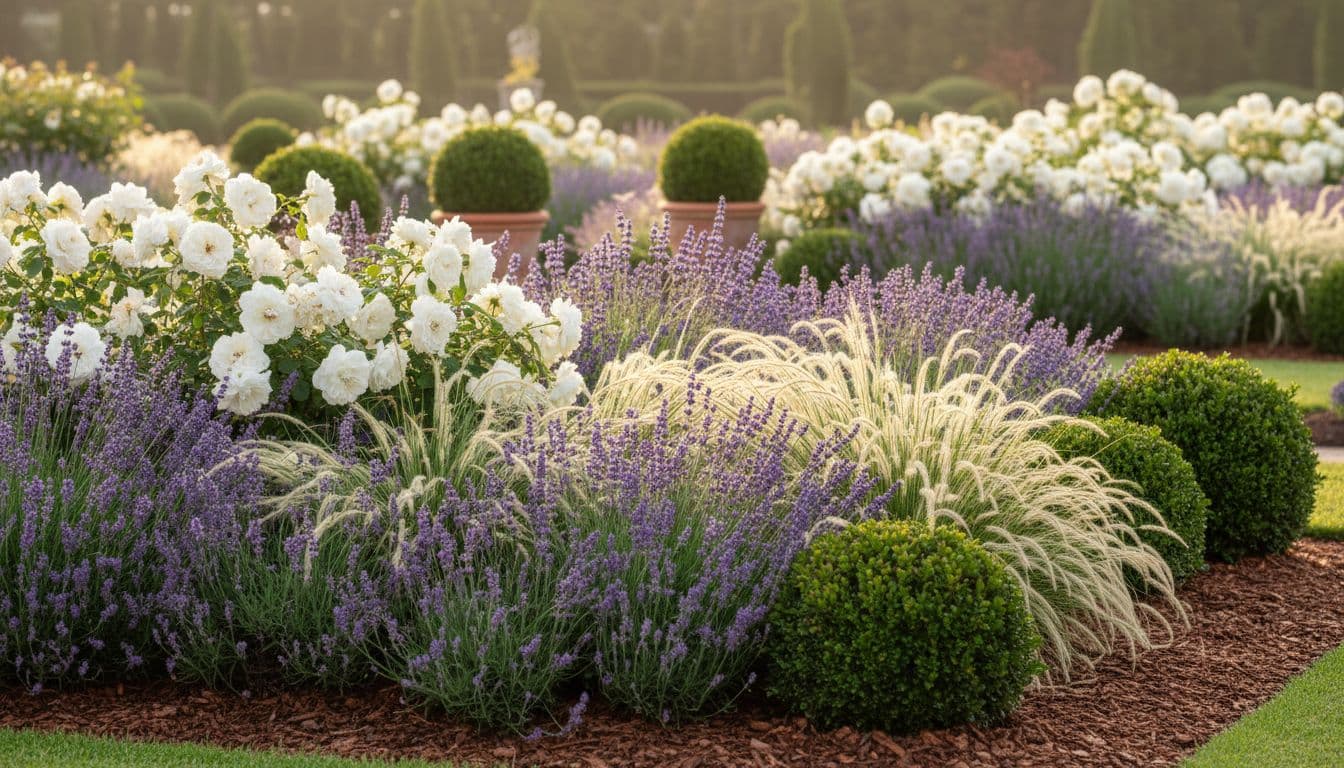
- Cottage garden design. Soft mixed borders of roses, lavender, foxgloves and hardy geraniums. A warm, romantic AI garden design that suits older homes and curved paths.
- Modern minimalist garden design. Clean lines, a single specimen tree, ornamental grasses, large-format paving. Excellent for small backyards.
- Mediterranean garden design. Olive, lavender, rosemary, gravel paths and warm terracotta. Low water, low fuss, very forgiving.
- Japanese-inspired garden design. Quiet planting, a small water feature, moss and stone. Wonderful for shady corners and side returns.
- Wildlife and pollinator garden design. Native plants, a long flowering season, a small pond if there is room. Friendlier to bees, hedgehogs and birds.
- Tropical garden design. Banana, fatsia, large leaves and bold greens. Surprisingly hardy in mild gardens, brilliant for shaded patios.
AI garden design ideas for small backyards, front yards and patios
Most gardens are small gardens. The good news is that an AI garden planner is particularly helpful when space is tight, because it lets you test a dozen layouts before you commit to one. A few quiet ideas to start with:
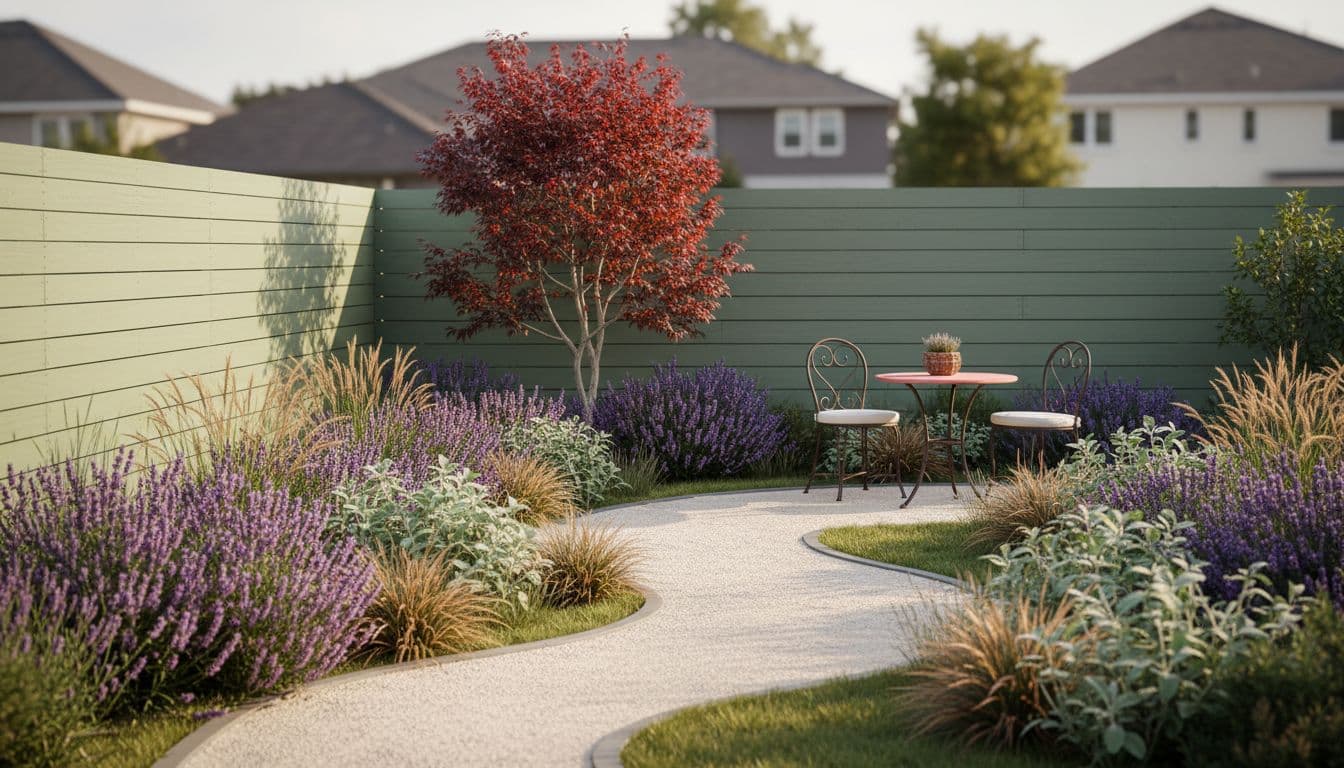
- A small backyard with a curved path, a single specimen tree, and layered planting along one fence — usually feels twice as big.
- A front yard with a softer walkway, a lavender border, and one warm terracotta pot at the door — calmer curb appeal, no kerb ripped up.
- A patio with a pergola, climbing jasmine and two large pots of olive — the AI garden design app will keep your existing paving and just dress it.
- A balcony with a vertical herb planter, a small bistro set, and warm string lights — a tiny garden in a tiny space.
- A side return with stepping stones, ferns and a wall-mounted trough of woodland planting — usable space from a forgotten gap.
When you are ready to compare costs and trade-offs with a traditional designer, our AI garden planner vs. landscape designer guide walks through both, kindly and honestly.
Plant choices: how AI garden design helps you plant for your climate
A good AI garden design app does not just hand you a pretty picture. It also gently nudges you towards plants that are likely to thrive in your part of the world. In the United States, that means thinking about your USDA plant hardiness zone. In the UK and Europe, gardeners often check the RHS plant database for guidance on which plants suit which conditions.
You do not have to memorise any of this. The AI garden planner suggests planting that suits the look you have chosen, and you can simply ask for a sunnier border, a shadier corner, or a drier, more drought-tolerant scheme. The choices stay yours; the heavy reading is gone.
If you are gardening on a slope, on heavy clay, in deep shade or by the sea, you can mention that in the description and the AI garden design app will lean towards the plants that cope kindly with those conditions.
Common worries about AI garden design (and gentle answers)
Will the AI garden design look fake?
A modern AI garden design app like FlorAI uses photo-realistic models, not the cartoon previews you may remember from older garden software. The redesigns look like real photographs of real gardens. You can show one to a landscaper without having to apologise for it.
Do I need to be good with computers?
No. If you can take a photo and tap a button, you can use AI garden design. Many of our gardeners are in their sixties and seventies and use the app happily on a phone they were not sure they liked when they bought it.
What about my real garden?
The AI garden planner keeps your real garden exactly as it is. The shape of the lawn, the fence, the trees you love, the shed — everything stays. Only the design changes. You can plant your favourite ideas at your own pace, in your own time.
Is AI garden design only for big gardens?
Quite the opposite. A balcony, a small front yard, a side return or a single patio is often where AI garden design is most useful, because every square metre matters and you really want to get the layout right before you buy.
Your first AI garden design: a thirty-minute checklist
If you would like to try AI garden design today, here is the calmest possible order to do it in.
- Walk slowly around your garden once. Notice the spot you most like to look at it from.
- Take one photograph from that spot. Daylight, no flash, no fuss.
- Open the FlorAI AI garden design app on your phone or in your browser.
- Pick a style that feels like you, not the one you think you should choose.
- Generate two or three redesigns. Save the one you keep coming back to.
- Send it to one person whose taste you trust. Listen kindly to what they say.
- Make a short shopping list — three or four plants — and start there.
You do not need to plant the whole AI garden design in one weekend. Most of our gardeners spread the changes over a year or two, season by season. The picture is your patient, friendly plan.
Frequently asked questions about AI garden design
Is AI garden design free to try?
Yes. FlorAI is free to download on iOS and Android, and you can also try the AI garden design app on the web app without installing anything. You can run several redesigns on the free plan before you decide whether to upgrade.
How long does an AI garden design take?
A single AI garden design usually takes between five and ten seconds. Most gardeners try three or four styles in their first sitting — that is fifteen minutes start to finish, with a cup of tea on the side.
Can AI garden design replace a landscape designer?
For many gardens, yes. For very large or very technical projects (drainage, retaining walls, planning permission) you will still want a real landscape designer. The kindest approach is often to use the AI garden planner first, then take your favourite redesign to a designer to refine. Our AI garden planner versus landscape designer guide covers that decision in more detail.
What should I look for in a good AI garden design app?
Photo-realistic results, support for backyards, front yards, patios and balconies, a kind interface that does not bury you in jargon, and clear pricing. We have a full AI garden design app buyer's checklist if you would like to compare features carefully.
Where can I read more about garden design in general?
For wider, calmer reading on real gardens, the BBC Gardeners' World site is hard to beat for season-by-season inspiration. Pair it with what you save in your AI garden design app and you have a quietly excellent home for your gardening year.
Last updated April 2026. Written by the FlorAI gardening team. We test every AI garden design idea on real gardens before we recommend it.