
Buyer’s checklist · AI Garden Design App
What to Look for in an AI Garden Design App: 2026 Buyer’s Checklist
A good AI garden design app should feel like a kind friend who happens to be brilliant at planting. It should redesign your real garden from one photograph, suggest plants you can actually buy, and respect your privacy while it does so. This calm buyer’s checklist walks through the features that matter most in any AI garden design app — and the small details that quietly separate a great one from a forgettable one.
AI Garden Design App ReviewsPublished April 24, 2026Updated April 27, 20268 min read
Why an AI garden design app matters in 2026
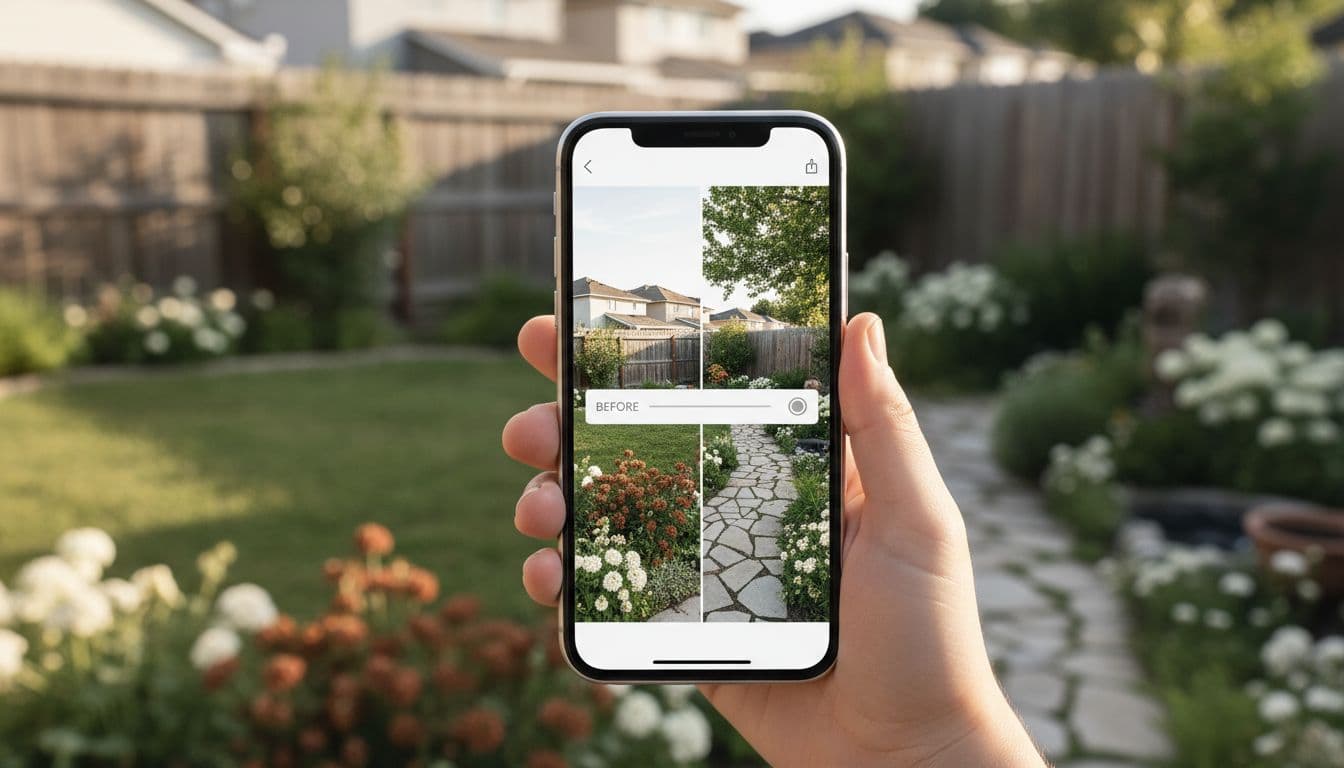
A few years ago, planning a garden meant graph paper, garden centre brochures and a lot of hopeful imagination. In 2026, an AI garden design app can show you a believable picture of your finished garden in seconds — keeping your real fence, your real lawn and your favourite tree, and only changing what would make the garden lovelier.
That matters most for the gardens that never quite get redesigned: the small backyard that you have meant to sort out for ten summers, the front yard you walk past every day, the patio that never feels quite right. A good AI garden design app makes the first step painless. The second step — actually planting — is the part you will enjoy.
If you have not used one before, our AI garden design guide walks through the whole loop, slowly, from your first photograph to your first weekend of planting.
Feature 1: Photo-realistic AI garden design (not cartoon previews)
The single most important feature of an AI garden design app is whether the redesigns look like real gardens. Older garden design software produced flat, cartoon-style previews that were honestly a little embarrassing to show anyone.
A modern AI garden design app uses photo-realistic models. The redesigns look like a real photograph of your real garden, in real light. You can show one to a sceptical neighbour or a serious landscape designer without having to apologise for it. If the previews you are looking at do not look like real photographs, the app is using yesterday’s technology.
Feature 2: An AI garden design app should cover every outdoor space
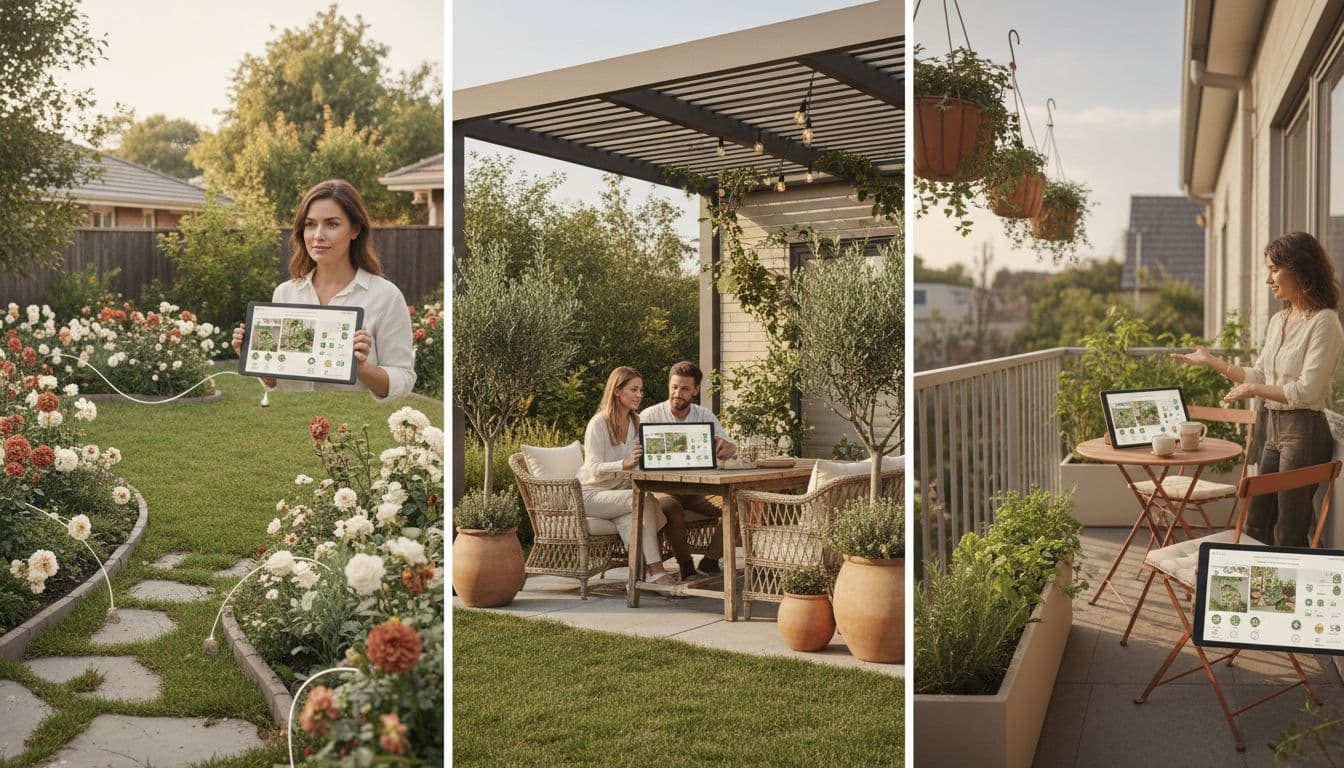
Most gardens are not just a backyard. They are a backyard, a front yard, a patio, perhaps a balcony or a side return. The best AI garden design app handles all of those, not only the headline lawn.
- Backyard garden design — the deeper space behind the house.
- Front yard and curb appeal — the entrance everyone sees.
- Patio and deck design — outdoor rooms that need furniture, not just plants.
- Balcony and terrace design — tiny gardens in the air.
- Side return and narrow gaps — the forgotten strips that deserve attention.
- Container and pot planning — for renters and people gardening on stone.
When you test an AI garden design app, take photos of two or three of these spaces, not only the prettiest one. A great app handles them all gracefully. A weak one only really works on the showcase examples.
Feature 3: Real garden styles you will actually plant
A long list of styles is easy to put on a marketing page. The kinder test is whether each style actually produces a garden you would plant. Look for an AI garden design app that handles, at minimum:
- Cottage garden design — soft, romantic, mixed borders.
- Modern minimalist garden design — clean lines and ornamental grasses.
- Mediterranean garden design — olive, lavender, gravel and warm stone.
- Japanese-inspired garden design — moss, stone and quiet planting.
- Wildlife and pollinator garden design — native, generous, bee-friendly.
- Tropical garden design — bold leaves and warm greens for sheltered spots.
The styles should work on your real garden, not only on the perfectly lit demonstration garden in the app store screenshots. If the same style produces an obviously fake result on your photograph, walk away.
Feature 4: Plant identification and seasonal advice in your AI garden design app
A good AI garden design app does not stop at the picture. It should tell you, in plain English, which plants would suit each part of the design and when to plant them. It should help you identify a plant from a photograph when you are walking around a friend’s garden, and gently flag plant health problems in your own borders.
For deeper plant reference reading, the RHS plant database is the calm, authoritative place to double-check anything an AI garden design app suggests. If you ever want to compare two plants by hand, that is the page to bookmark.
Feature 5: An AI garden design app should work on iOS, Android and the web
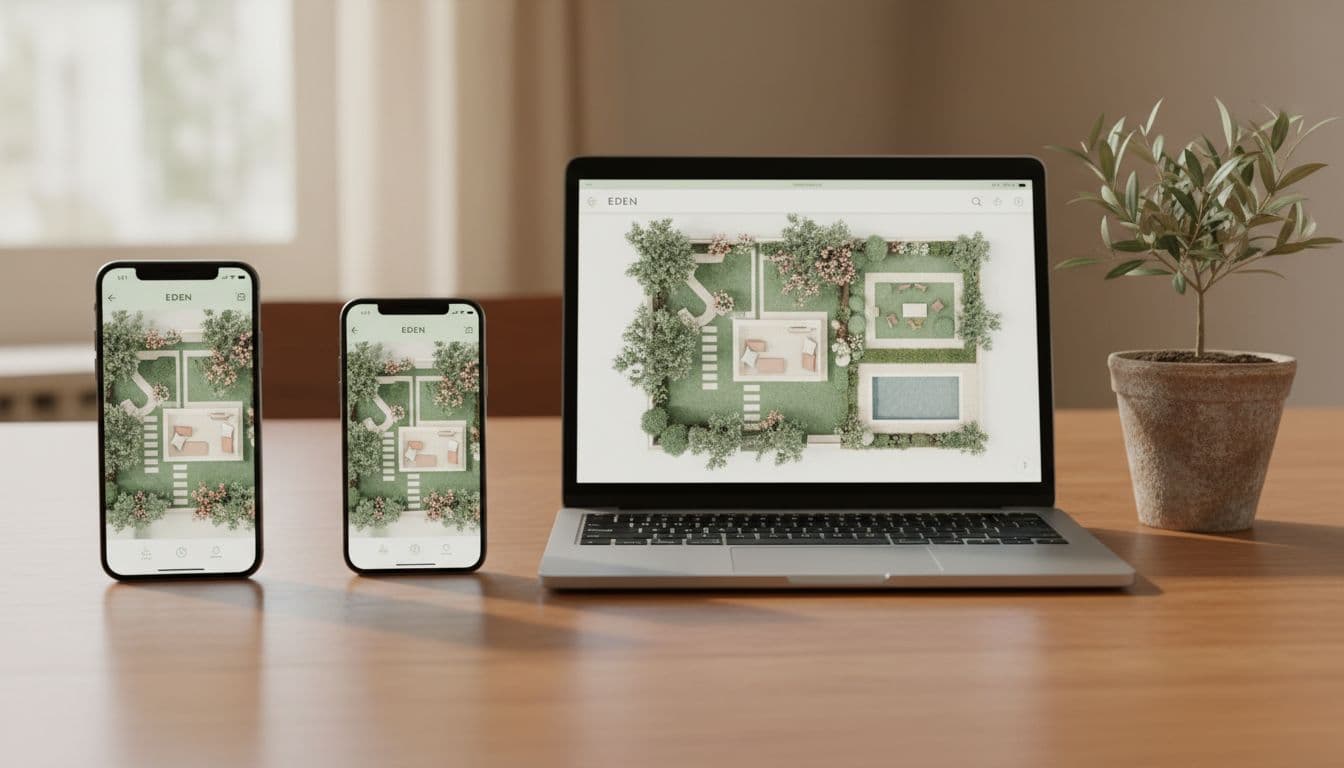
Gardeners are not always at the same desk. You take a photograph in the garden on your phone, then sit down later at the kitchen table with a laptop and a cup of tea to compare options. A good AI garden design app meets you everywhere — iOS for iPhone gardeners, Android for Android gardeners, and a web app for anyone who would rather use a bigger screen.
Watch out for apps that only run on one platform, or that lock the best features behind a single device. The garden does not care which phone you own.
Feature 6: An AI garden design app should be free to try, with gentle pricing
You should never have to pay before you know whether an AI garden design app works on your real garden. Look for these signs of a kind pricing model:
- A genuinely free download on iOS and Android.
- A free way to try a redesign before any payment is asked for.
- Clear pricing in your own currency, not buried in the small print.
- A simple way to cancel — without having to email anyone or wait on hold.
- No surprise renewals after a free trial.
When you compare an AI garden design app with the cost of hiring a designer, the maths usually looks gentle. Our AI garden planner vs. landscape designer guide walks through the numbers honestly.
Feature 7: Privacy and what an AI garden design app does with your photos
You are about to upload photographs of your home. Privacy is not a small detail. A trustworthy AI garden design app will tell you, clearly:
- Where your photos are stored and for how long.
- Whether they are used to train future AI models, and how to opt out.
- How to delete a photo or your whole account in one tap.
- Whether redesigns are private by default or shared anywhere.
Read the privacy page before you upload. If the page is hard to find, or vague, choose a different AI garden design app. There are kind, transparent options — you do not need to settle.
The five-minute test for any AI garden design app
When you are ready to try an AI garden design app, here is the calm test we recommend. It takes five minutes and tells you most of what you need to know.
- Take one good photograph of your trickiest outdoor space — not the prettiest one, the one you have most trouble imagining.
- Run the same photograph through the AI garden design app in two contrasting styles, say cottage and modern minimalist.
- Look at the redesigns at full size. Do they look like real gardens? Could you point at the planting and recognise the plants?
- Read the plant suggestions. Are they sensible for your climate, or oddly tropical for a cool garden?
- Open the privacy page. Can you understand it in two minutes?
If a garden design app passes that test calmly, it is almost certainly worth keeping. If it stumbles on any one of those five points, your gardening time is too precious to spend on it.
Frequently asked questions about AI garden design apps
What is the best AI garden design app for beginners?
The best AI garden design app for beginners is one that does not ask you to learn anything before you start. FlorAI was built for that — you take a photograph, pick a style, and a believable redesign appears. The interface stays out of your way.
Are AI garden design apps free?
A good AI garden design app should be free to download and free to try. FlorAI is free on iOS, Android and the web app, with optional paid plans for unlimited redesigns and high-resolution exports. You should never pay before you have seen the app work on your own garden.
Do AI garden design apps suggest real plants?
Yes. A modern AI garden design app suggests real plant names in plain English, suited to the style and conditions you describe. You can take that list to a local nursery without translating anything. Always cross-check tender plants against your climate using a trusted reference such as the BBC Gardeners’ World plant guides.
Can an AI garden design app design a small garden well?
Particularly well, in fact. Small gardens are where every square metre matters, and an AI garden design app lets you try ten layouts before you commit to one. The smaller the garden, the more useful the app.
How do I know an AI garden design app is trustworthy?
Look for clear privacy, clear pricing, real reviews on the App Store and Google Play, and a kind tone of voice. If anything in the app feels rushed or pushy, it usually is.
Last updated April 2026. Written by the FlorAI team. We use this checklist on every release of our own AI garden design app, and we encourage you to use it on every other one too.