
How-to · 2026
How to Share a Garden Design With a Landscaper
A garden design app produces a picture, not a purchase order — the job of turning that picture into a real garden still belongs to a professional. This guide explains exactly what to send a landscaper, what to say alongside it, and what they will still need to work out for themselves before anything gets built.
AI Garden Design GuidesPublished August 22, 2026Updated August 22, 20267 min read
The one-line answer
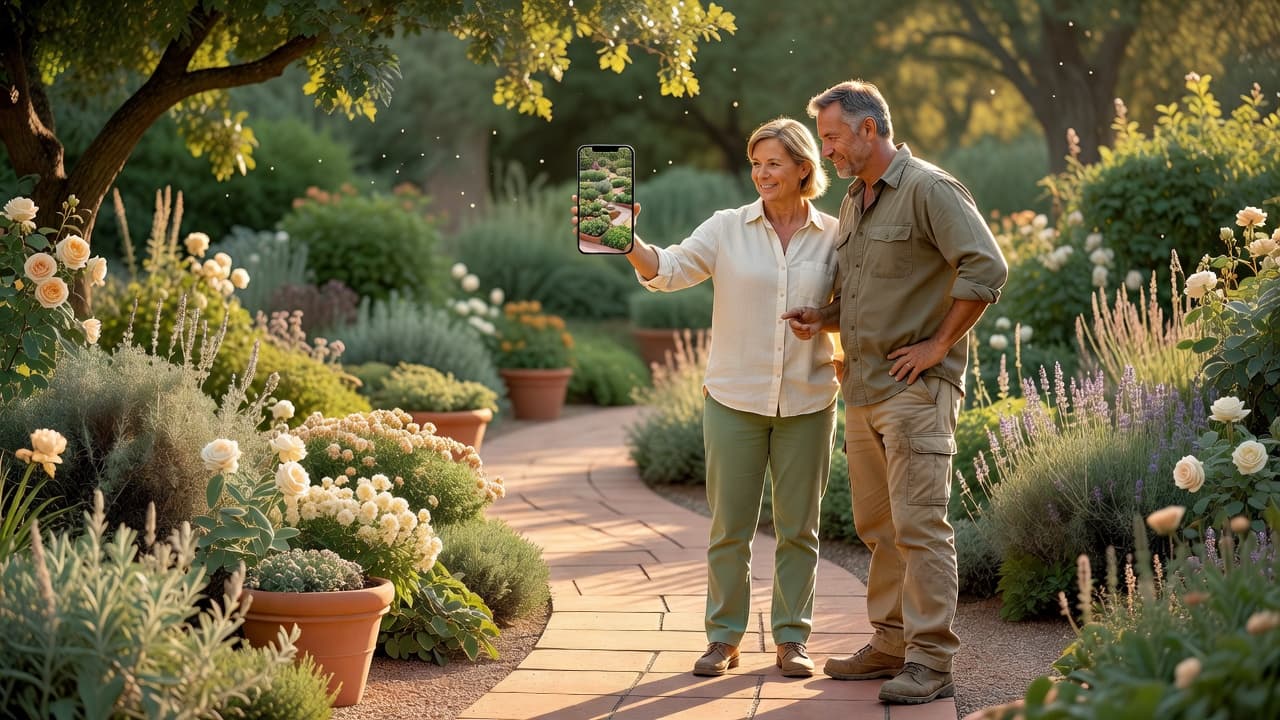
Treated that way, it saves real time — you arrive at the first meeting already agreed on style, rather than trying to describe a mood board from memory.
Why a picture works better than a description
Describing a garden in words is genuinely hard, and two people rarely picture the same thing from the same sentence. "Something modern with a bit of green" means completely different things to different people. A photorealistic image removes that gap — the landscaper sees exactly what you mean, in your own garden, not a general impression of a style.
That is the whole value of generating a design before the first meeting: it turns an abstract preference into a specific, shared reference point.
What to actually send
- The full-resolution image, not a screenshot or a compressed export — send the original file where possible.
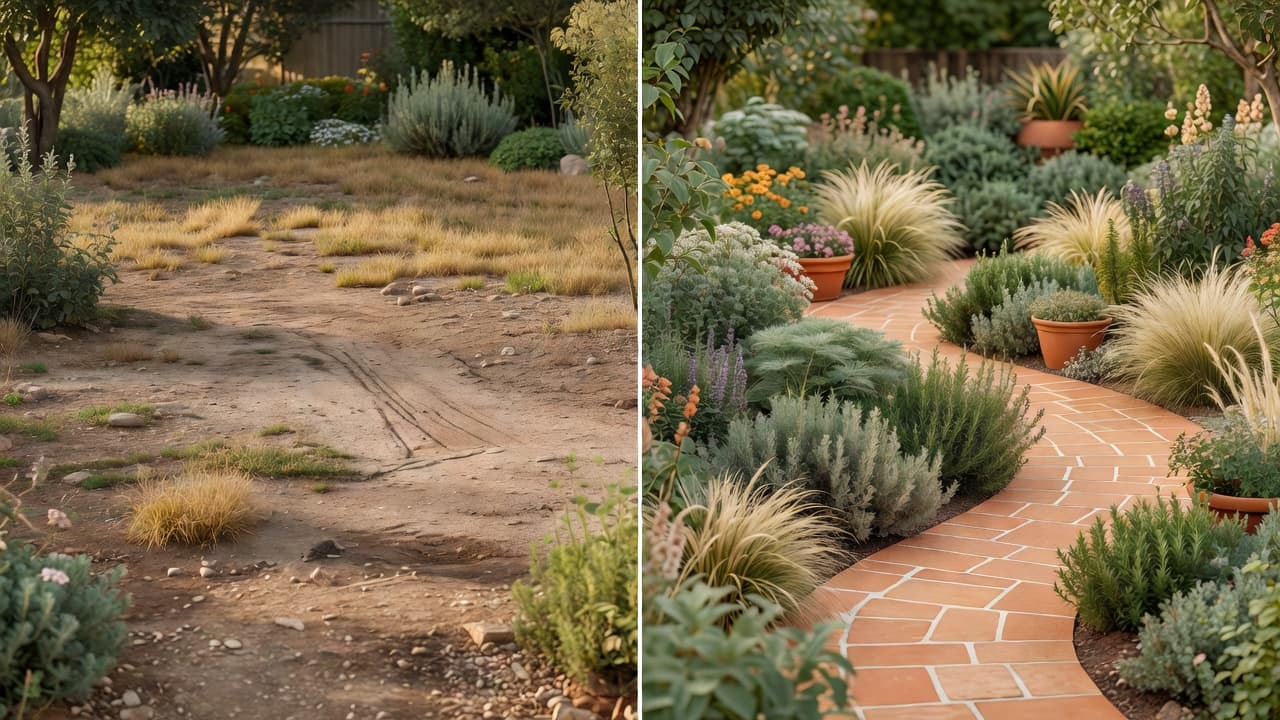
- The original "before" photo alongside it, so the landscaper can see exactly what changed and what stayed.
- Two or three alternatives, if you generated more than one, with a note on which you preferred and why.
- A short written brief — budget range, timeline, and anything non-negotiable, like keeping a mature tree.
FlorAI designs can be saved and shared directly from the app, so getting the image to a professional is usually a matter of one export, not a screenshot chain.
Be upfront about what the image is
The single most useful thing you can say when sharing an AI garden design is that it is exactly that — an AI-generated concept image, not a measured plan. Professionals see mood boards and Pinterest screenshots constantly; being clear that this one is more literal, generated from their actual garden, sets the right expectation from the start.
It also avoids a frustrating conversation later, where a landscaper points out that a feature in the image is not structurally sound as drawn. Framing it as "this is the look I want, tell me what is realistic" invites exactly the expertise you are paying for.
What a landscaper still needs to figure out
A photorealistic image is a strong starting point, but it deliberately does not answer several questions a professional needs before pricing or building:
- Levels and drainage — how water moves across the site, and whether it needs correcting.
- Structural loads — whether a retaining wall, raised bed or feature needs engineering.
- Exact materials and quantities — the specific paving, timber or planting stock, and how much of it.
- Access and logistics — how materials and machinery reach the site.
- Permits or regulations — anything requiring local approval, particularly for boundary changes or trees.
None of that undermines the value of the image — it simply marks the line between deciding what you want and building it. Our guide to AI planning versus hiring a landscape designer covers that handover in more depth.
A short script for the first message
If you are unsure how to phrase it, something close to this works well:
"Here is a photo of our garden as it is now, and an AI-generated concept of the direction we like — modern style, a stone patio, and privacy screening along the left fence. It is not a measured plan, just a clear picture of the look we want. Could you let us know what is realistic within our budget, and what you would need from us to put a proper quote together?"
That framing does three things at once: shows what you want, admits the limits of the image, and asks the professional exactly what they need — which tends to get a faster, more useful reply than a vague enquiry.
Frequently asked questions
Can I send an AI garden design to a contractor as a work order?
No — treat it as a visual brief, not a construction document. A contractor will need their own measured drawings for anything structural before pricing or building.
Do I need to explain that the image is AI-generated?
Yes, and it is worth being upfront about it. It sets the right expectation and invites the professional to tell you what is realistic rather than assume the image is a finished plan.
What file format should I send?
Whatever the app exports as, at full resolution — usually a JPG or PNG. Avoid sending a low-resolution screenshot if you can send the original file instead.
Should I send more than one design idea?
It can help. Sending two or three alternatives, with a note on your favourite, gives a landscaper a sense of your range and lets them flag if one direction is significantly cheaper or more feasible than another.
Will a landscaper build exactly what is in the AI image?
Usually not exactly — expect some adaptation for real-world constraints like levels, drainage, structural requirements and material availability. The image sets the direction; the professional makes it buildable.
Can I save and share a design directly from FlorAI?
Yes — designs can be saved and shared directly from the app, which is usually simpler than screenshotting or exporting manually.
Last updated: August 2026. Written by the FlorAI garden team.