
Buyer’s guide · 2026
AI Landscape Design App: What to Look For in 2026
An AI landscape design app turns one photo of your real yard into a photorealistic redesign of that same space — new planting, paths, patios and seating — in seconds, with no measuring and no software to install. In 2026 the good ones go beyond a single flower bed and reimagine the whole property: front yard, back yard, hardscape and all. This guide explains, in plain English, what an AI landscape design app actually does, how it differs from a simple garden app, what separates a useful one from a gimmick, and where it sensibly stops.
AI Garden Design GuidesPublished August 25, 2026Updated August 25, 202610 min read
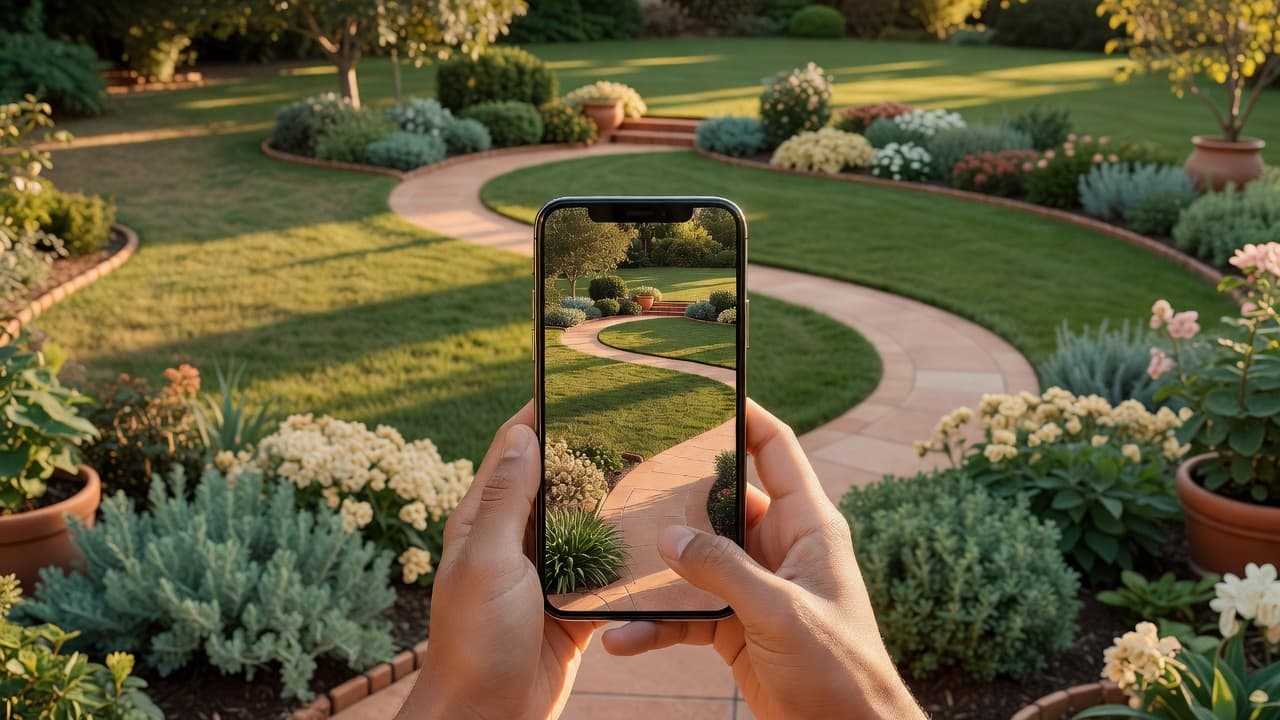
What an AI landscape design app actually does
The idea is refreshingly simple. You stand where you usually look at your yard, take a photo on your phone, choose a style, and a few seconds later you are looking at your own space transformed. There is nothing to download, no plan to draw and no measuring tape involved. If the whole concept is new to you, our plain-English explainer of AI garden design is the gentlest starting point, and the full AI garden design guide walks through a complete redesign with real before-and-after photos.
The word that matters is your. A weak app shows you a beautiful landscape that belongs to someone else; a strong one shows you your yard, looking better, so the picture is genuinely useful when you start buying plants, laying a path or briefing a contractor. FlorAI was built around exactly that — upload one photo of your front yard, back yard or patio and see it redesigned in seconds, with climate-aware planting, free to try on iOS, Android and the web.
AI landscape design app vs a garden design app
The two phrases overlap, but the emphasis is different, and knowing which you need saves time. A garden app tends to focus on planting — borders, beds and flowers. An AI landscape design app thinks about the whole composition of the outdoor space: the structure as well as the plants. In practice that means it should handle:
- Hardscape — patios, decks, paths, driveways, walls and steps, not just flower beds.
- The full property — front yard and back yard, including kerb appeal from the street.
- Lawn and ground — turf, gravel, mulch and how the open space is shaped.
- Layout and flow — where seating, shade and focal points sit in relation to the house.
- Planting — layered, climate-appropriate plants that suit the structure around them.
If your project is mostly about choosing flowers, a garden app is plenty. If you are rethinking the shape of the whole yard, you want landscape thinking. The distinction is explored in depth in AI garden planner versus landscape designer, which is the best place to understand how the two roles differ before you pick a tool.
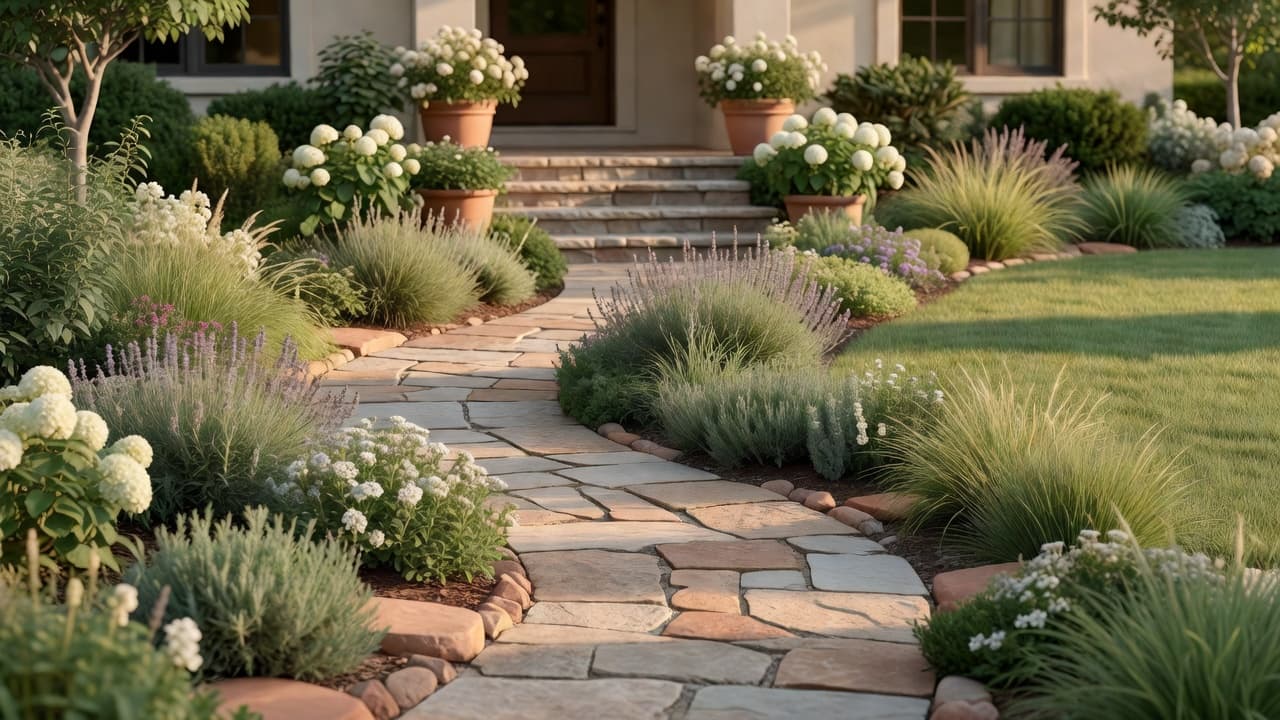
What to look for in an AI landscape design app
You can judge any AI landscape design app yourself, for nothing, in about ten minutes. Run through these checks before you trust an app with your yard — or your card details:
- Does it redesign your own photo? Upload a real, slightly messy photo of your yard in daylight. If your house, driveway and main tree are still recognisable in the result, the app respects your space. If it swapped in a stock landscape, the pretty picture is useless.
- Does it handle hardscape, not just plants? A true landscape tool should reimagine paths, patios and lawn shape, not only sprinkle flowers on top of what is there.
- Can you try several styles? Modern, cottage, Mediterranean, prairie — seeing the same yard in a few moods is how you decide what you actually want.
- Does it name real plants? Look for plants you could write on a shopping list — lavender, boxwood, ornamental grasses — not a vague green haze.
- Does it consider where you live? Climate-aware planting is the difference between a picture and a plan you can follow.
- Are the results clear and yours to keep? Honest apps show un-watermarked results and tell you plainly what, if anything, costs money later.
An app that passes all six is worth keeping even if you never pay a penny. For a deeper version of this test, our checklist of what to look for in an AI garden design app turns it into a simple tick-box, and the 2026 buyer’s guide to AI garden design tools covers the features that separate a useful tool from a gimmick.
Front yard, back yard and the whole property
The strength of an AI landscape design app is that it can work on every part of the property, and each part has a different job. The back yard is where you live — seating, shade, dining and play. The front yard is where you make a first impression, and that impression has measurable value.
A long-running Virginia Tech Extension study found that going from an unlandscaped yard to a well-landscaped one raised a home’s perceived value by 5.5% to 11.4% depending on the market, with plant size and design sophistication the two biggest factors. Real-estate agents consistently rank curb appeal among the first things that shape a buyer’s impression, which is why an app that lets you test front-yard ideas before you commit is more than a toy. The most common projects an AI landscape design app handles well are:
- A tired back yard — new layout, planting and a clear seating area.
- A bare front yard — curb appeal with a path, layered beds and a tidy lawn.
- A blank patio or deck — furniture, planting and a defined outdoor room.
- An awkward side yard — a narrow strip turned into something useful.
- A whole-property refresh — front and back rethought in one consistent style.
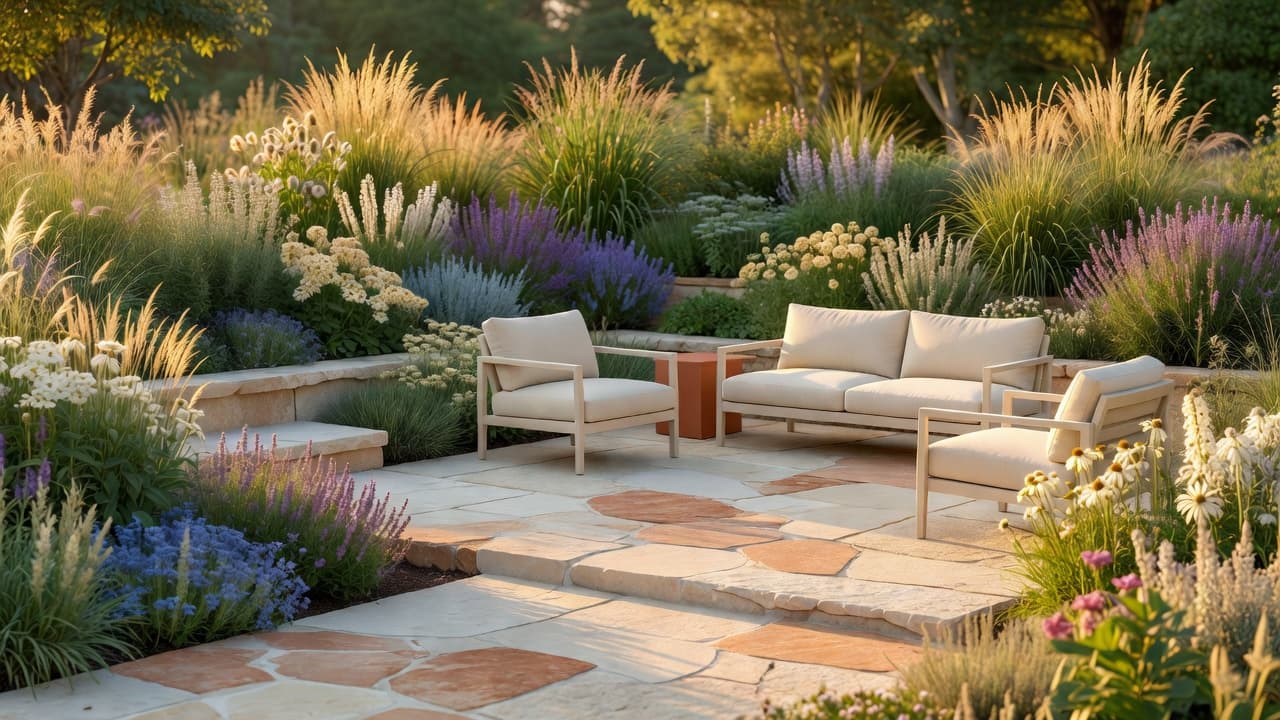
Hardscape, planting and climate
A good landscape balances three things: structure, planting and the climate they have to survive. The structure — paths, patios, walls and steps, collectively the hardscape — is what gives a yard its bones and what costs the most to build, so seeing it before you commit is valuable. The planting then softens that structure and gives it life through the seasons.
Climate awareness is the quiet feature that matters most. A landscape that cannot survive your winter is not a design, it is a disappointment waiting to happen. This matters more than ever — in November 2023 the USDA updated its Plant Hardiness Zone Map for the first time since 2012, using 1991–2020 data from 13,412 weather stations. The new map is about 2.5°F warmer on average, shifting roughly half of the United States into the next warmer half-zone. The plants that thrive where you live are quietly changing, so an app that weighs your location is doing real work, not decoration.
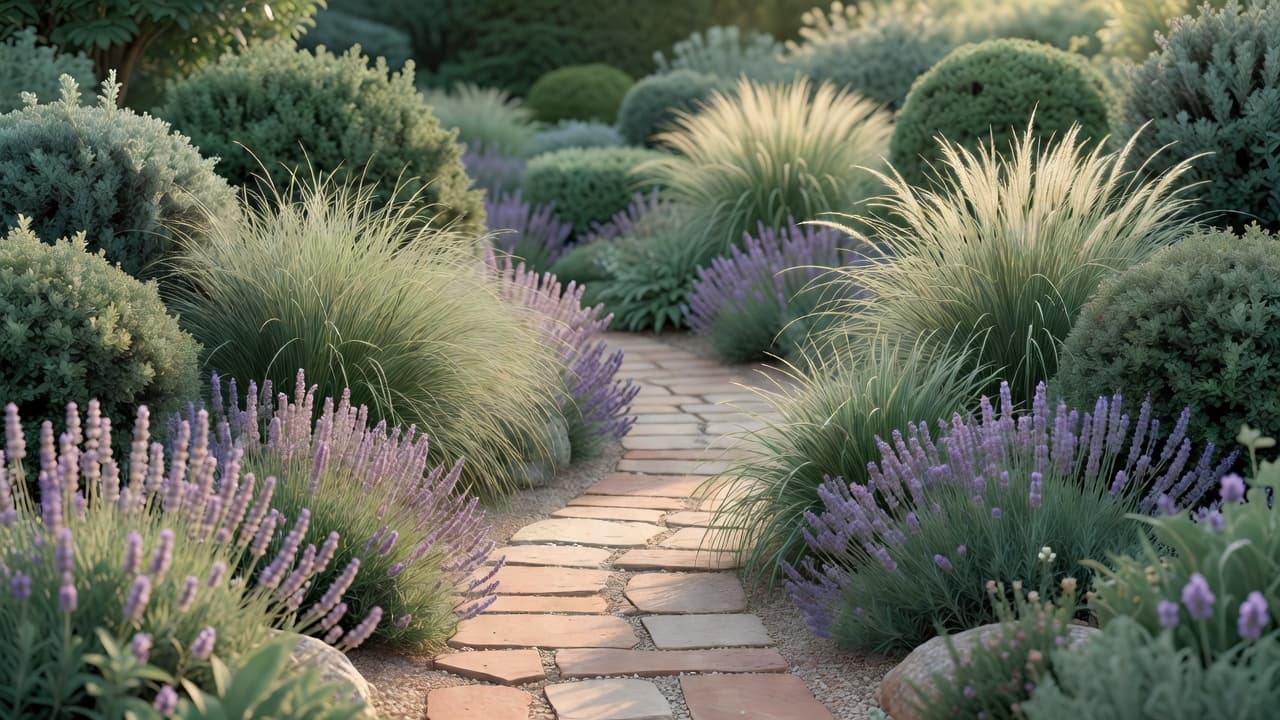
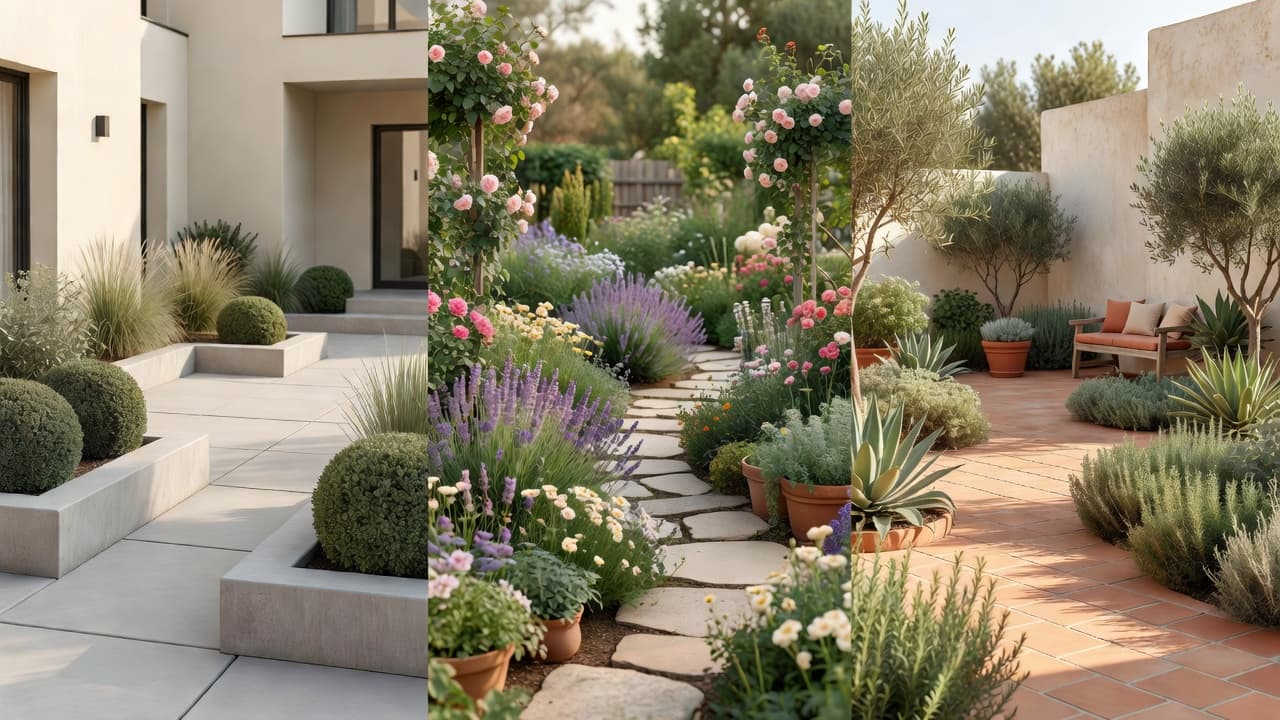
For the planting itself, the styles people reach for are easy to render believably and easy to buy. A relaxed cottage scheme leans on layered perennials such as delphinium, foxglove and hardy geranium with climbing roses; a dry, sunny Mediterranean look uses lavender, rosemary, olive and gravel; a low-maintenance modern landscape relies on ornamental grasses, clipped evergreens and a calm, limited palette. You can look any unfamiliar plant up on Gardeners’ World before you buy.
AI landscape design app vs hiring a professional
An AI landscape design app does not replace a professional, but it changes where the money goes — and how confident you feel before you spend it. The numbers are worth knowing. In the United States in 2026, a landscape designer typically charges $50–$150 an hour, an initial consultation runs about $100–$200, and a full design plan commonly lands between roughly $700 and $6,500 depending on scope, with most complete projects settling somewhere around $2,200–$6,180. A landscape architect, for structural or large sites, charges more.
That is money well spent on a complex project. But for an ordinary yard, an app lets you settle the look first — for little or nothing — so that any professional you eventually hire is briefed by a clear picture rather than a vague wish. The sensible order is usually:
- Explore on your phone. Try several styles on your own photo until one feels right.
- Decide what you actually want — layout, hardscape, planting mood — before anyone quotes you.
- Then, if the build is complex, hand your favourite design to a landscaper or designer so you are both certain before money is spent.
Our 2026 garden design cost guide sets sensible expectations for the build that follows, and AI garden planner versus landscape designer weighs the two approaches directly.
Getting the best results from your photo
A few small habits make your designs noticeably better:
- Photograph in soft daylight. Early morning or an overcast afternoon avoids harsh shadows and gives the app the clearest view of your space.
- Stand where you usually look at the yard. A redesign from your kitchen window, back door or the kerb is the one you will actually live with.
- Capture the whole scene. Include the boundaries, the house wall and any big tree so the app understands the structure it is working with.
- Tidy nothing. The messier the starting photo, the more useful the result, because it shows what is really possible.
- Try a style you would not normally pick. If even a style you dislike looks believable on your yard, the app is strong — and you might surprise yourself.
Where an app stops and a pro begins
An honest guide names the limits. Even the best AI landscape design app is a brilliant way to decide what you want, not a replacement for skilled hands when the ground gets complicated. Steep slopes, retaining walls, drainage, grading, boundary questions and anything structural still want a real landscaper or landscape architect. Treat the planting suggestions as a strong starting point and confirm anything unusual against your own climate before you buy.
Used that way, an AI landscape design app is the most reassuring few minutes you will spend on your yard this year: it removes the guesswork, shows you the finished feeling in advance, and means the first real spade goes in with confidence rather than hope.
Frequently asked questions
What is an AI landscape design app?
An AI landscape design app is a tool that takes one photo of your real yard and returns a photorealistic redesign of that same space — new planting, paths, patio and lawn in a style you choose — usually in seconds, with no measuring or design skills required. FlorAI is one example, free to try on iOS, Android and the web.
How is it different from a garden design app?
A garden app focuses mainly on planting — beds and flowers. An AI landscape design app reimagines the whole outdoor space, including hardscape such as paths, patios and walls, plus the front yard and overall layout, not just the plants.
Can an AI landscape design app work from just a photo?
Yes. The whole point is that it works from a single photo of your real yard, so you see your own space redesigned rather than a generic example. Photograph the yard in daylight, including the boundaries and house wall, for the best result.
Is an AI landscape design app accurate about plants and climate?
A good one names real, buyable plants and weighs your location so the planting can survive your winters. Climate awareness matters more since the USDA updated its hardiness map in 2023; always confirm anything unusual against your own zone before buying.
Can it replace a landscape designer?
For an ordinary yard it gets you most of the way and costs little or nothing. For slopes, drainage, grading, retaining walls or anything structural you still want a professional — use the app to decide the look first, then hand your favourite design over.
Last updated: August 2026. Written by the FlorAI garden team.