
Buyer’s guide · 2026
Garden Design App for Android: The 2026 Guide
A garden design app for Android turns one photo from your phone into a photorealistic redesign of that same garden — replanted, reimagined and ready in seconds. In 2026 Android is unusually well suited to this: it runs on the most widely used phones in the world, modern Android cameras capture all the detail a good app needs, and Google Photos puts your whole garden a tap away. This guide explains, in plain English, how a garden design app works on Android, what separates a useful one from a gimmick, and how to get a design you can actually build from.
AI Garden Design GuidesPublished June 16, 2026Updated June 16, 20269 min read
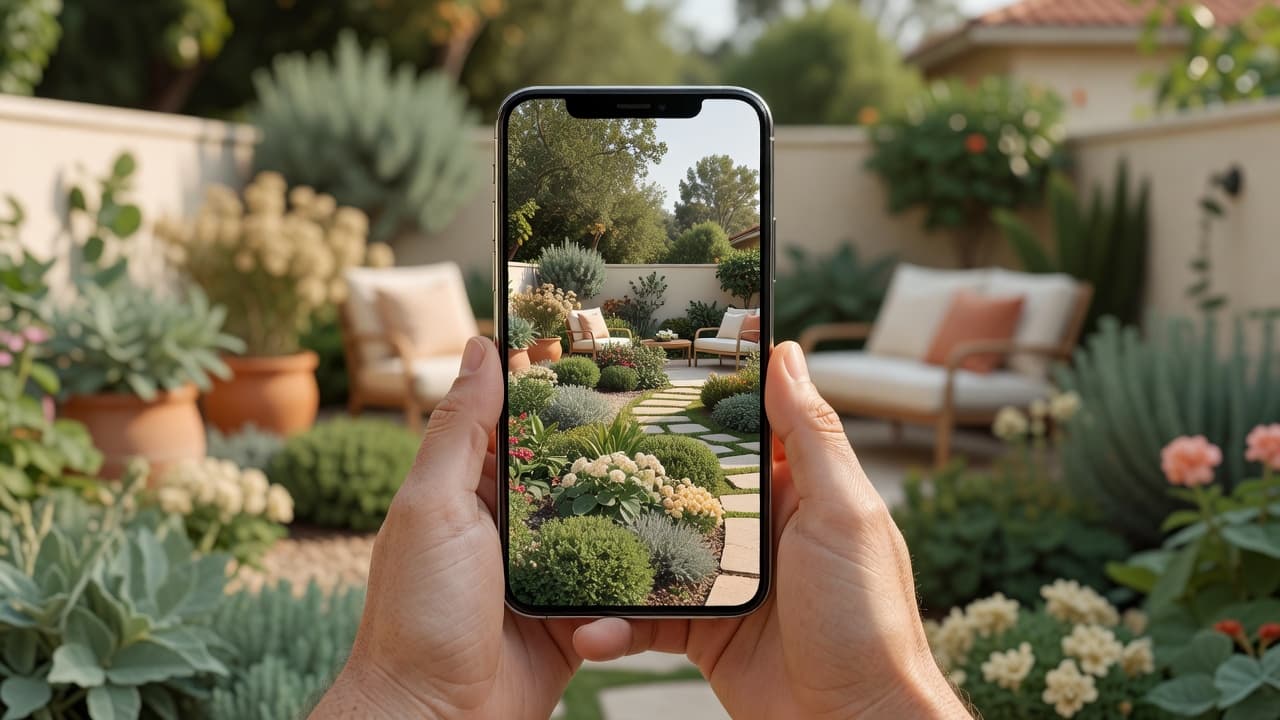
What a garden design app for Android actually does
The idea is refreshingly simple. You open the app on your Android phone, take or pick a photo of your garden, choose a style, and a few seconds later you are looking at your own space transformed. There is no CAD, no graph paper and no design training involved. If the whole concept is new to you, our plain-English explainer of AI garden design is the gentlest starting point, and the full AI garden design guide walks through a complete redesign with real before-and-after photos.
The word that matters is your. A weak app shows you a beautiful garden that belongs to someone else; a strong one shows you your garden, looking better, so the picture is genuinely useful when you start digging, buying plants or briefing a landscaper. FlorAI was built around exactly that, with an Android app on Google Play and a free tier, so you can see your own garden reimagined before deciding whether it is worth paying for.
Why Android is well suited to garden design
A garden design app for Android is only ever as good as the photo you feed it, and this is where Android quietly shines. Android runs on roughly seven in ten smartphones worldwide, which means a garden design app meets people on the device they already own — from a flagship to a modest handset. A few Android strengths make the experience smoother than people expect:
- Cameras that capture real detail. Modern Android phones carry genuinely capable cameras — the Google Pixel 10 Pro, for instance, uses a 50-megapixel main sensor — and even a mid-range Android phone captures far more detail than an AI redesign needs.
- Your whole garden is already on your phone. Most people have months of garden photos in Google Photos, so you can redesign a summer border in the depths of winter.
- Effortless saving and sharing. The Android share sheet means a finished design is one tap away from WhatsApp, Gmail, a notes app or a contractor’s inbox.
- It works wherever you are. You can stand in the garden, point your phone, and see the redesign on the same spot — no laptop, no desk, no measuring tape.
- It fits any budget of phone. Because the clever part runs in the app, an inexpensive Android handset gives the same redesign a flagship does.
In short, the device most people already carry is the only piece of hardware a modern garden design app for Android needs. The skill lives in the app; the phone simply gives it a clear, well-lit photo to work from. If you are weighing Android against iOS, our companion guide to the garden design app for iPhone covers the same ground for iOS.
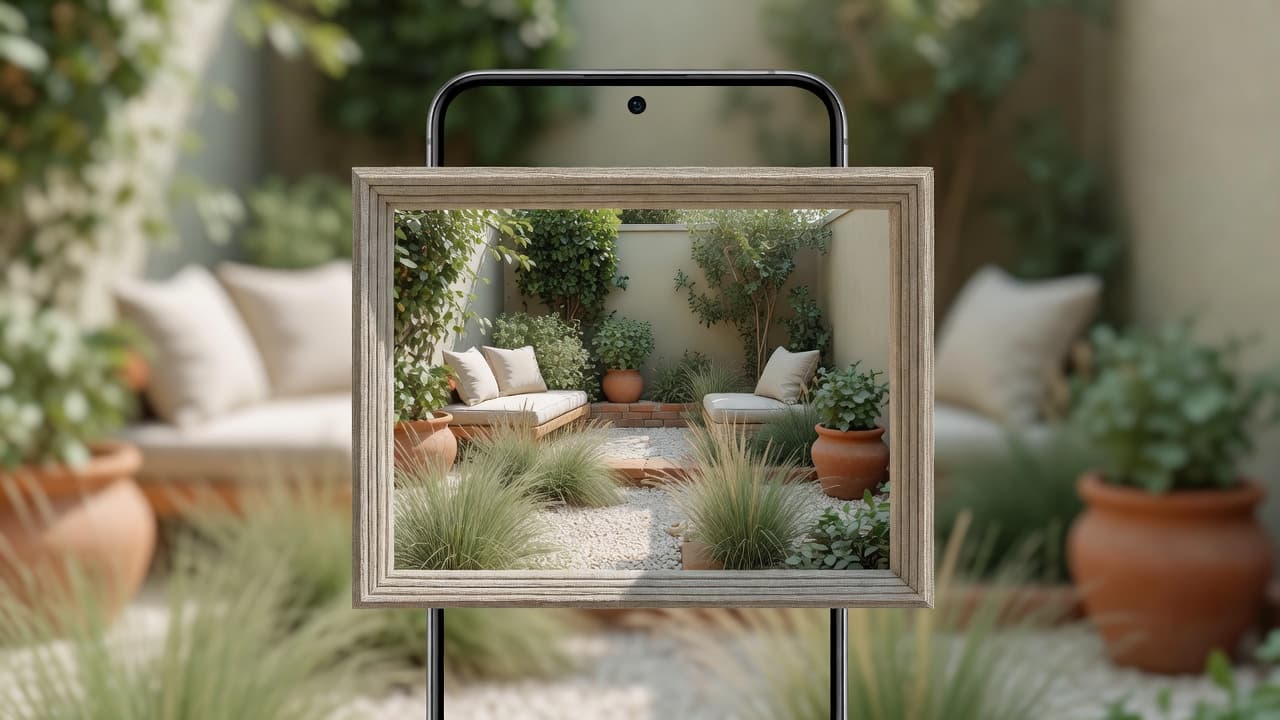
How to design your garden on Android, step by step
The first redesign takes about a minute. The process is the same whether you are reworking a back garden, a front garden, a patio or a balcony:
- Install the app from Google Play. Look for an app with recent updates and clear, honest reviews rather than a hastily wrapped website.
- Take or choose one photo. Stand where you usually look at the garden — the back door or kitchen window — and capture the whole space in soft daylight.
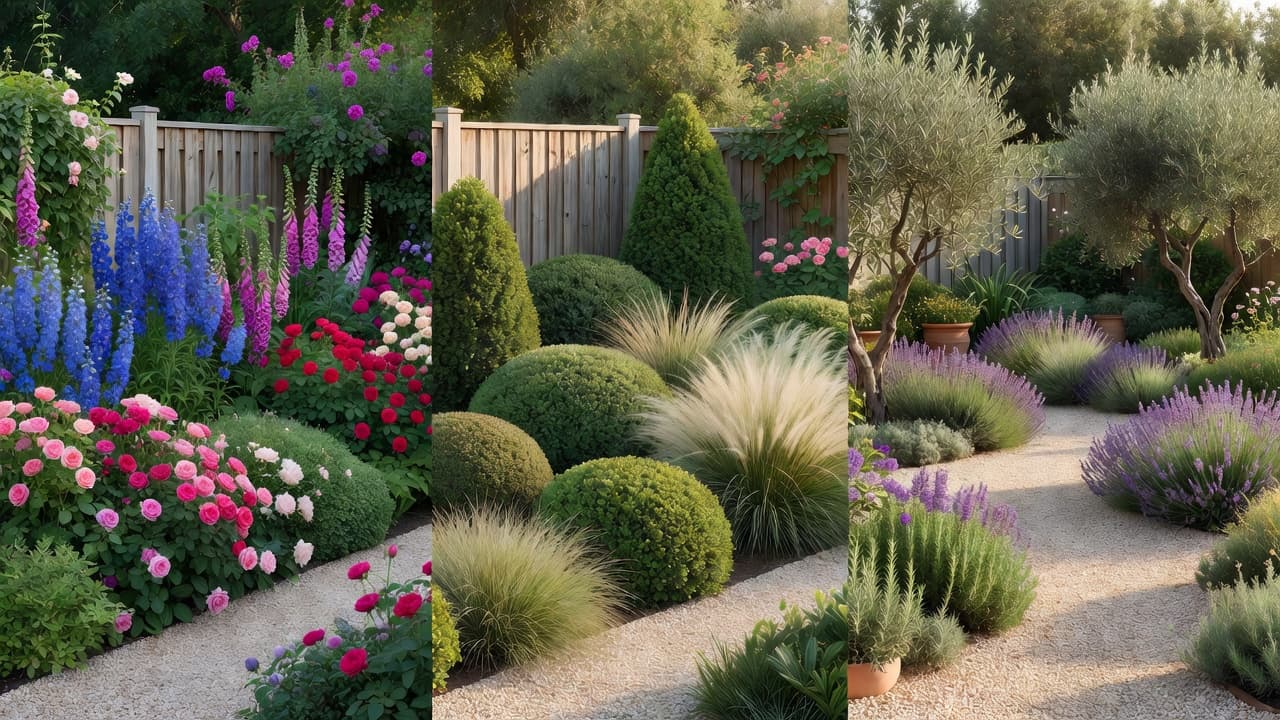
- Pick a style. Cottage, Mediterranean, modern, Japanese-inspired or low-maintenance — choose the mood you are drawn to, then try a second one for contrast.
- Let the app redesign it. In a few seconds you will see your own garden replanted and reimagined in that style, usually with the planting named.
- Save and compare. Keep your favourites in Google Photos, then line the before and after side by side to decide what to build first.
Because the app works from a photo rather than a blank plan, you are always editing your real space, not an idealised one. The difference between the two approaches is explained in designing from a photo versus from scratch.
What to look for in a garden design app for Android
Not every app on Google Play earns a place on your home screen. Before you trust one with your garden, run through a few quick checks:
- Does it redesign your own photo? Your fence, shed and main tree should still be recognisable in the result. If it quietly swaps in a stock garden, the picture is useless.
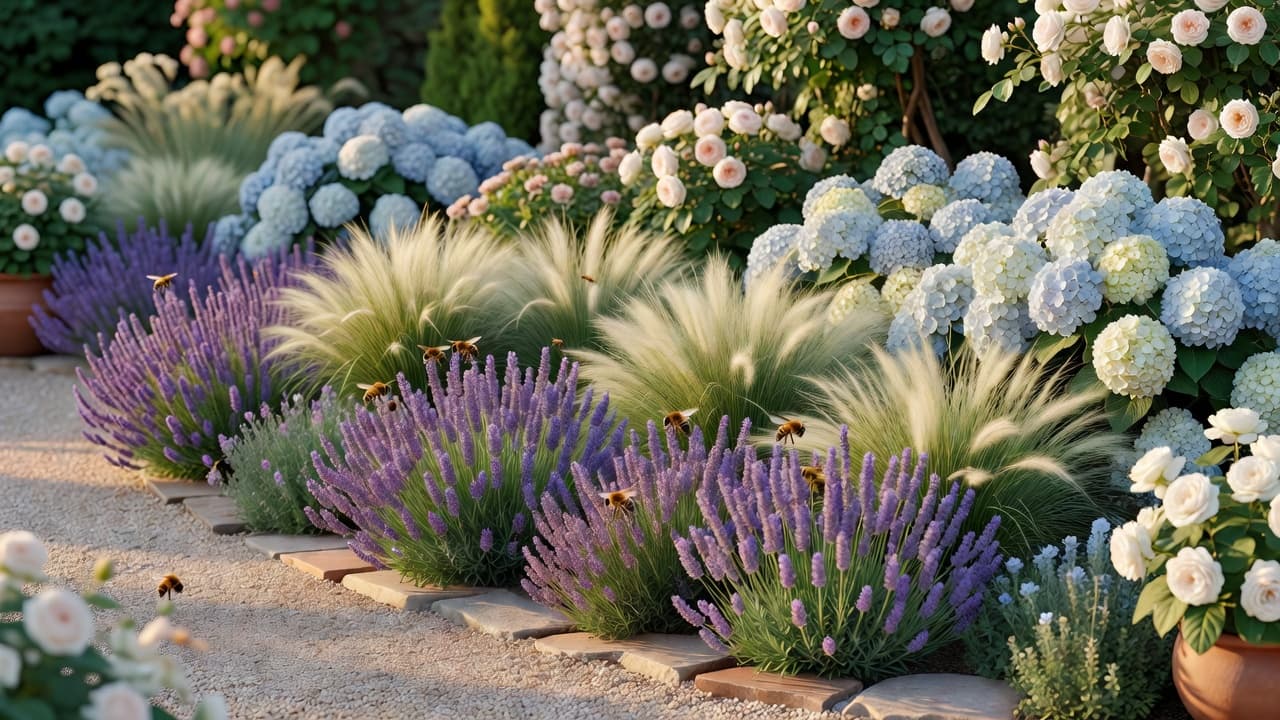
- Does it name real plants? Look for plants you could write on a shopping list — lavender, hydrangea, ornamental grasses — not just a green haze.
- Does it consider where you live? Climate-aware planting is the difference between a pretty picture and a plan you can actually grow.
- Is it a well-kept Android app? Recent updates, a clear privacy policy and honest reviews matter more than a long feature list.
- Is the free tier honest? You should see clear, un-watermarked results and be able to try more than one style before any paywall.
An app that passes all five is worth keeping even if you never pay; one that fails two or three is worth uninstalling, however slick it looked. For a deeper version of this test, our checklist of what to look for in an AI garden design app turns it into a simple tick-box, and the 2026 buyer’s guide to AI garden design tools covers the features that separate a useful tool from a gimmick.
Android features that make garden design easier
A garden design app for Android does not exist in isolation — it sits inside Android, and in 2026 that platform does a lot of quiet work for you. Android 16, released in June 2025, added Live Updates and a new photo picker, but the everyday features matter more for gardeners:
- Google Photos. Keep a dedicated garden album so a year of seasons is one tap away when inspiration strikes, with free cloud backup behind it.
- The share sheet. Send a finished design straight to a partner, a WhatsApp chat or a landscaper without leaving the app.
- Home-screen widgets. Android’s widgets and Material You theming let you pin a favourite design or a quick shortcut where you will see it.
- Google Drive sync. Start a design on your phone and pick it up on a tablet on the sofa, with everything in step.
None of this is essential, but together it turns a single redesign into something you can plan around — saved, backed up, shared and revisited as the project takes shape over a season.
Photographing your garden on Android for the best result
The quality of your redesign depends mostly on the photo. A few small habits make a noticeable difference on any Android phone, old or new:
- Shoot in soft daylight. Early morning or an overcast afternoon avoids harsh shadows and gives the app the clearest view; your phone’s HDR handles the rest.
- Hold the phone level and capture the whole space. Step back far enough to include the boundaries — fences, walls and the main tree all help the app understand your garden.
- Stand where you actually live. A redesign framed from your kitchen window or back door is the one you will see every day.
- Tidy nothing. The messier the starting photo, the more useful the result, because it shows what is genuinely possible from where you are now.
- Take two or three angles. Different viewpoints let you redesign the parts of the garden that matter most to you.
Free on Android, or worth paying for?
Most good Android apps give you a real free tier — a set number of designs each month, enough to redesign your garden and try a few styles — with paid plans only if you want unlimited runs. That is usually plenty for a one-off project. It is also a fraction of the alternative: in the UK in 2026, a qualified designer registered with the Society of Garden Designers typically charges a day rate of £400–£900, an initial consultation of £150–£350, and a full design package averaging around £1,950.
The honest order is to explore for free first, settle the look on your own photo, and only then spend money — whether that is on an unlimited app plan, plants, or a landscaper for the build. Our 2026 garden design cost guide sets sensible expectations for what follows, and the honest guide to free AI garden design apps explains how to tell a genuine free tier from a teaser.
Climate awareness is the feature worth paying attention to. A garden that cannot survive your winter is not a design but a disappointment waiting to happen — and the goalposts are moving. In November 2023 the USDA updated its Plant Hardiness Zone Map for the first time since 2012, using 1991–2020 data from 13,412 weather stations; the new map is about 2.5°F warmer on average, shifting roughly half of the United States into the next warmer half-zone. An app that weighs your location is doing real work, not decoration.
Where an Android app stops and a designer begins
An honest guide names the limits. Even the best garden design app for Android is a brilliant way to decide what you want, not a replacement for skilled hands when the ground gets complicated. Steep slopes, retaining walls, drainage, boundaries and anything structural still want a real landscaper or garden designer. Treat the planting suggestions as a strong starting point and confirm anything unusual against your own climate — you can look up any unfamiliar plant on the RHS or Gardeners’ World before you buy.
Used that way, an Android garden design app is among the most reassuring tools you will reach for this year: it removes the guesswork, shows you the finished feeling in advance, and means the first real spade goes in with confidence rather than hope.
Frequently asked questions
What is the best garden design app for Android?
The best one redesigns your own photo (not a stock garden), names real plants, considers your climate, and offers an honest free tier. FlorAI meets that bar with an Android app on Google Play and a free plan, so you can judge it on your own garden before paying.
Is there a free garden design app for Android?
Yes. The honest ones offer a real free tier — a set number of designs each month, enough to redesign your garden and try a few styles. FlorAI has a free plan on Android, with paid plans only if you want unlimited designs.
Do I need an expensive Android phone to use a garden design app?
No. Flagships like the Google Pixel 10 Pro have excellent cameras, but any modern Android phone captures far more detail than an AI redesign needs. A clear photo in soft daylight matters more than the model.
Do I need design skills or measurements?
No. If you can take a photo on your Android phone, you can use a garden design app. There is no measuring, no CAD and no desktop software to install.
Can an Android app replace a garden designer?
For an ordinary garden it gets you most of the way and costs little or nothing. For slopes, drainage, retaining walls or anything structural you still want a professional — use the app to decide the look first, then hand your favourite design over.
Last updated: June 2026. Written by the FlorAI garden team.