
Tool guide · 2026
Online Garden Design Tool: The 2026 Guide
An online garden design tool lets you redesign your garden in a web browser — no app to download and nothing to install — so you can plan on a full-size screen from any computer, tablet or phone, then share the result with your family or a landscaper. In 2026 the best of these tools work straight from a photo of your real garden and return a photorealistic redesign in seconds, on a free tier, so you can test ideas and settle on a plan before any money goes on the build. This guide explains, in plain English, what an online garden design tool actually does, why designing in a browser suits a big project, how to tell a genuinely useful tool from a toy, which plants and materials are worth trying this year, and what the physical work really costs.
AI Garden Design GuidesPublished June 23, 2026Updated June 23, 20269 min read
What is an online garden design tool?
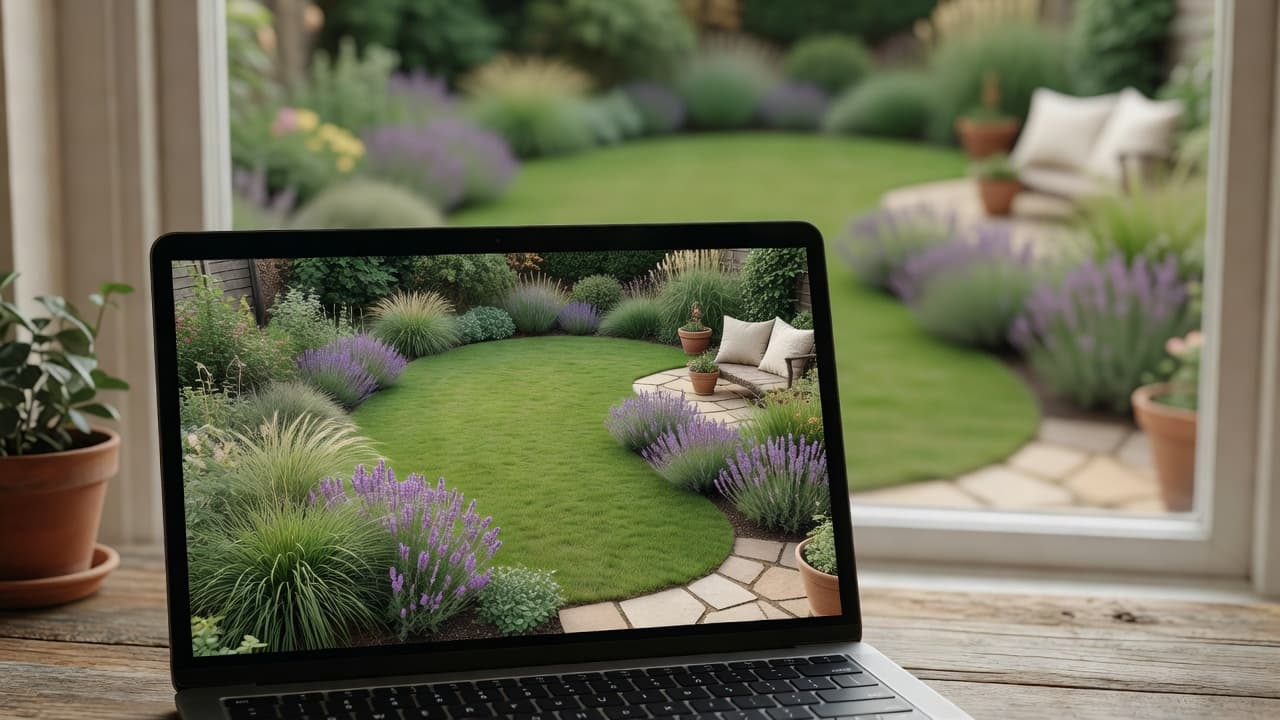
The defining feature is in the name: it runs online, in the browser, so you open a web page rather than installing a program. That makes it instantly available on whatever screen you happen to be at — a laptop at the kitchen table, a desktop in the home office, or a tablet in the garden itself — and it means the heavy work happens on a server, not on your device. If the whole idea is new to you, our plain-English explainer of AI garden design is the gentlest place to start, and the complete AI garden design guide walks through a full redesign with real before-and-after photos.
The word that matters most is your. A weak tool shows you a generic garden that belongs to nobody; a strong one shows you your garden, looking better, so the picture is genuinely useful when you start digging beds and buying plants. FlorAI was built around exactly that — read one photo, keep the bones of the real space, redesign everything else — and it runs in any modern browser as well as on iPhone and Android, with a free tier so you can see your own garden reimagined before deciding whether it is worth paying for.
Why design your garden online?
Designing in a browser rather than a downloaded app brings a handful of practical advantages, most of which matter more the bigger your project gets:
- Nothing to install. You open a web page and start — no app store, no download, no storage taken up on your device, and no updates to manage.
- A bigger canvas. Working on a laptop or desktop monitor gives you room to see the whole garden at once, which is far easier than pinching and zooming on a small phone screen.
- Any device, same design. Because the work lives online, you can start on the sofa and pick it back up at the office; your designs are reachable from any browser you sign into.
- Easy to share. An online design is simple to send — a link or an image to your partner, your family or a landscaper — so everyone is looking at the same plan before a spade goes in the ground.
- It works on more computers. A browser tool runs on Windows, Mac, Chromebook and Linux alike, where a downloadable program often only supports one or two.
None of this changes the garden you end up with — but it removes friction, and friction is what stops most redesigns before they start. If you would rather think about it as designing on a screen in general, our guide to the virtual garden design tool covers the same ground from the angle of visualising a garden before you build, and is a natural companion to this page.
How an online garden design tool works
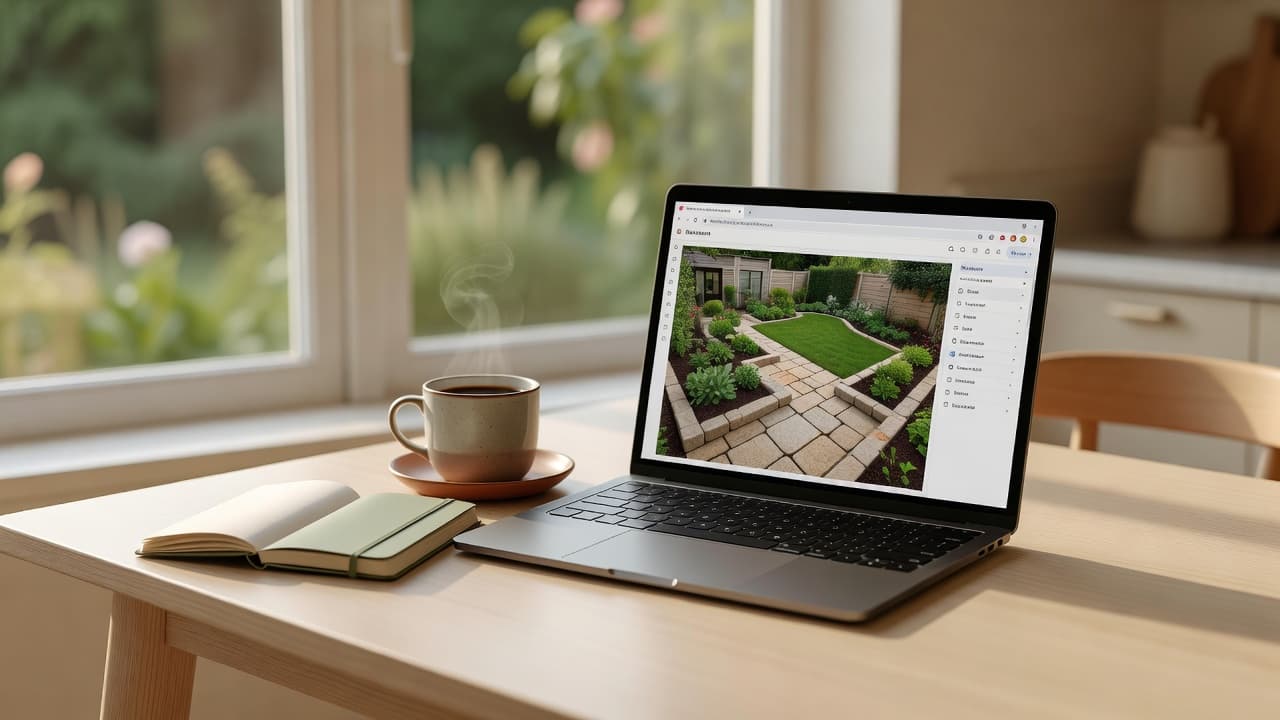
Most people get a usable design from an online garden design tool in a few minutes. The exact steps depend on the tool, but the modern, photo-first approach follows a simple path:
- Open the tool in your browser. Go to the web page and either upload one clear photo of your real garden, or start from a blank canvas and sketch the boundaries, house wall and existing features.
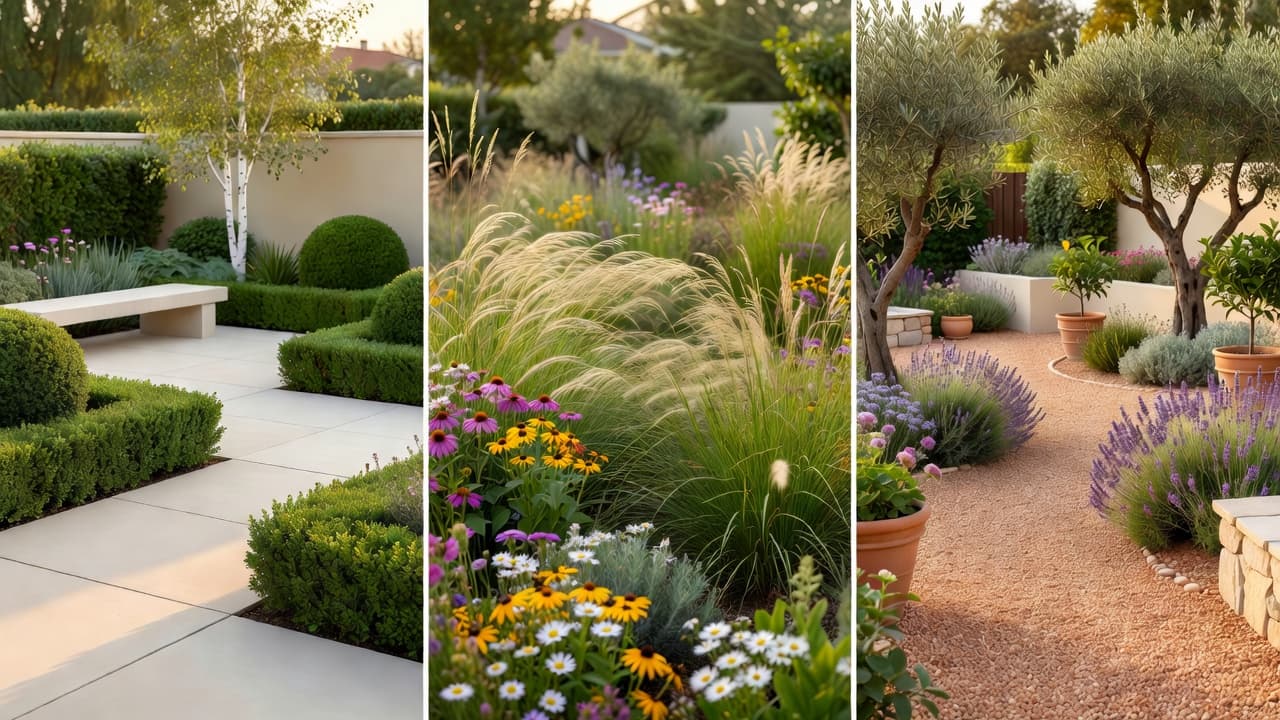
- Choose a style. Pick a look — modern, cottage, Mediterranean, naturalistic, Japanese-inspired — so the tool knows the direction to take.
- Generate or arrange the design. A photo-based tool returns a finished, photorealistic redesign in seconds; a drag-and-drop online planner lets you place plants, paving and furniture yourself.
- Refine and compare. Swap plants, try a different surface, or run the same garden in two or three styles so you can choose with your own eyes.
- Save and share. Keep the version you like, note the plants and materials it suggests, and send it to whoever is building — a shopping list for you, a brief for a landscaper.
The fastest, most reassuring version is designing from a photo: because the tool works on top of your real garden, the result maps onto the actual plot rather than a generic rectangle. Our guide to AI landscape design from a photo covers that route in detail.
Online tool vs downloaded app: which suits you?
Browser and app are not rivals so much as two doors into the same room — and the best tools, including FlorAI, offer both. The right choice depends on where and how you like to work:
- Choose online (browser) when you are planning a whole-garden redesign, want the biggest possible screen, are working from a laptop or desktop, or need to share the design with other people easily.
- Choose an app when you want to photograph the garden and redesign it on the spot, prefer notifications and offline-friendly convenience, or simply live on your phone.
- Use both when it suits the moment — snap the photo on the phone in the garden, then open the same design in a browser later to refine it on a larger screen.
There is no single right answer, only the right fit for your project and your habits. If you are choosing a tool of any kind, our checklist of what to look for in an AI garden design app turns the decision into a simple tick-box, and our comparison of an AI garden planner versus a landscape designer weighs software against hiring a person.
What to look for in an online garden design tool
Not every tool earns a place in your bookmarks. Before you trust one with your garden, run through a few quick checks — a good online garden design tool should pass all five:
- It works from your own garden. The best tools redesign your real photo, keeping the house, fences and boundaries recognisable, so the result is yours and not a stock scene.
- It names real plants. A strong result names planting you could write on a shopping list — lavender, ornamental grasses, coneflower, salvia, an olive or a hornbeam hedge — not a vague green haze.
- It suggests real materials. Look for surfaces you could actually order — porcelain paving, natural stone, gravel, timber decking, sawn setts — not an undefined grey blur.
- It respects where you live. Climate-aware planting is the difference between a pretty picture and a scheme that survives your winters and summers in your hardiness zone.
- It offers an honest free tier. You should see clear, un-watermarked results and be able to try more than one style before any paywall.
A tool that passes all five is worth keeping even if you never pay; one that fails two or three is worth closing the tab on, however slick it looked. For more on telling a real free plan from a teaser, our honest guide to free AI garden design apps goes deeper.
Plants and materials to test in 2026
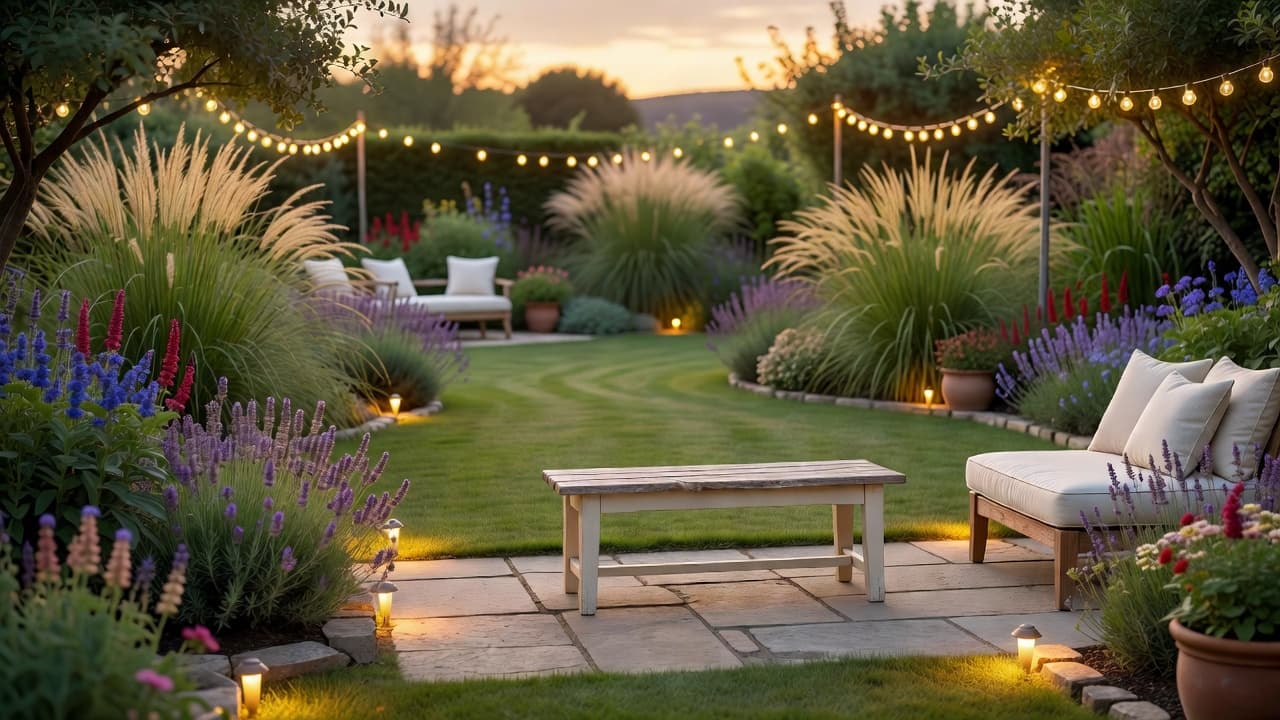
The real value of designing online is that it lets you test the year’s best ideas on your own space before committing. In 2026 garden design has moved decisively towards resilience: drought-tolerant planting, looser naturalistic borders, and surfaces that handle heavy rain without flooding. Naturalistic, layered planting and ornamental grasses dominated the show gardens at the 2026 RHS Chelsea Flower Show, with designers favouring resilient species that cope with drought and unpredictable weather. Worth trying on your design:
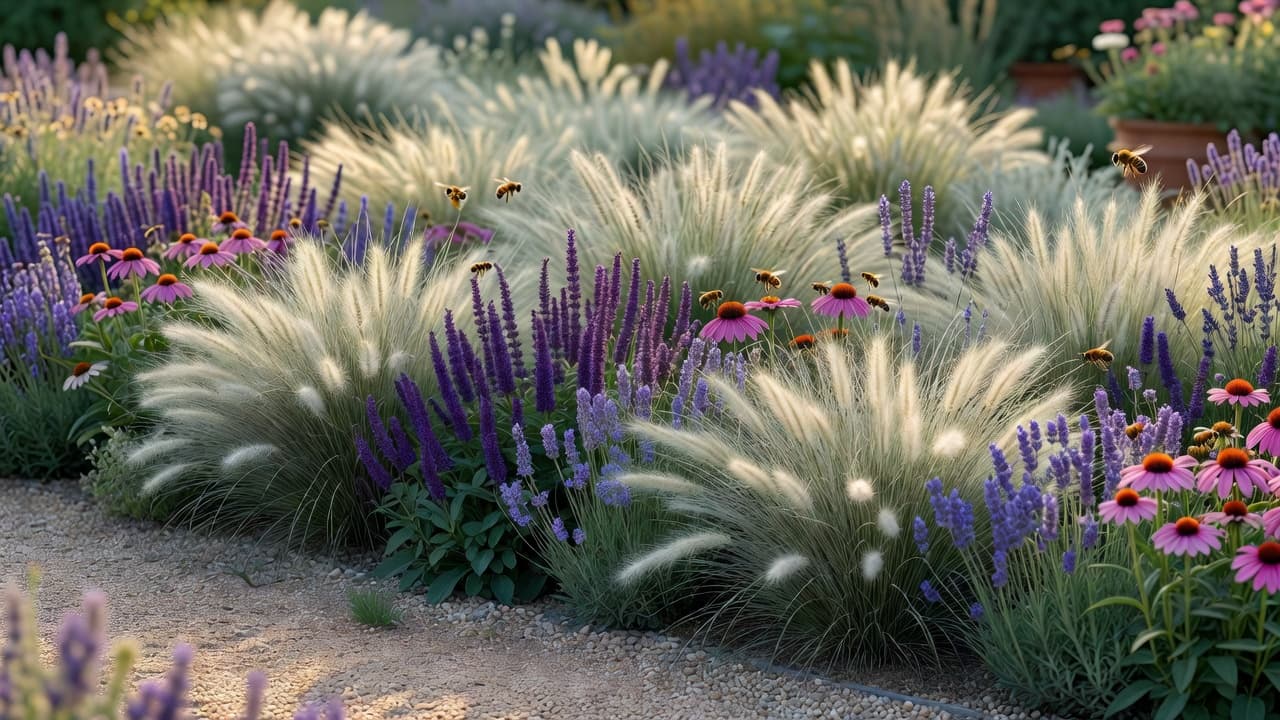
- Drought-tolerant perennials. Ornamental grasses, coneflower (Echinacea), salvia and English lavender deliver colour, texture and pollinator support through a hot, dry summer with very little watering.
- Naturalistic, layered borders. The 2026 look is "curated wildness" — dense, intentional, layered planting and matrix grasses that leave less bare soil, lose less water and need less weeding than the old immaculate bed.
- Foliage and texture. Form and foliage are doing more of the work than ever — ferns, grasses and bold-leaved structure give year-round interest when the flowers fade.
- Climate-resilient structure. Olives, Pittosporum, Cotinus, agapanthus, rosemary and native hedging such as hornbeam, hazel and hawthorn give backbone that copes with warmer, less predictable weather.
- Permeable, low-maintenance surfaces. Gravel, permeable paving, large-format porcelain and timber decking read as quiet, contemporary materials and help rain soak away rather than pool.
You do not have to pick one. Try each idea as a separate version of the same design, then borrow the parts you like into a single plan. For more on water-wise schemes you can read up on xeriscaping, and check any unfamiliar plant on the RHS or Gardeners’ World before you buy.
What it costs — the tool vs the build
The tool itself should cost little or nothing. Most good online tools give you a real free tier — a set number of designs each month, enough to redesign your garden and try a few styles — with paid plans only if you want unlimited runs. That is usually plenty for a one-off project, and it is a tiny fraction of what the physical work costs.
The build is where the money goes. In the United States in 2026, hiring a landscape designer typically costs about $1,960 to $7,220 (around $4,200 for an intermediate project), or roughly $5 to $45 per square foot for design alone; full landscaping work commonly runs about $4.50 to $14.50 per square foot, with designers charging $50–$150 an hour or 15–20% of the project budget. Settling the design online first is exactly how you avoid paying twice for a change of mind — and good landscaping repays it, with most estimates putting the lift to a home’s value at roughly 10–20%. Our 2026 garden design cost guide breaks the numbers down piece by piece.
Climate awareness is the feature worth paying attention to, because it protects that spend. Plants that cannot survive your winter are not a design but a disappointment waiting to happen — and the goalposts are moving. In November 2023 the USDA updated its Plant Hardiness Zone Map for the first time since 2012, using 1991–2020 data from 13,412 weather stations; the new map is about 2.5°F warmer on average, shifting roughly half of the United States into the next warmer half-zone. A tool that weighs your location is doing real work, not decoration.
Where an online tool stops and a landscaper begins
An honest guide names the limits. Even the best online garden design tool is a brilliant way to decide what you want, not a replacement for skilled hands when the ground gets complicated. Levels, drainage, retaining walls, tree work, sub-bases and the planting and paving itself still want a real landscaper. Treat the planting suggestions as a strong starting point and confirm anything unusual against your own climate before you buy.
Used that way, an online garden design tool is among the most reassuring tools you will reach for this year: it removes the guesswork, shows you the finished garden in advance, and means the first decision — and the first spend — is made with confidence rather than hope. If you are weighing software against hiring a professional, our comparison of AI, a designer and DIY lays out when each makes sense.
Frequently asked questions
What is an online garden design tool?
It is software you use in a web browser, with nothing to download or install, to plan and visualise a garden — placing plants, paths, paving and furniture, or redesigning a photo of your real garden — so you can see the finished space before you build it. FlorAI does this from a single photo, in any browser, with a free tier.
Can I design my garden online for free?
Yes. The honest tools offer a real free tier — a set number of designs each month, enough to redesign your garden and try a few styles. FlorAI has a free plan that runs in your browser, with paid plans only if you want unlimited designs.
Do I need to download anything?
No. An online garden design tool runs in your web browser, so there is nothing to install and nothing taking up space on your device. You can also use the FlorAI app on iPhone or Android if you prefer to design on your phone — the choice is yours.
Do I need to measure my garden first?
Not with a photo-based tool. You upload one wide photo and it works on top of your real garden, so the proportions come from the picture. Drag-and-drop online planners do ask for measurements, which makes them slower but precise.
How much does landscaping cost in 2026?
The tool is usually free or low-cost. The physical build is the real expense: in the US in 2026, hiring a landscape designer runs about $1,960–$7,220, and full landscaping commonly costs $4.50–$14.50 per square foot, which is exactly why it pays to settle the design online first.
Can an online tool replace a garden designer?
For the look, layout and planting it gets you most of the way and costs little or nothing. For levels, drainage, structural work and the planting and paving itself you still want a professional — use the tool to decide the design first, then hand your favourite over.
Last updated: June 2026. Written by the FlorAI garden team.