
How-to guide · 2026
AI Landscape Design From a Photo: The 2026 Guide
AI landscape design from a photo turns a single picture of your real yard into a photorealistic redesign of that same space — replanted, re-paved and reshaped in a style you choose — usually in under ten seconds. In 2026 it is the fastest, cheapest way to see how your garden could actually look before you move a plant, order a slab or call a contractor. This guide explains, in plain English, how AI landscape design from a photo works, exactly what photo to take, what a genuinely useful result looks like, which plants and materials suit a garden this year, and what professional landscaping really costs — so your first decision is made with confidence rather than guesswork.
AI Garden Design GuidesPublished June 20, 2026Updated June 20, 202610 min read
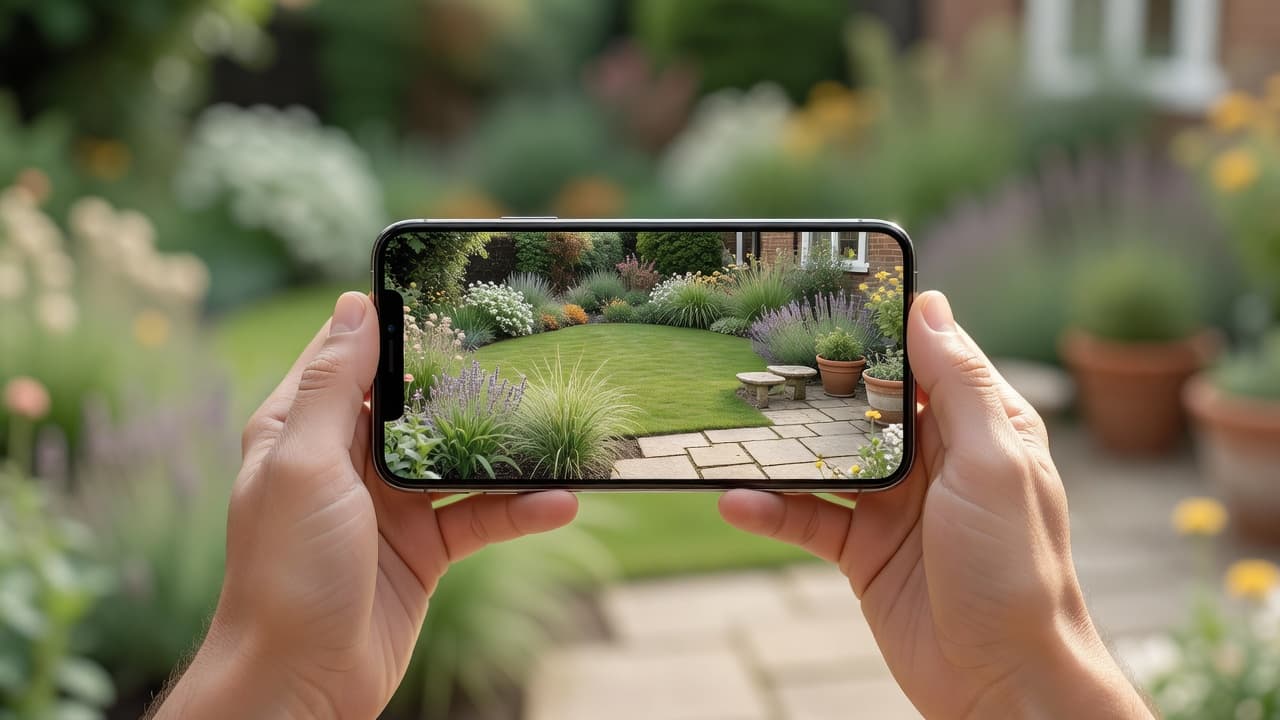
How AI landscape design from a photo works
The idea is refreshingly simple. You take or upload one photo of your yard, pick a style, and a few seconds later you are looking at your own garden transformed into a finished landscape. There is no CAD, no graph paper and no design training involved. If the whole concept is new to you, our plain-English explainer of AI garden design is the gentlest starting point, and the complete AI garden design guide walks through a full redesign with real before-and-after photos.
The word that matters is your. A weak tool shows you a beautiful garden that belongs to someone else; a strong one shows you your garden, looking better, so the picture is genuinely useful when you start digging beds, buying plants or briefing a landscaper. FlorAI was built around exactly that — read a photo, keep the bones of the real space, redesign everything else — with a free tier so you can see your own yard reimagined before deciding whether it is worth paying for.
What "from a photo" really means
Designing from a photo is the opposite of designing from a blank plan. Instead of drawing your garden from scratch — measuring, gridding and modelling it before you can picture anything — you hand the tool a picture of the space as it is, and it works on top of reality. That single difference is why the photo route is so much faster and so much more useful for most homeowners.
- It keeps the bones of your garden. The house wall, fences, boundaries, levels and big established trees stay recognisable, so the redesign maps onto the real plot rather than a generic rectangle.
- It needs no measuring. There is nothing to survey, draw or scale — the photo carries the proportions, so you skip the part that stops most people ever starting.
- It is genuinely buildable. Because you are editing your actual garden, the result is something you can take to a garden centre or a contractor, not a daydream of a different plot.
- It lets you compare styles fast. The same photo can become a modern, cottage, Mediterranean or naturalistic garden in turn, so you choose with your own eyes rather than a moodboard.
There is still a place for the from-scratch approach on a brand-new build or a total reconfiguration, but for the vast majority of redesigns the photo wins. Our guide to garden design from a photo versus from scratch weighs the two side by side, and the AI landscape design app guide covers what to expect from the wider category of tools.
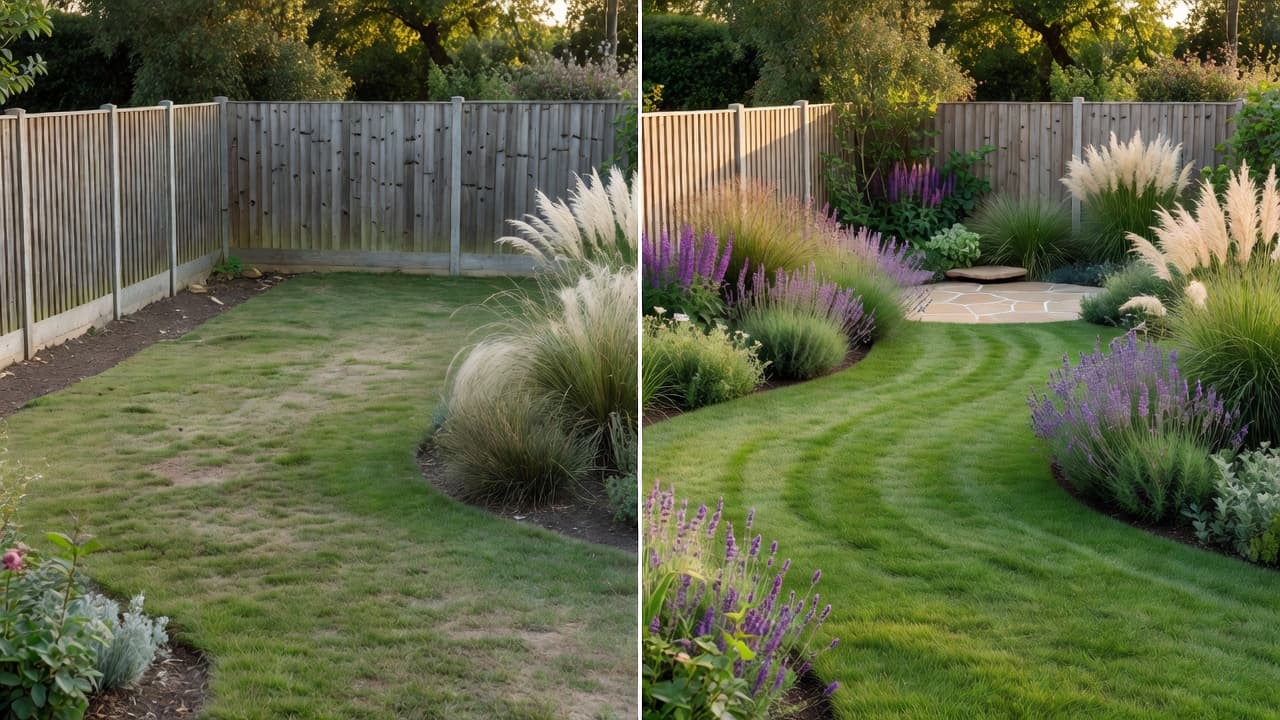
How to photograph your garden for the best result
The quality of the redesign starts with the quality of the photo. You do not need a good camera — a phone is perfect — but a few simple habits make the difference between a sharp, usable result and a muddled one:
- Shoot the whole space in one frame. Stand at the back door, a window or the far corner and capture as much of the garden as you can — boundaries, lawn, beds and the back of the house all in shot.
- Use soft, even daylight. Overcast late morning or early evening is ideal; harsh midday sun and deep shadow confuse the result. Avoid shooting straight into bright light.
- Hold the phone level and steady. Keep the horizon roughly straight and the camera at chest height for a natural perspective the tool can read accurately.
- Tidy the obvious clutter. Move the bins, hose and trampoline if you can — the cleaner the canvas, the cleaner the redesign, though a good tool will work around what stays.
- Take two or three angles. One wide shot plus a couple from different corners gives you options and lets you redesign the parts of the garden that matter most.
Because the tool works from your photo rather than a blank plan, you are always editing the real garden — the actual walls, paths and boundaries — which is exactly why the output is something you can act on. If you are planning a bigger project, the AI backyard design app guide covers redesigning an entire rear garden from these same photos.
What a genuinely good result looks like
Not every tool earns a place on your home screen. Before you trust one with your garden, run through a few quick checks — a good AI landscape design from a photo should pass all five:
- It redesigns your own photo. Your house, fences and boundaries should still be recognisable in the result. If it quietly swaps in a stock garden, the picture is useless.
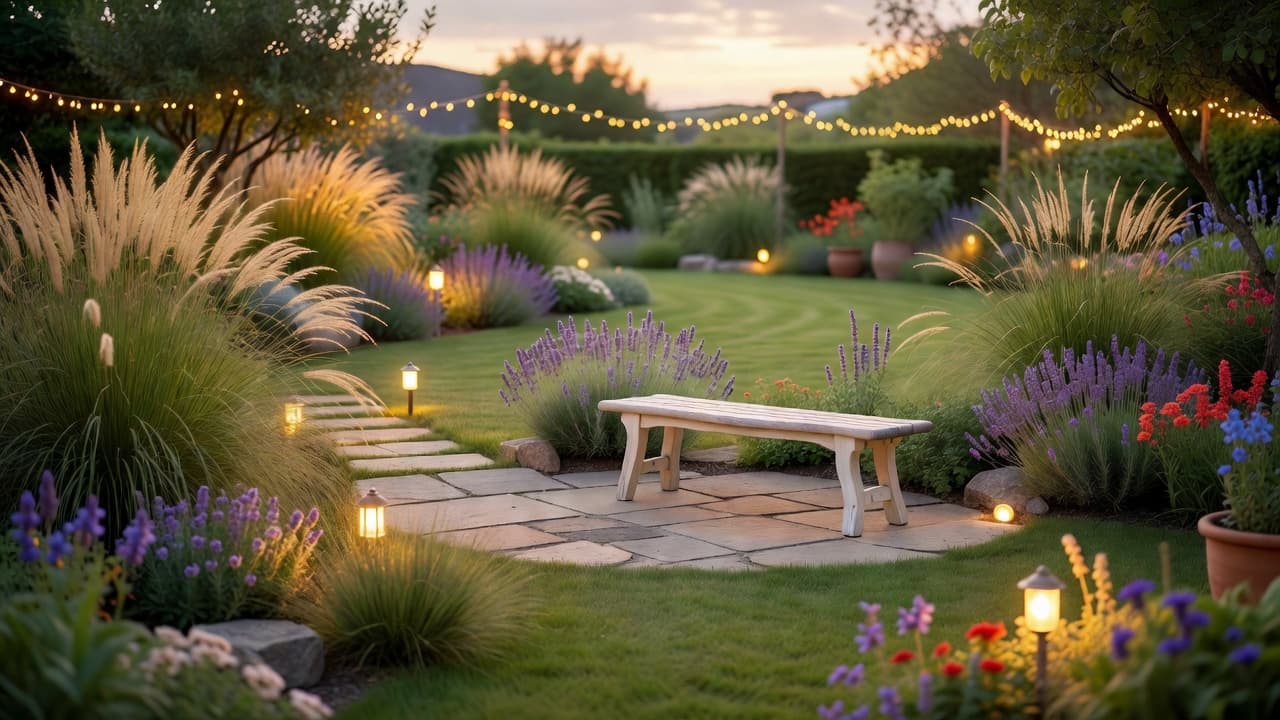
- It names real plants. A strong result names planting you could write on a shopping list — lavender, ornamental grasses, coneflower, salvia, an olive or a hornbeam hedge — not a vague green haze.
- It suggests real materials. Look for surfaces you could actually order — porcelain paving, natural stone, gravel, timber decking, sawn setts — not an undefined grey blur.
- It respects where you live. Climate-aware planting is the difference between a pretty picture and a scheme that survives your winters and summers in your hardiness zone.
- It offers an honest free tier. You should see clear, un-watermarked results and be able to try more than one style before any paywall.
A tool that passes all five is worth keeping even if you never pay; one that fails two or three is worth deleting, however slick it looked. For a deeper version of this test, our checklist of what to look for in an AI garden design app turns it into a simple tick-box.
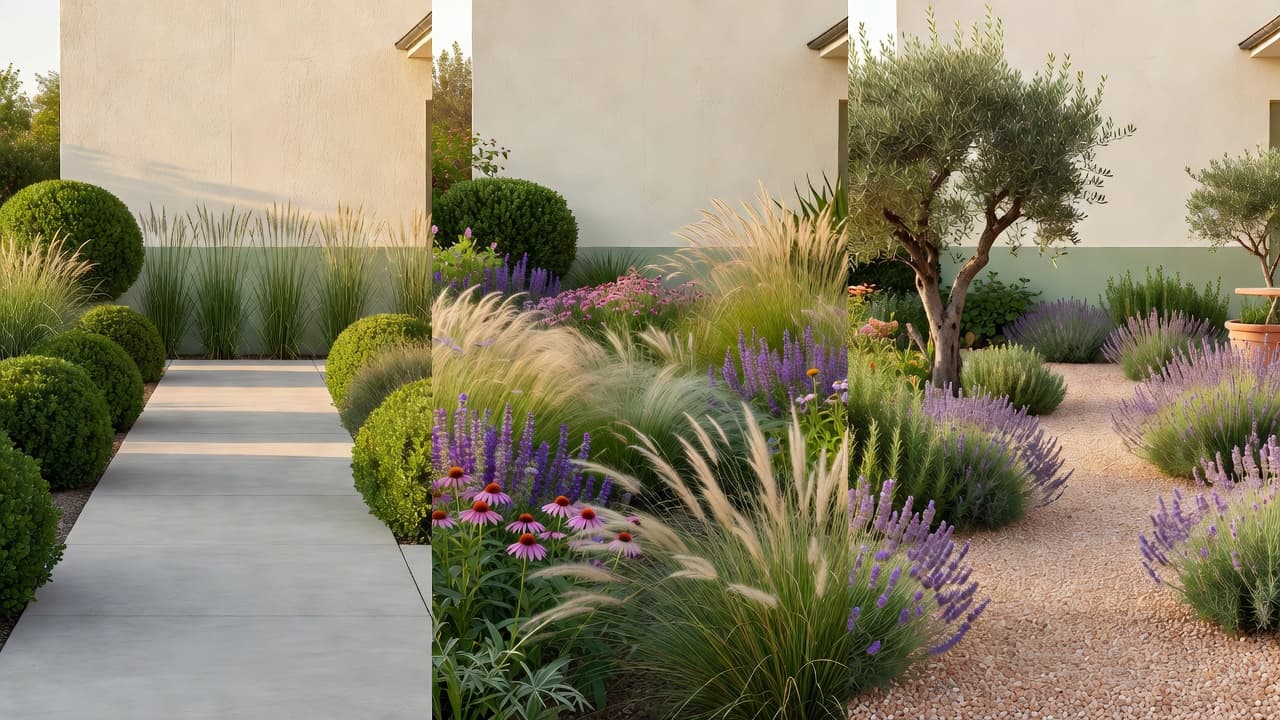
Plants and materials to test in 2026
The real value of designing from a photo is that it lets you test the year’s best ideas on your own space before committing. In 2026 garden design has moved decisively towards resilience: native and drought-tolerant planting, looser naturalistic borders, and surfaces that age well with little upkeep. Worth trying on your photo:
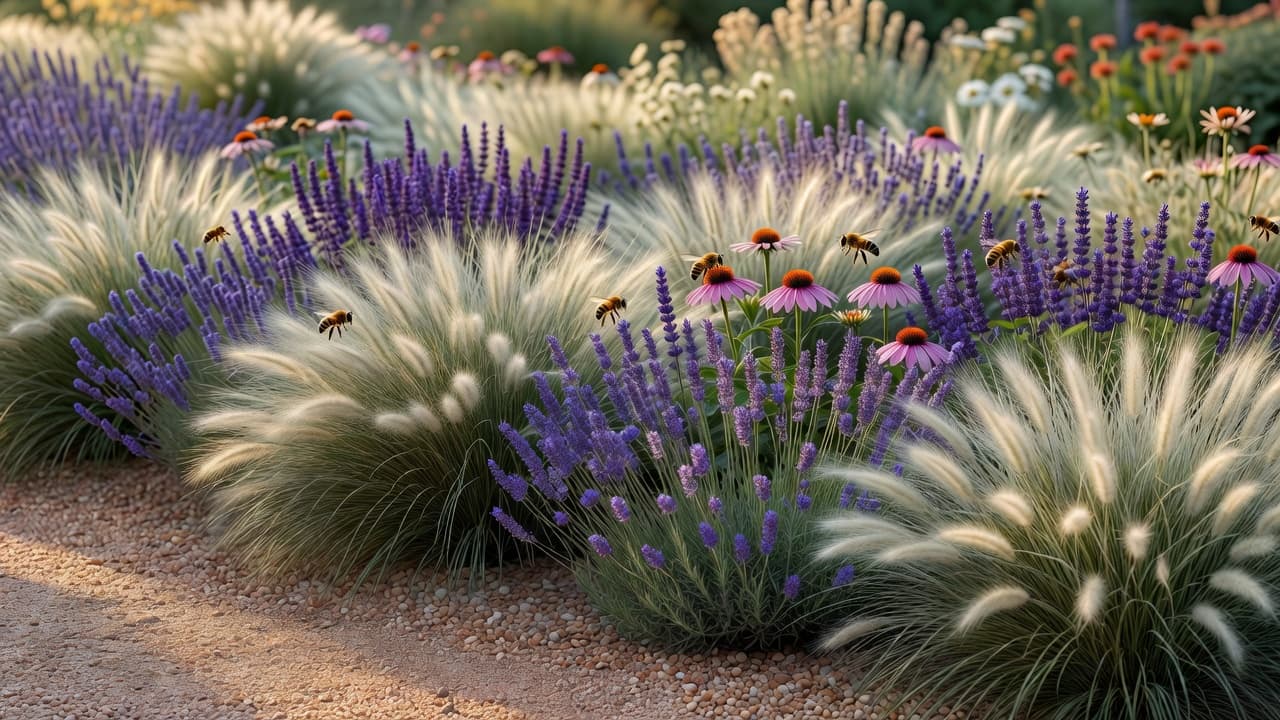
- Drought-tolerant perennials. Ornamental grasses, coneflower (Echinacea), salvia and English lavender deliver colour, texture and pollinator support through a hot, dry summer with very little watering.
- Naturalistic, layered borders. The 2026 look is "curated wildness" — dense, layered planting that leaves less bare soil, loses less water and needs less weeding than the old immaculate bed.
- Pollinator and wildlife plants. Species like butterfly milkweed (Asclepias) support threatened pollinators including the Monarch, a recurring theme at the 2026 RHS Chelsea Flower Show.
- Climate-resilient structure. Olives, Pittosporum, Cotinus, agapanthus and native hedging such as hornbeam, hazel and hawthorn give backbone that copes with warmer, less predictable weather.
- Calm, low-maintenance surfaces. Large-format porcelain paving, natural stone, gravel and timber decking read as quiet, contemporary materials and need little upkeep once laid.
You do not have to pick one. Try each idea as a separate redesign of the same photo, then borrow the parts you like into a single plan. For more on water-wise schemes you can read up on xeriscaping and check any unfamiliar plant on the RHS or Gardeners’ World before you buy.
What landscape design costs in 2026 — the photo vs the build
The tool itself should cost little or nothing. Most good ones give you a real free tier — a set number of designs each month, enough to redesign your garden and try a few styles — with paid plans only if you want unlimited runs. That is usually plenty for a one-off project, and it is a tiny fraction of what the physical work costs. Our honest guide to free AI garden design apps explains how to tell a genuine free tier from a teaser.
The build is where the money goes. In the United States in 2026, a professional landscape design typically runs about $1,960 to $7,220 (around $4,590 on average), or roughly $5 to $45 per square foot for design alone; full landscape installation commonly costs about $4.50 to $17 per square foot, with designers charging $50–$150 an hour and landscape architects $100–$250. Seeing the finished design first is exactly how you avoid paying twice for a change of mind — and good landscaping repays it, with most estimates putting the lift to a home’s value at roughly 10–20%. Our 2026 garden design cost guide breaks the numbers down room by room.
Climate awareness is the feature worth paying attention to, because it protects that spend. Plants that cannot survive your winter are not a design but a disappointment waiting to happen — and the goalposts are moving. In November 2023 the USDA updated its Plant Hardiness Zone Map for the first time since 2012, using 1991–2020 data from 13,412 weather stations; the new map is about 2.5°F warmer on average, shifting roughly half of the United States into the next warmer half-zone. A tool that weighs your location is doing real work, not decoration.
Where AI stops and a landscaper begins
An honest guide names the limits. Even the best AI landscape design from a photo is a brilliant way to decide what you want, not a replacement for skilled hands when the ground gets complicated. Levels, drainage, retaining walls, tree work, sub-bases and the planting and paving itself still want a real landscaper. Treat the planting suggestions as a strong starting point and confirm anything unusual against your own climate before you buy.
Used that way, AI landscape design from a photo is among the most reassuring tools you will reach for this year: it removes the guesswork, shows you the finished garden in advance, and means the first decision — and the first spend — is made with confidence rather than hope. If you are weighing the tool against hiring a professional, our comparison of AI, a designer and DIY lays out when each makes sense.
Frequently asked questions
What is AI landscape design from a photo?
It is a tool that reads one picture of your real garden and returns a photorealistic redesign of that same space — new planting, paving, lawn and lighting in a style you choose — in a few seconds, usually with the plants named so you can build from it. FlorAI does this from a single photo, with a free tier.
How accurate is a redesign made from a photo?
A good tool keeps the bones of your garden — house wall, fences, boundaries and big trees — recognisable, so the result maps onto your real plot rather than a generic one. It is accurate enough to plan and brief from, but levels, drainage and exact measurements still need a professional eye on site.
Is there a free way to design my garden from a photo?
Yes. The honest tools offer a real free tier — a set number of designs each month, enough to redesign your garden and try a few styles. FlorAI has a free plan, with paid plans only if you want unlimited designs.
What photo works best for AI landscape design?
One wide shot that captures the whole space — boundaries, lawn, beds and the back of the house — taken in soft, even daylight with the phone held level. A couple of extra angles give you more to work with. Avoid harsh midday sun and deep shadow.
How much does landscaping cost in 2026?
The tool is usually free or low-cost. The physical build is the real expense: in the US in 2026, professional landscape design runs about $1,960–$7,220, and full installation commonly costs $4.50–$17 per square foot, which is exactly why it pays to settle the design on a photo first.
Can AI replace a landscape designer?
For the look, layout and planting it gets you most of the way and costs little or nothing. For levels, drainage, structural work and the planting and paving itself you still want a professional — use the tool to decide the design first, then hand your favourite over.
Last updated: June 2026. Written by the FlorAI garden team.