
Buyer’s guide · 2026
Garden Design Software vs an App: Which Should You Use in 2026?
Garden design software is a desktop or browser program that lets you draw your garden to scale and build detailed 2D and 3D plans, while a garden design app redesigns a photo of your real garden into a finished picture in seconds. For a professional drawing up construction plans, software is the right tool; for a homeowner who simply wants to see how their own garden could look before they spend money, a photo-based app is usually faster, cheaper and far easier. This guide explains, in plain English, what garden design software actually is, the four main types in 2026, what each one asks of you, what they cost, and how to decide which route fits the job in front of you.
AI Garden Design GuidesPublished June 30, 2026Updated June 30, 202610 min read
What garden design software actually is
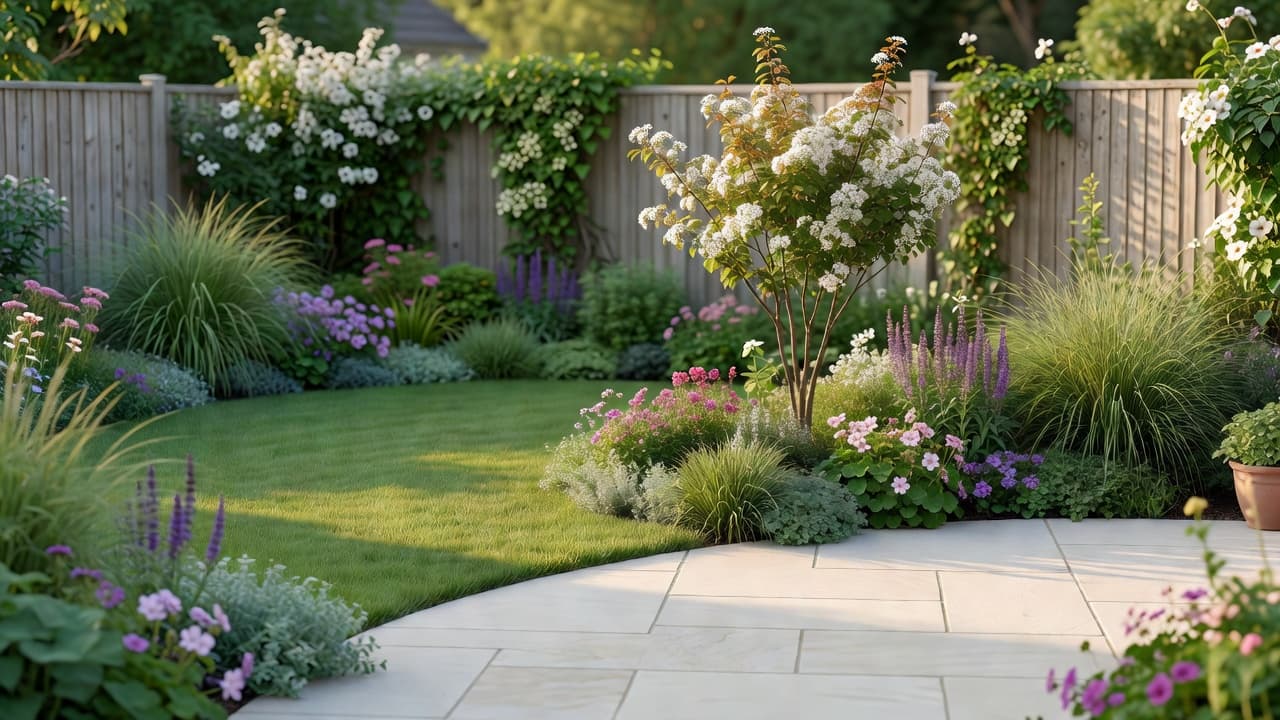
When people say “garden design software” they usually mean a program you install on a computer (or open in a browser) and use to draw a garden plan to scale: boundaries, paths, patios, beds, a lawn, then the planting on top. The better packages let you switch between a flat 2D plan and a walk-around 3D view of the same design, drop in furniture and trees from a library of thousands of objects, and export a drawing a contractor can build from. It is the digital descendant of the drawing board, and it is genuinely powerful in the right hands.
That power comes with a trade-off: most garden design software expects you to measure your plot, learn its tools, and build the design yourself from a blank canvas. That is perfect for a designer, but a lot to ask of a homeowner who just wants to picture a new garden. If you are weighing up doing it yourself versus hiring help, our guide to AI garden planners versus a landscape designer is a useful companion, and the plain-English explainer of AI garden design covers the photo-app side. A modern photo app such as FlorAI sits at the opposite end of the spectrum — no measuring, no drawing, just your own garden reimagined from a single picture.
The four main types of garden design software in 2026
The category is broader than most people realise. In 2026 it splits cleanly into four groups, from heavyweight professional tools to instant phone apps. Knowing which group a product belongs to tells you almost everything about who it is for:
- Professional CAD and landscape software. The tools landscape architects use to produce measured construction drawings, planting schedules and detailed 3D renders. Extremely capable, with libraries of 8,000+ plants and physically based rendering for near-photoreal results — but with a steep learning curve, often several weeks of training, and a professional price tag.
- Consumer desktop 3D landscaping software. Installed programs aimed at keen homeowners, with drag-and-drop objects, seasonal views and one-click 2D-to-3D. A motivated DIYer can learn one over a weekend, and many are sold as a one-off purchase rather than a subscription.
- Online and browser-based planners. Cloud tools that run in any browser on Mac or PC with no installation, letting you lay out a garden on a grid and view it in 3D. Convenient and often free to start, though you still build the design yourself.
- Photo-based AI garden design apps. The newest group. Instead of drawing a plan, you photograph your real garden and the app returns a finished, photorealistic redesign of that exact space in seconds. The lowest effort by far, and the closest thing to seeing the result before you commit.
These groups overlap at the edges — some browser planners now bolt on AI, and some apps export simple plans — but the split holds. For a deeper look at the browser route specifically, see our online garden design tool and virtual garden design tool guides.
Garden design software vs a garden design app: the real difference
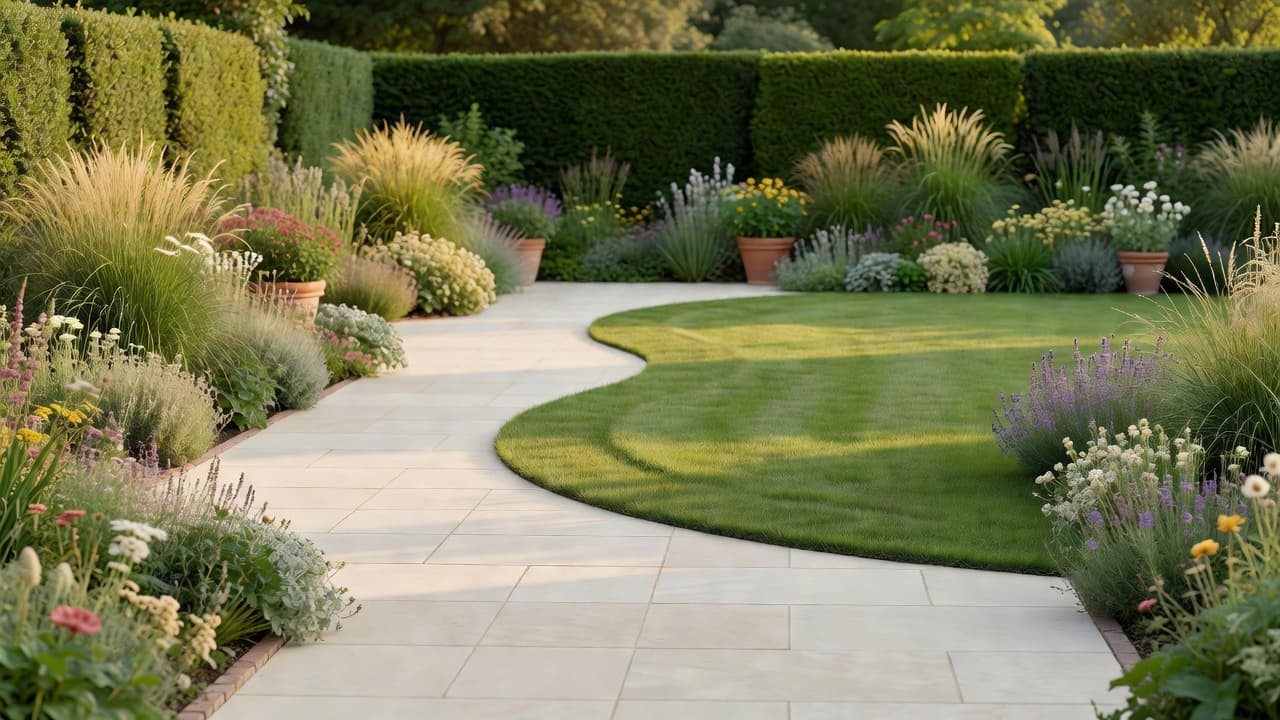
The honest difference is not quality — both can produce a beautiful result — but effort, accuracy and who is doing the work. Garden design software hands you a precise blank canvas and asks you to build the design; a garden design app starts from a photo of your real garden and does the building for you. Put simply:
- Starting point. Software starts from a measured, empty plan you draw. An app starts from a photo of your actual garden, boundaries and existing trees included.
- Effort and skill. Software rewards time and a willingness to learn; an app needs neither — if you can take a photo, you can use it.
- Accuracy. Software wins on measurable precision: exact dimensions, levels, quantities and buildable drawings. An app wins on realism of the finished look on your specific space.
- Speed. A good app produces a finished redesign in well under a minute; a software plan is usually an evening’s work or more.
- Best job for each. Use software when something is going to be built to precise measurements; use an app when you want to decide what you like and see it on your own garden first.
For most homeowners the smart sequence is to use an app to settle the look and layout, then — if the project is large or needs construction drawings — hand that direction to a professional working in software. The two are partners, not rivals. Our photo versus from-scratch comparison walks through exactly when each approach earns its place.
What garden design software asks of you
Before you commit to learning a full software package, it helps to know what the workflow involves. Drawing a garden to scale is a genuine skill, and most software assumes you will bring these things to the table:
- A measured survey. You need the real dimensions of your plot. Designers map a garden with a tape measure using offsets and triangulation to fix the corners, trees and the house line accurately.
- A working knowledge of scale. Most gardens are drawn at 1:50 (2cm on the page equals 1 metre on the ground) or 1:100 (1cm equals 1 metre), so the plan stays in proportion.
- Time with the tools. Even friendly consumer software takes a weekend to feel natural; professional packages take far longer.
- Plant knowledge. Software gives you a library, but it will not tell you whether a plant suits your soil, aspect and climate — that judgement is still yours.
- A capable computer. Rendered 3D work is demanding; some desktop tools are Windows-only and need workarounds to run on a Mac.
If that sounds like a lot, it is — which is exactly why photo apps exist. You can still learn to survey and draw properly using the Royal Horticultural Society’s guide to creating a garden plan, and the history of the underlying technology is well covered on Wikipedia’s computer-aided design page — but none of it is required to get a finished design you can act on.
The faster route for most homeowners: design from a photo
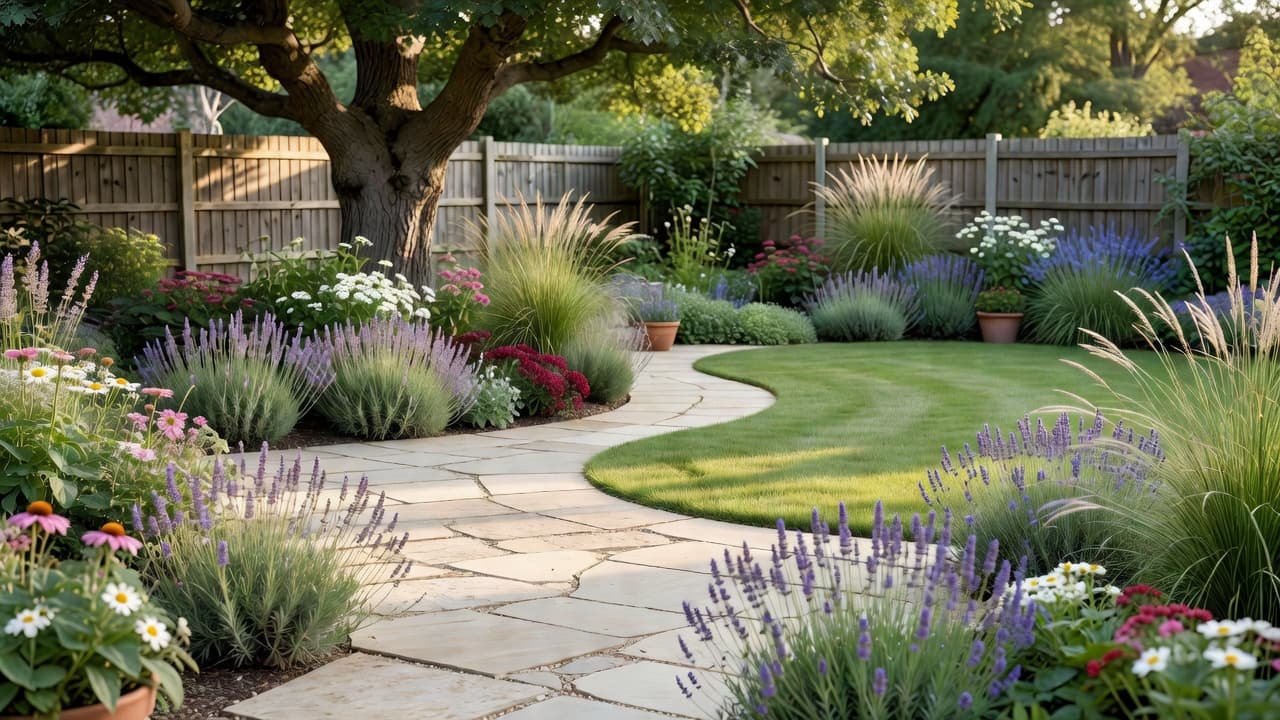
If your goal is to decide what you want rather than to draw a buildable plan, a photo-based app gets you there in a fraction of the time. The whole process takes about a minute and needs no measuring, drawing or software skills at all:
- Take one photo. Stand where you usually look at the garden and frame the whole space — boundaries, floor and the wall or fence behind — in soft, even daylight.
- Pick a style. Modern, cottage, Mediterranean, Japanese, low-maintenance and more. Trying several on the same photo teaches you what your space wants.
- Generate the redesign. In a few seconds you get a photorealistic version of your own garden, with your boundaries and any tree you love kept in place.
- Compare and refine. Save the versions you like and use them as a shopping list and a brief — for yourself, a contractor or a designer.
This is the gap FlorAI was built to fill: it keeps the real shape of your garden and shows finished results in seconds, on iOS, Android or the web, with a free tier so you can test it on your own space before paying anything. For a step-by-step walkthrough of the planner workflow, our AI garden planner app guide is the natural next read, and the full AI garden design guide shows complete before-and-after redesigns.
What garden design software costs in 2026
Price tracks the four types closely, and there is a free or low-cost option at every level. Rough 2026 guide figures, before you build anything:
- Photo-based AI apps: free to try, with paid plans for unlimited redesigns typically around £5–£20 a month.
- Online and browser planners: usually free to start, with paid tiers from roughly £8–£25 a month for extra objects, higher-resolution exports and saved projects.
- Consumer desktop 3D landscaping software: often a one-off purchase, commonly £40–£500 depending on how advanced the rendering and object library are.
- Professional CAD and landscape software: usually a subscription from around £250–£600 a year and up, on top of the weeks of training needed to use it well.
The smart order, whichever tools you use, is to settle the design before you spend on the build — because the materials and labour always dwarf the cost of the software. Our 2026 garden redesign cost guide breaks the real build numbers down in detail.
How to choose the right tool for your project
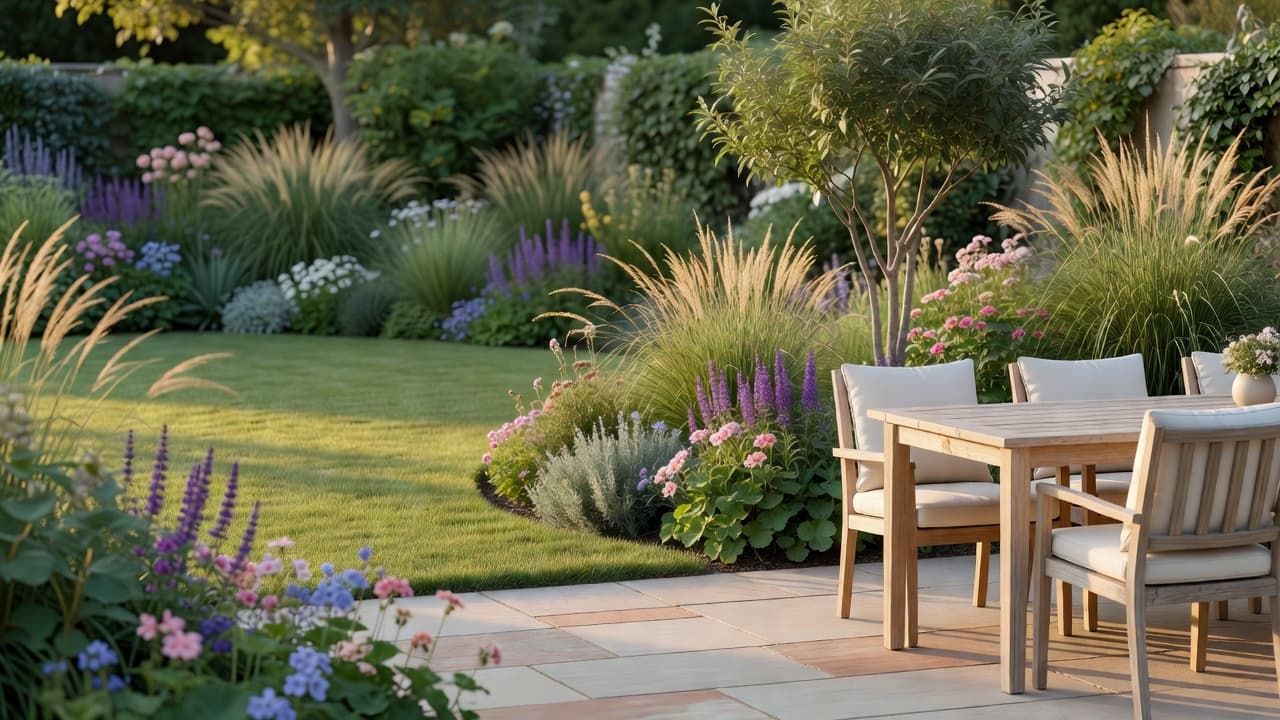
Rather than asking which product is “best”, ask which type fits the job in front of you. Run through these questions before you install or buy anything:
- Do you need buildable, measured drawings? If a contractor needs exact dimensions and quantities, you need software (or a designer who uses it). If not, you do not.
- How much time do you want to spend? If the answer is “a weekend or more, gladly”, desktop software suits you. If it is “as little as possible”, use a photo app.
- Do you want to draw, or to see? Software is for people who enjoy building a plan; an app is for people who just want to see their garden transformed.
- What device are you on? A phone points you to an app; a capable desktop opens up the heavier software.
- What is your budget for the tool itself? Free photo apps and browser planners cost nothing to try; professional software is a real investment before you have planted a thing.
For most homeowners the answer is to start with a free photo app to settle the look, and only step up to software — or a professional who uses it — if the project genuinely needs construction-grade drawings.
Frequently asked questions about garden design software
What is garden design software?
Garden design software is a desktop or browser-based program for drawing a garden to scale and producing measured 2D layouts and rendered 3D models. It is used to plan, cost and build a garden accurately, and it expects you to measure your plot and build the design yourself, unlike a photo app that redesigns your existing garden automatically.
What is the difference between garden design software and a garden design app?
Garden design software starts from a measured, empty plan that you draw to scale, while a garden design app starts from a photo of your real garden and returns a finished redesign in seconds. Software wins on buildable precision; an app wins on speed, ease and seeing the result on your own space.
Is there free garden design software?
Yes. Many browser-based planners are free to start, and photo-based AI garden design apps such as FlorAI offer a free tier, so you can produce a finished design of your own garden without paying. Professional CAD packages, by contrast, are usually paid subscriptions.
Do I need to measure my garden to use it?
For traditional garden design software, yes — you draw the plan to scale, so you need real measurements, usually taken with a tape measure using offsets and triangulation. A photo-based app needs no measuring at all, because it works directly from a picture of your existing garden.
What is the best garden design software for beginners?
For a complete beginner who wants results without a learning curve, a photo-based app is the easiest starting point because it needs no drawing or measuring. If you specifically want to learn to draw plans, a friendly consumer desktop or browser planner is more approachable than professional CAD software.
Can garden design software design from a photo?
Traditional garden design software builds a design from a measured plan rather than a photo. Designing directly from a photo of your real garden is what AI garden design apps do — FlorAI, for example, redesigns the exact space in your picture in seconds, keeping your boundaries and existing trees.
Last updated: June 2026. Written by the FlorAI garden team. Every recommendation in this guide has been tested on real gardens before being included.