
Tool guide · 2026
AI Garden Planner App: How to Plan Your Garden in 2026
An AI garden planner app turns a single photo of your garden into a finished plan — a layout, a planting scheme, a named plant list and a sense of what to do first — in seconds, so you can settle the whole design for free before any money is spent on the build. In 2026 the best of these apps do more than draw a pretty picture: they suggest real, climate-appropriate plants, group them into beds that work together, and give you an order of work you can actually follow. This guide explains, in plain English, what an AI garden planner app really does, how it works, what separates a genuinely useful planner from a toy, which plants are worth planning for this year, and what the physical work costs — so your first decision is made with confidence rather than guesswork.
AI Garden Design GuidesPublished June 22, 2026Updated June 22, 202610 min read
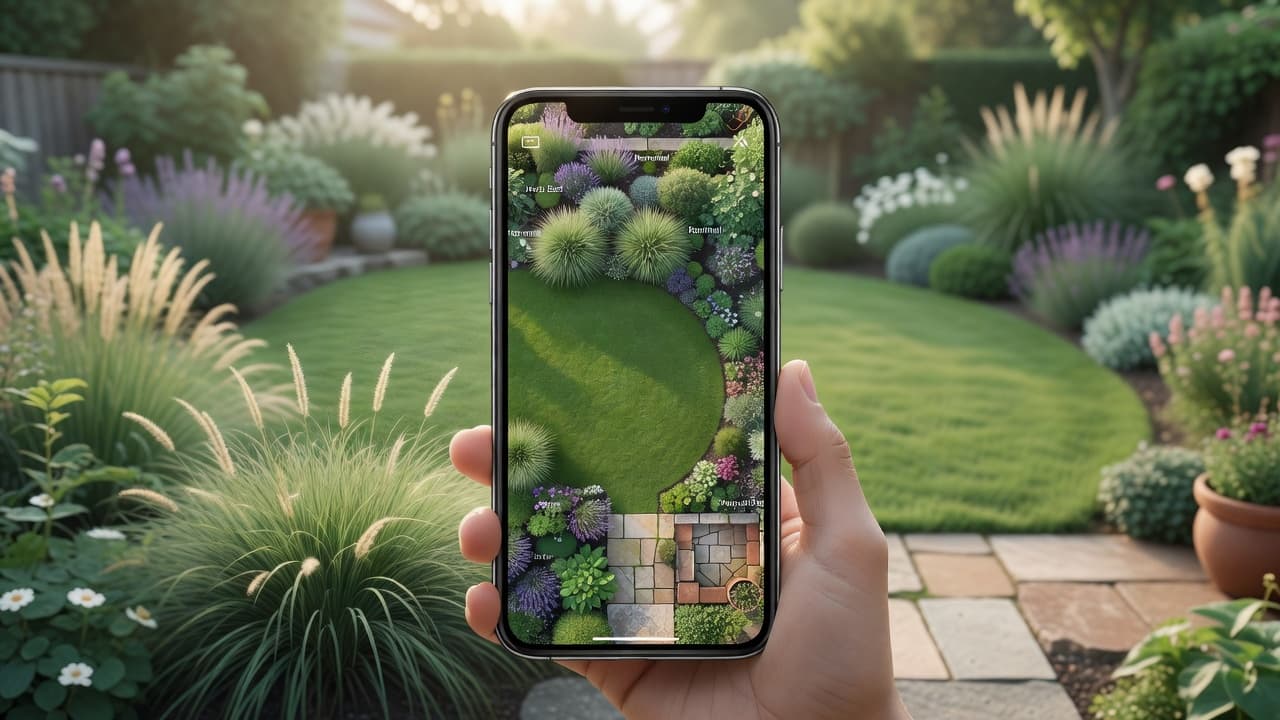
What is an AI garden planner app?
The difference between a planner and a picture matters. A visualiser shows you what a garden could look like; a planner tells you how to get there — which beds go where, which plants fill them, and what to tackle first. If the whole idea is new to you, our plain-English explainer of AI garden design is the gentlest starting point, and the complete AI garden design guide walks through a full redesign with real before-and-after photos.
The word that matters is yours. A weak app hands you a generic garden that belongs to nobody; a strong one plans your garden, keeping the house, fences and boundaries recognisable, so the plan is genuinely useful when you start digging beds and buying plants. FlorAI was built around exactly that — read one photo, keep the bones of the real space, plan everything else — with a free tier so you can plan your own garden before deciding whether it is worth paying for.
How an AI garden planner app works
Most people get a usable plan from an AI garden planner app in a few minutes. The exact steps vary, but the modern, photo-first approach follows a simple path:
- Add your garden. Upload one clear, wide photo of the real space — or answer a few questions about its size, aspect and soil if you are starting from scratch.
- Choose a style and a goal. Pick a look — modern, cottage, Mediterranean, naturalistic, Japanese-inspired — and say what matters most: low maintenance, wildlife, colour, a place to sit.
- Generate the plan. The app returns a photorealistic redesign of your space plus the planning layer behind it: where the beds, paths, lawn and seating go.
- Read the planting plan. A good planner names the plants it has used and groups them into beds, so you get a shopping list rather than a vague green haze.
- Refine, save and build from it. Swap plants, try another style, then keep the version you like and use it as a brief for yourself or a landscaper.
The fastest, most reassuring version is planning from a photo: because the app works on top of your real garden, the plan maps onto the actual plot rather than a generic rectangle. Our guide to AI landscape design from a photo covers that route in detail, and if you want to see the result on screen first, a virtual garden design tool is the companion piece to a planner.
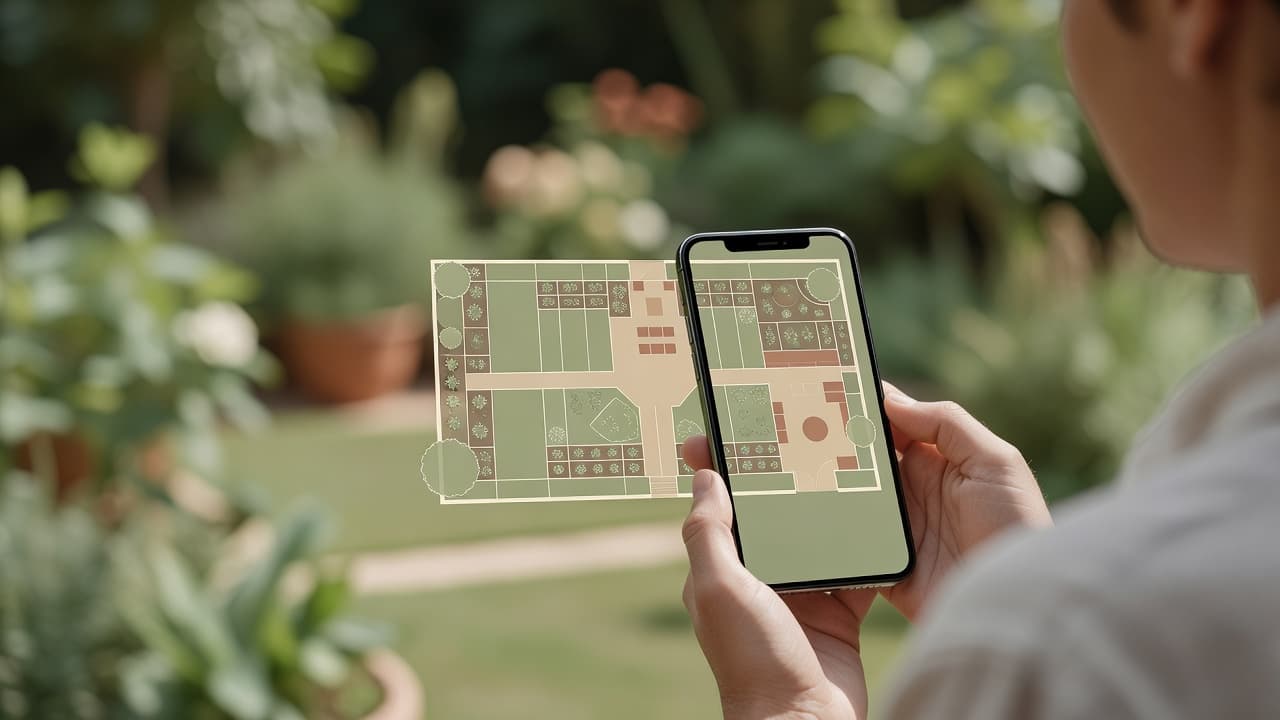
What an AI garden planner app can plan for you
A planner earns its name by doing the thinking a blank notebook cannot. The most useful AI garden planner app covers several layers of a project at once:
- Layout. Where the lawn, beds, paths, paving and seating sit, and how they relate to the house, the sun and the way you actually move through the garden.
- Planting plan. Which plants fill each bed, grouped so they suit the same light and soil and look good together across the seasons.
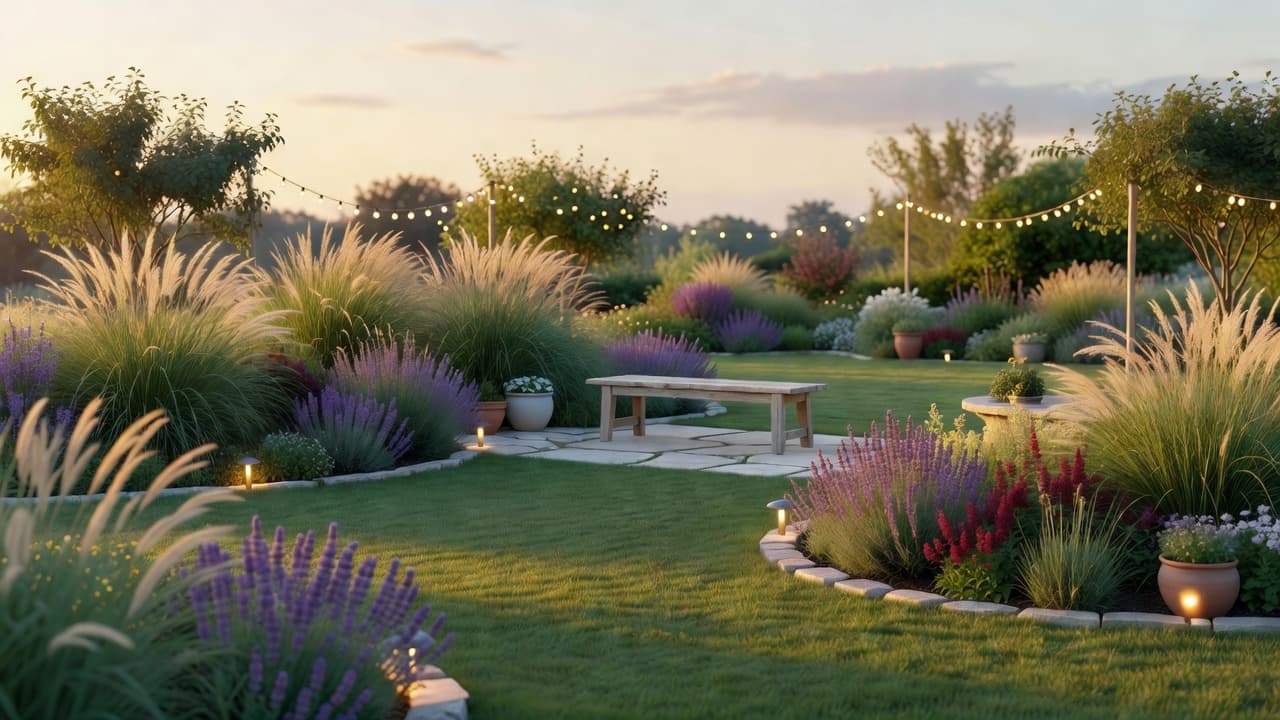
- A real plant list. Named species you could write on a shopping list — lavender, ornamental grasses, salvia, an olive or a hornbeam hedge — not an undefined blur.
- Sun, shade and aspect. A planner worth using considers which way the garden faces, so shade-lovers are not planted in full sun and vice versa.
- Order of work. A rough sequence — structure and hard landscaping first, soil and beds next, planting last — so the project feels manageable rather than overwhelming.
Not every app does all of this, which is exactly why it pays to test one before you trust it. For a planner aimed at a specific space — a whole rear garden, say — our full guide shows the same process applied end to end.
AI garden planner app vs a notebook or spreadsheet
Plenty of good gardens have been planned on graph paper, and there is nothing wrong with a notebook. But an AI garden planner app changes three things that a blank page cannot:
- It plans from your real garden. Instead of a tidy diagram in the abstract, the plan sits on a photo of your actual space, so the proportions are right and the result is recognisably yours.
- It names plants you might not know. A notebook only contains what you already know; a good planner introduces climate-appropriate plants you would never have thought to try.
- It lets you compare in minutes. Trying three styles on paper takes an afternoon; trying three on a planner takes a few minutes, so you decide with your own eyes rather than your imagination.
None of this replaces judgement — it speeds it up. Many people use a planner to settle the look and the plant list, then a notebook for the fine measurements when they start building. If you are weighing the app against hiring a professional, our comparison of an AI garden planner versus a landscape designer lays out when each makes sense.
What to look for in an AI garden planner app
Not every app earns a place on your home screen. Before you trust one with your garden, run through a few quick checks — a good AI garden planner app should pass all five:
- It plans your own garden. The best apps work from your real photo, keeping the house, fences and boundaries recognisable, so the plan is yours and not a stock scene.
- It names real plants. A strong plan names planting you could buy — lavender, ornamental grasses, coneflower, salvia, an olive or a hornbeam hedge — not a vague green haze.
- It respects where you live. Climate-aware planting is the difference between a pretty plan and a scheme that survives your winters and summers in your hardiness zone.
- It gives you an order of work. A real planner suggests what to do first, so the project feels like a sequence of steps rather than one daunting leap.
- It offers an honest free tier. You should see clear, un-watermarked plans and be able to try more than one style before any paywall.
An app that passes all five is worth keeping even if you never pay; one that fails two or three is worth deleting, however slick it looked. For a deeper version of this test, our checklist of what to look for in an AI garden design app turns it into a simple tick-box.
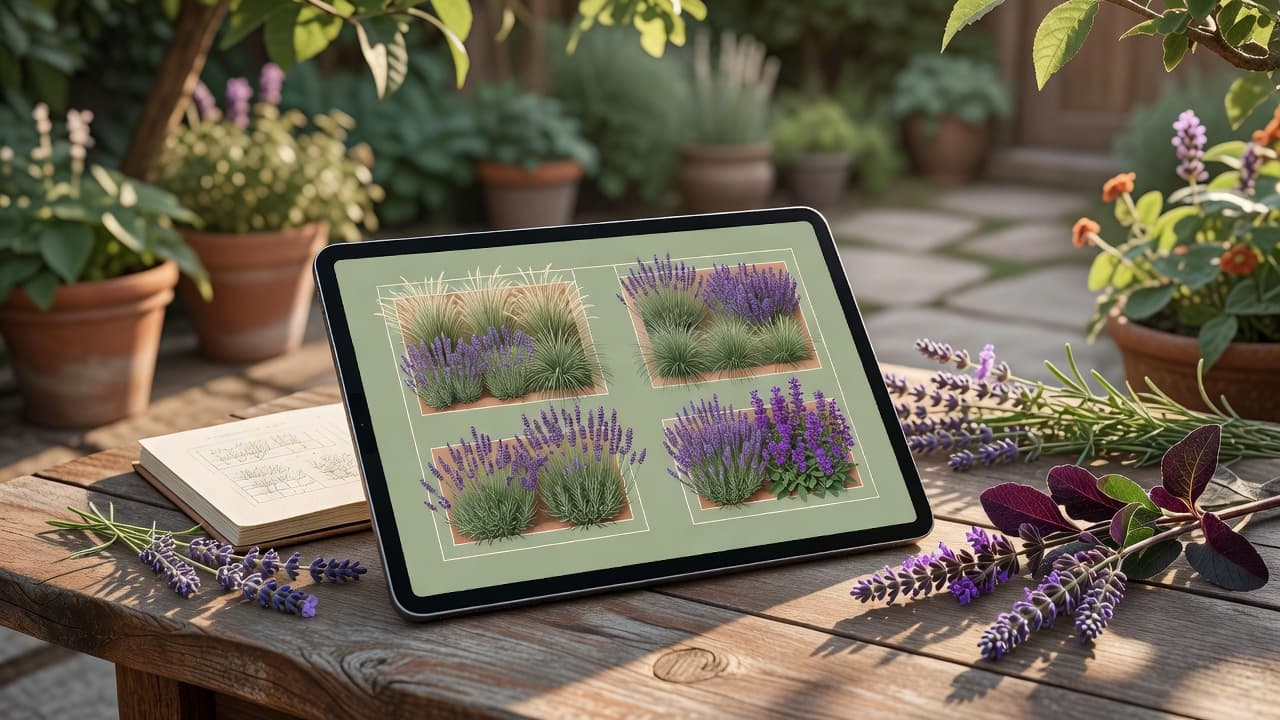
Plants and ideas to plan for in 2026
The real value of an AI garden planner app is that it lets you plan the year’s best ideas onto your own space before committing. In 2026 garden design has moved decisively towards resilience: drought-tolerant planting, looser naturalistic borders, and surfaces that handle heavy rain without flooding. At the 2026 RHS Chelsea Flower Show, drought-tolerant and prairie-style planting, perennial ornamental grasses and wildlife-friendly spaces ran through the show gardens. Worth planning in:
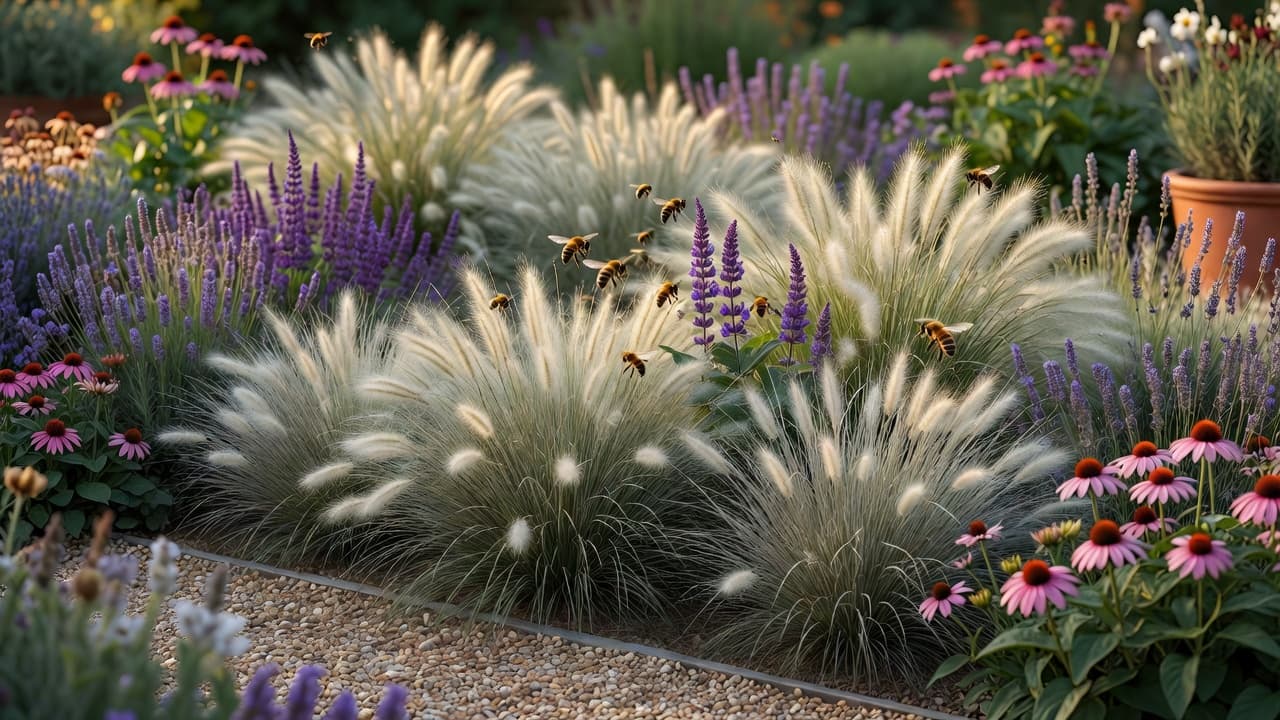
- Drought-tolerant perennials. Ornamental grasses, coneflower (Echinacea), salvia and English lavender deliver colour, texture and pollinator support through a hot, dry summer with very little watering.
- Chelsea 2026 picks. Verbascum ‘Lavender Lass’, the rugged grass Briza media and the smoky-grey poppy ‘Amazing Grey’ were among the resilient plants on show — all happy in dry, sunny spots.
- Naturalistic, layered borders. The 2026 look is dense, layered planting that leaves less bare soil, loses less water and needs less weeding than the old immaculate bed.
- Climate-resilient structure. Olives, Pittosporum, agapanthus, common thyme and native hedging such as hornbeam, hazel and hawthorn give backbone that copes with warmer, less predictable weather.
- Permeable, low-maintenance surfaces. Gravel, permeable paving, large-format porcelain and timber decking read as quiet, contemporary materials and help rain soak away rather than pool.
You do not have to pick one. Plan each idea as a separate version of the same garden, then borrow the parts you like into a single scheme. For more on water-wise planting you can read up on xeriscaping, and check any unfamiliar plant on the RHS or Gardeners’ World before you buy.
What it costs — the app vs the build
The app itself should cost little or nothing. Most good ones give you a real free tier — a set number of plans each month, enough to plan your garden and try a few styles — with paid plans only if you want unlimited runs. That is usually plenty for a one-off project, and it is a tiny fraction of what the physical work costs. Our honest guide to free AI garden design apps explains how to tell a genuine free tier from a teaser.
The build is where the money goes. In the United States in 2026, professional landscape design typically runs about $2,200 to $6,180, with design-only work charged at roughly $0.05–$0.75 per square foot and full design-plus-installation commonly $5–$45 per square foot; designers charge about $50–$150 an hour, and flat design plans average around $6,000. Settling the plan first is exactly how you avoid paying twice for a change of mind. Our 2026 garden design cost guide breaks the numbers down in detail.
Climate awareness is the feature worth paying attention to, because it protects that spend. Plants that cannot survive your winter are not a plan but a disappointment waiting to happen — and the goalposts are moving. In November 2023 the USDA updated its Plant Hardiness Zone Map for the first time since 2012, using 1991–2020 data; the new map is about 2.5°F warmer on average, shifting roughly half of the United States into the next warmer half-zone. A planner that weighs your location is doing real work, not decoration.
Where an AI garden planner app stops
An honest guide names the limits. Even the best AI garden planner app is a brilliant way to decide what you want, not a replacement for skilled hands when the ground gets complicated. Levels, drainage, retaining walls, tree work, sub-bases and the planting and paving itself still want a real landscaper. Treat the planting suggestions as a strong starting point and confirm anything unusual against your own climate before you buy.
Used that way, an AI garden planner app is among the most reassuring tools you will reach for this year: it removes the guesswork, hands you a plan you can act on, and means the first decision — and the first spend — is made with confidence rather than hope. If you want to compare the planner route with a designer or pure DIY, our comparison of AI, a designer and DIY lays out when each makes sense.
Frequently asked questions
What is an AI garden planner app?
It is software that plans a garden for you — taking a photo or a few details about your space and returning a layout, a planting scheme and a list of real plants — so you can decide what to build, and in what order, before you start. FlorAI does this from a single photo, with a free tier.
Can I plan my garden for free?
Yes. The honest apps offer a real free tier — a set number of plans each month, enough to plan your garden and try a few styles. FlorAI has a free plan, with paid plans only if you want unlimited designs.
Do I need to measure my garden first?
Not with a photo-based planner. You upload one wide photo and it works on top of your real garden, so the proportions come from the picture. You only need exact measurements later, when you are ordering paving or building beds.
Does an AI garden planner app suggest real plants?
A good one does. Look for an app that names species you could write on a shopping list and groups them into beds that suit the same light and soil. FlorAI suggests climate-appropriate planting based on your photo and location.
How much does landscaping cost in 2026?
The app is usually free or low-cost. The physical build is the real expense: in the US in 2026, professional landscape design runs about $2,200–$6,180, and full design-plus-installation commonly costs $5–$45 per square foot, which is why it pays to settle the plan first.
Can an AI garden planner app replace a garden designer?
For the layout, look and plant list it gets you most of the way and costs little or nothing. For levels, drainage, structural work and the planting and paving itself you still want a professional — use the app to settle the plan first, then hand your favourite over.
Last updated: June 2026. Written by the FlorAI garden team.