
Buyer’s guide · 2026
Free AI Garden Design App: What You Actually Get in 2026
A free AI garden design app turns one photo of your real garden into a photorealistic redesign of that same space — replanted, reimagined and ready in seconds, at no cost. In 2026 plenty of apps advertise the word “free”, but they do not all mean the same thing by it. This guide explains, in plain English, exactly what you can design for nothing, how to tell an honest free tier from a teaser that blocks you after one go, and when free is genuinely all you need.
AI Garden Design GuidesPublished June 14, 2026Updated June 14, 20269 min read
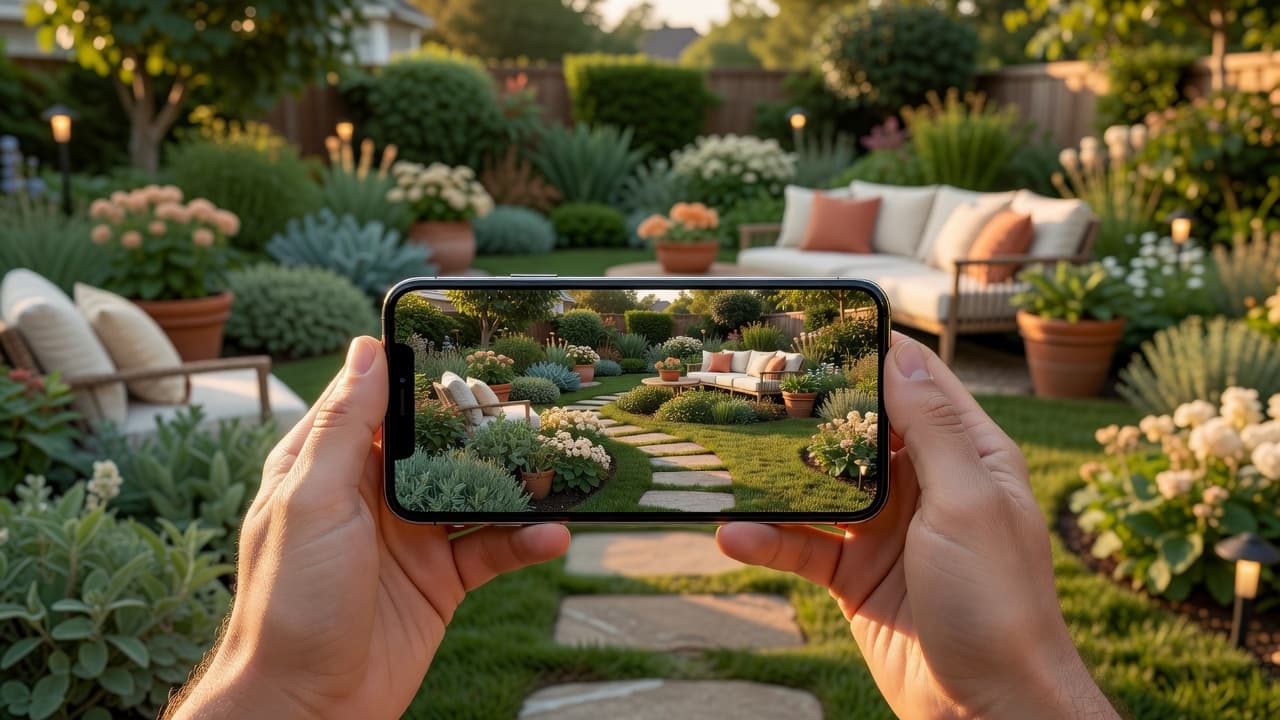
What a free AI garden design app actually gives you
The promise is genuinely simple. You take one photo of your garden on your phone, pick a style, and a few seconds later you are looking at your own space transformed. No measuring, no software to install, no design skill required. If the whole idea is new to you, our plain-English explainer of AI garden design is the gentlest place to begin, and the full AI garden design guide walks through a complete redesign with real before-and-after photos.
The word that matters is your. A weak app shows you a beautiful garden that belongs to someone else; a strong one shows you your garden, looking lovelier, so the picture is actually useful when you start digging, buying plants or briefing a contractor. FlorAI was built around exactly that — a free tier on iOS, Android and the web so you can see your own garden reimagined before deciding whether it is worth a penny.
What “free” really means with AI garden design apps
Here is the honest part. “Free” is used loosely across the category, and it usually means one of a few different things. Knowing which one you are looking at saves a lot of frustration:
- A genuine free tier — a set number of free designs every month, enough to redesign your garden properly and try a few styles, with paid plans only if you want unlimited runs. This is the kind worth keeping.
- A free trial — full access for a few days, then a subscription. Useful, but set a reminder so you are not charged by surprise.
- A teaser — one blurred or watermarked result, then a paywall before you can see anything clearly. This tells you very little about whether the app is any good.
- Free to download, pay to export — you can design happily, but saving a full-resolution image or a planting list costs money.
None of these is dishonest in itself — apps have to fund themselves somehow. The point is to know which model you are using before you invest time in it, so the free experience tells you something real about the paid one.
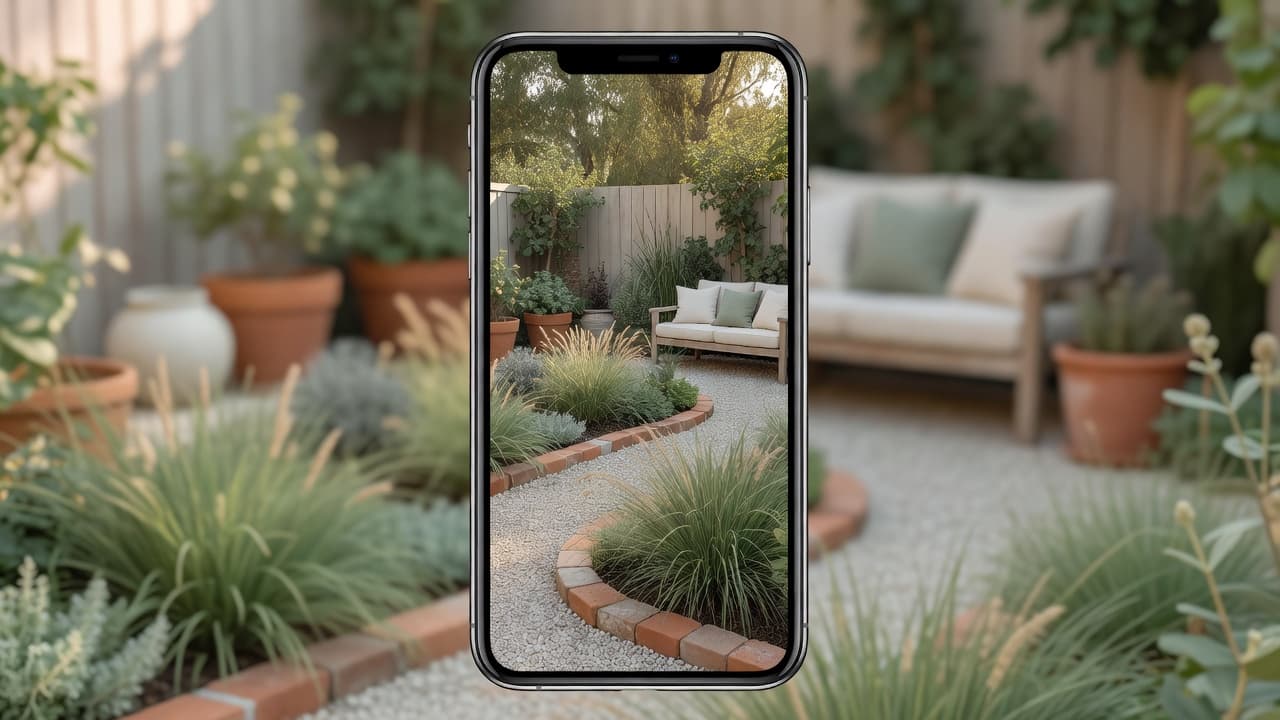
How to spot an honest free tier
You can judge a free AI garden design app yourself, for nothing, in about ten minutes. Run through these six checks before you trust any app with your garden — or your card details:
- Does it redesign your own photo? Upload a real, slightly messy photo of your garden in daylight. If your fence, shed and main tree are still there in the result, the app respects your space. If it quietly swapped in a stock garden, the pretty picture is useless.
- How many free designs do you actually get? Enough to try two or three styles is honest. Exactly one, then a wall, is a teaser.
- Can you see results clearly? A genuine free tier shows you an unblurred, un-watermarked design. If everything is fogged until you pay, you cannot judge quality.
- Does it name real plants? Look for plants you could write on a shopping list — lavender, hydrangea, ornamental grasses — not just a green haze.
- Does it consider where you live? Climate-aware planting is the difference between a picture and a plan you can follow.
- Is it clear what costs money later? Honest apps tell you plainly what the paid plan adds. Hidden charges at export are a red flag.
An app that passes all six is worth keeping even if you never pay. One that fails two or three is worth deleting, however slick the marketing looked. For a deeper version of this test, our checklist of what to look for in an AI garden design app turns it into a simple tick-box, and the 2026 buyer’s guide to AI garden design tools covers the seven features that separate a useful tool from a gimmick.
Free app vs hiring a garden designer
A free AI garden design app does not replace a professional, but it changes where the money goes — and how confident you feel before you spend it. The numbers are worth knowing. In the UK in 2026, a qualified garden designer registered with the Society of Garden Designers typically charges a day rate of £400–£900 (London designers £600–£900), an initial on-site consultation runs £150–£350, and a full design package averages around £1,950.
That is money well spent on a complex project. But for an ordinary garden, a free app lets you settle the look first — for nothing — so that any professional you eventually hire is briefed by a clear picture rather than a vague wish. The sensible order is usually:
- Explore for free. Try several styles on your own photo until one feels right.
- Decide what you actually want — beds, paths, seating, planting mood — before anyone quotes you.
- Then, if the build is complex, hand your favourite design to a landscaper or designer so you are both certain before money is spent.
Our 2026 garden design cost guide sets sensible expectations for the build that follows, and AI garden planner versus landscape designer weighs the two approaches directly.
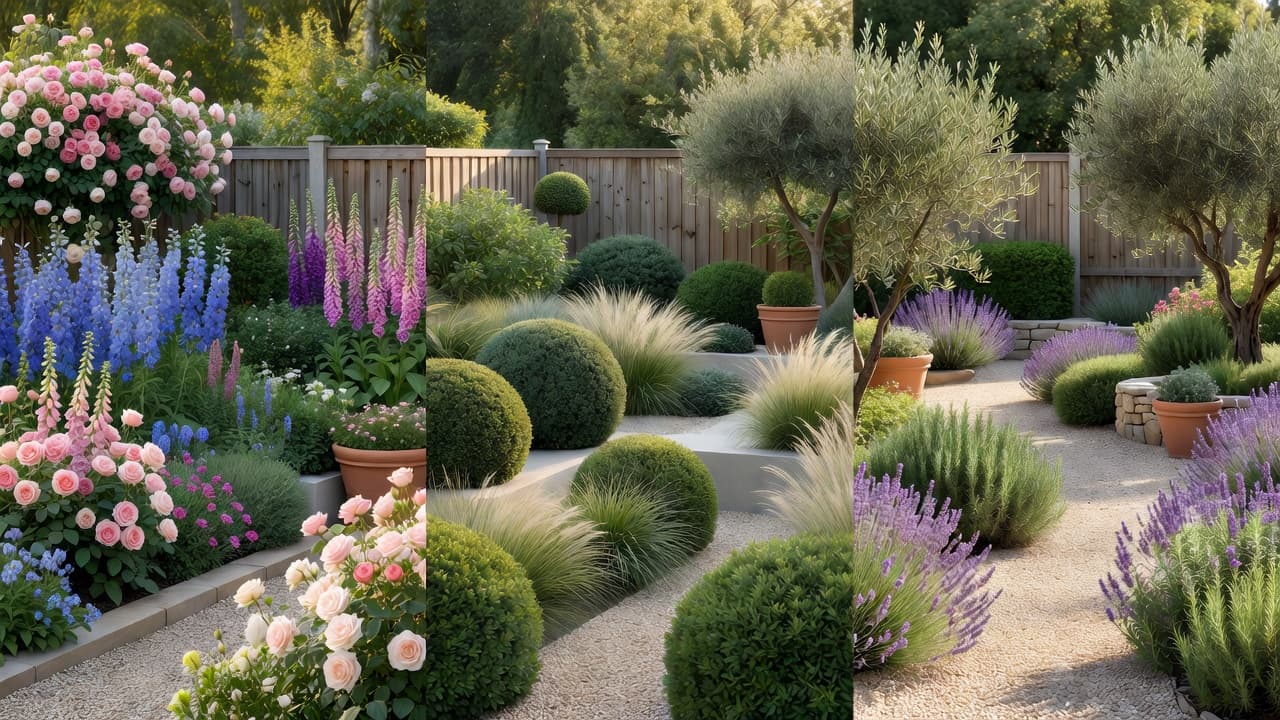
What you can realistically design for free
A surprising amount. A free AI garden design app handles the most common home projects perfectly well: a tired back garden, an unloved front garden and its kerb appeal, a bare patio, a narrow side return, even a balcony. You upload the photo, choose a mood, and try it on for size. Because it works from a photo rather than a blank plan, you can see your real space reimagined rather than an idealised one — the difference is explained in designing from a photo versus from scratch.
The styles people reach for most are easy to render believably and easy to plant. A relaxed cottage garden leans on layered perennials such as delphinium, foxglove, peony and hardy geranium with climbing roses; a dry, sunny Mediterranean scheme uses lavender, rosemary, olive and gravel between drought-tolerant drifts; a low-maintenance modern look relies on ornamental grasses, clipped evergreens and a calm, limited palette. You can look any unfamiliar plant up on Gardeners’ World before you buy.
One quiet feature matters more than people expect: climate awareness. A garden that cannot survive your winter is not a design, it is a disappointment waiting to happen. This matters more than ever — in November 2023 the USDA updated its Plant Hardiness Zone Map for the first time since 2012, using 1991–2020 data from 13,412 weather stations. The new map is about 2.5°F warmer on average, shifting roughly half of the United States into the next warmer half-zone. The plants that thrive in your area are quietly changing, so a free app that weighs your location is doing real work, not decoration.
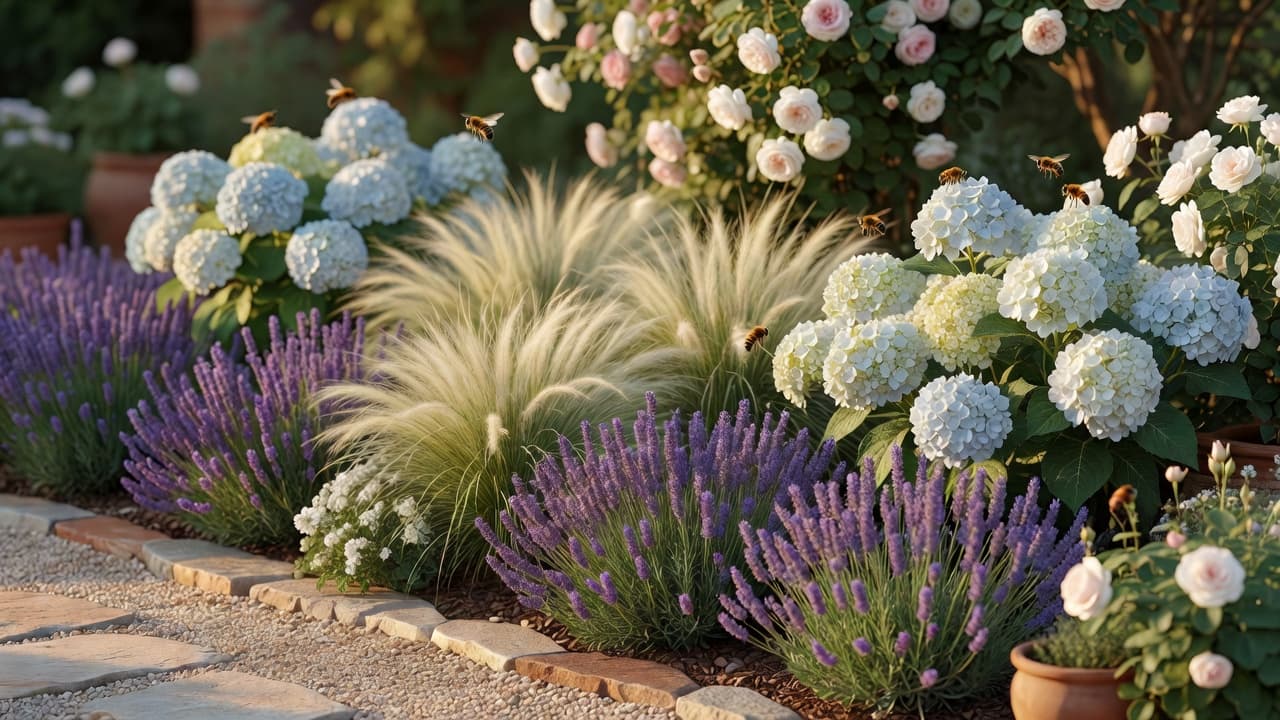
Getting the most from a free AI garden design app
A few small habits make your free designs noticeably better and stretch a limited free tier further:
- Photograph in soft daylight. Early morning or an overcast afternoon avoids harsh shadows and gives the app the clearest view of your space.
- Stand where you usually look at the garden. A redesign from your kitchen window or back door is the one you will actually live with.
- Try a style you would not normally pick first. If even a style you dislike looks believable on your space, the app is strong — and you might surprise yourself.
- Tidy nothing. The messier the starting photo, the more useful the result, because it shows what is really possible.
- Save your favourites before you run out of free designs, so you have something to show a contractor or a partner later.
Where a free app stops and a human begins
An honest guide names the limits. Even the best free AI garden design app is a brilliant way to decide what you want, not a replacement for skilled hands when the ground gets complicated. Steep slopes, retaining walls, drainage, boundary questions and anything structural still want a real landscaper or garden designer. Treat the planting suggestions as a strong starting point and confirm anything unusual against your own climate before you buy.
Used that way, a free app is the most reassuring £0 you will spend on your garden this year: it removes the guesswork, shows you the finished feeling in advance, and means the first real spade goes in with confidence rather than hope.
Frequently asked questions
Is there a genuinely free AI garden design app?
Yes. The honest ones offer a real free tier — a set number of free designs each month that is enough to redesign your garden and try a few styles. FlorAI has a free plan on iOS, Android and the web, with paid plans only if you want unlimited designs.
What can I design with a free AI garden design app?
A back garden, front garden, patio, side return or balcony — anything you can photograph. You choose a style, and the app redesigns that same space photorealistically, usually in seconds.
Is a free garden design app any good, or just a teaser?
It varies. A genuine free tier shows you clear, un-watermarked results and lets you try more than one style. A teaser blurs the result or blocks you after a single design. The six checks in this guide tell the two apart in about ten minutes.
Do I need design skills or measurements to use one?
No. If you can take a photo on a phone, you can use a free AI garden design app. There is no measuring, no CAD and no software to install.
Can a free app replace a garden designer?
For an ordinary garden it gets you most of the way and costs nothing. For slopes, drainage, retaining walls or anything structural you still want a professional — use the free app to decide the look first, then hand your favourite design over.
Last updated: June 2026. Written by the FlorAI garden team.