
Feature guide · 2026
A Garden Design App With a Plant Database, Explained
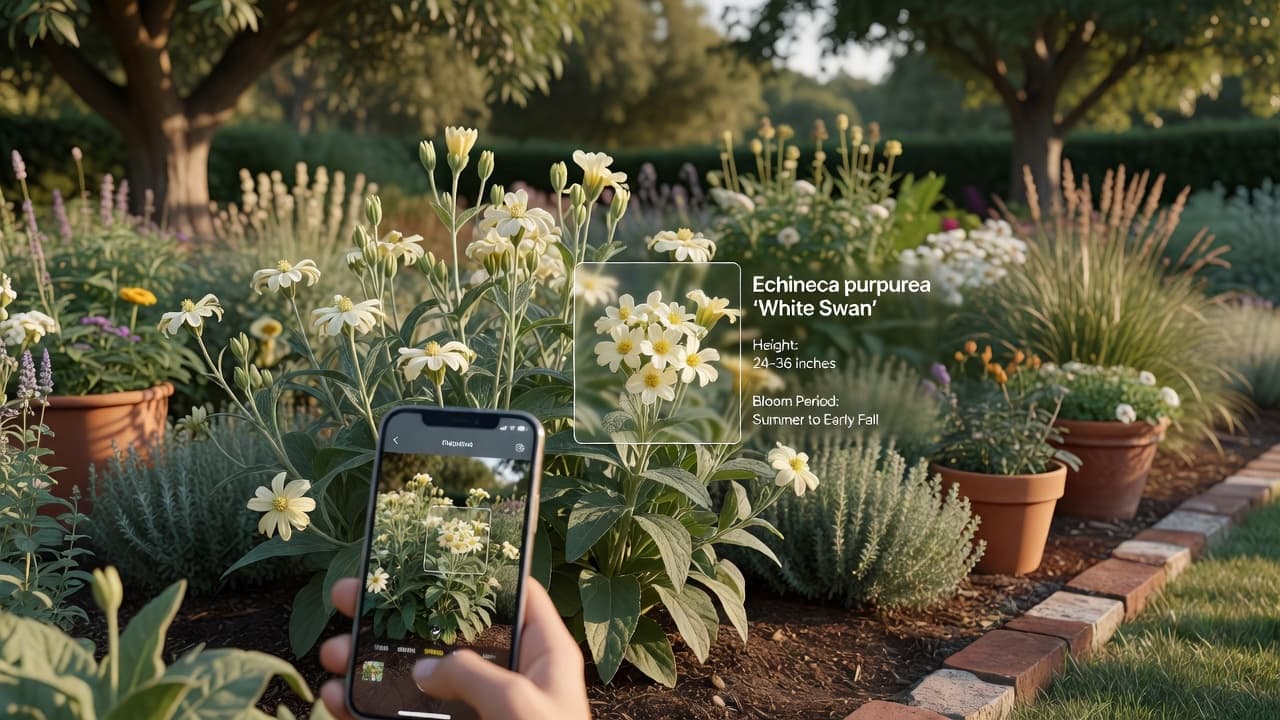
A garden design app with a plant database lets you point your camera at a plant and get its name, along with practical care guidance, without leaving the app you use to redesign the garden itself. This guide explains what that actually looks like, how identification works, what to expect the database to know, and where it stops being reliable.
AI Garden Design GuidesPublished August 22, 2026Updated August 22, 20267 min read
The one-line answer
The value is in having identification and design in one place, so you are not switching between three separate apps to answer "what is this, and does it fit my redesign?"
Why identification and design belong in the same app
Most people who need a plant identified are standing in a garden, not sitting at a desk. It might be theirs — something that self-seeded, or was there when they moved in — or it might be a plant they admired somewhere else. Either way, the next question is almost always the same: does this belong in the redesign I am planning?
Having both features in one app means the answer is one tap away instead of a separate download, a separate account, and a copy-paste between apps. It also means a plant you identify in your own garden can directly inform the redesign — you know what already thrives on your soil before you plan around it.
How plant identification actually works
FlorAI's Plant Identifier uses a vision-capable AI model to examine a photo and return a structured answer, not just a guess at a name. In practice you get:
- Common name and scientific name — so you can search further with confidence.
- A short description of the plant and what makes it recognisable.
- A likely hardiness zone, as a starting point for whether it suits your climate.
- Care guidance covering water, sunlight, soil and temperature.
Accuracy depends heavily on the photo. A clear, well-lit shot of the leaves and, ideally, a flower or fruit gives the model the most to work with. A blurry photo of a single leaf from a distance gives it very little, and the result should be treated as a starting guess rather than a certainty.
What the care guidance actually tells you
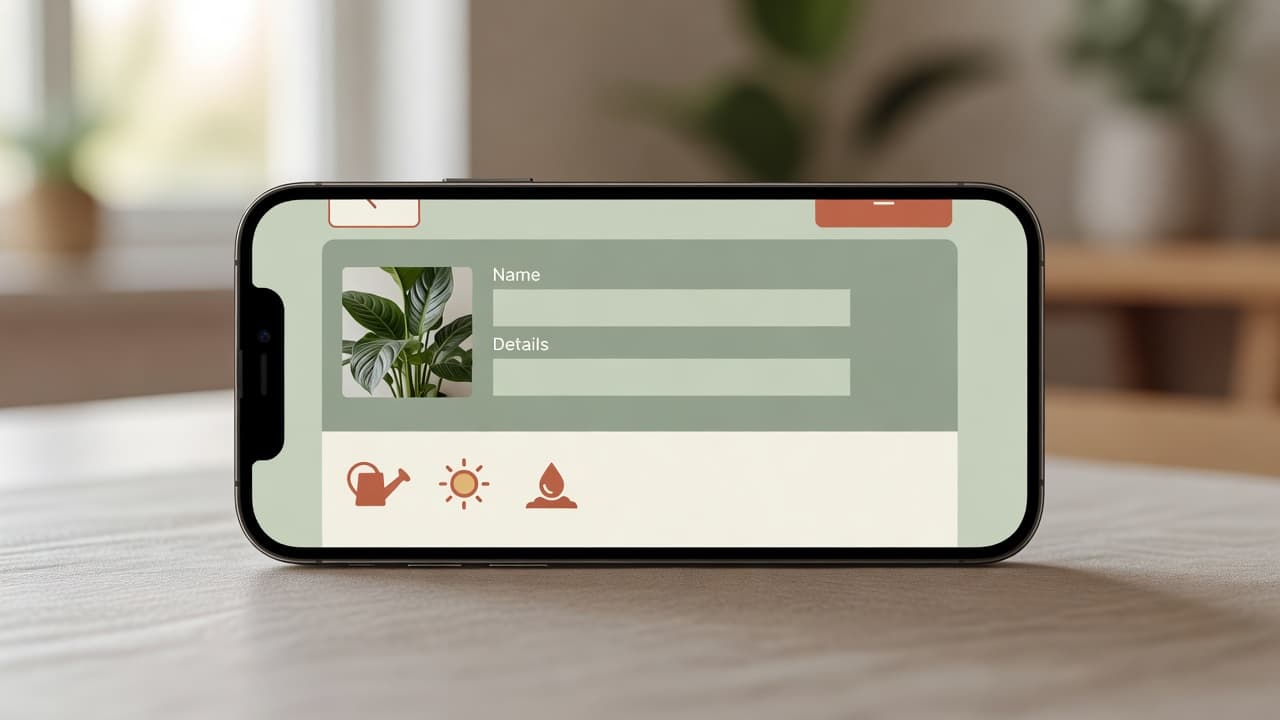
The care fields are meant to answer the questions a plant owner asks in the first week, not to replace a horticultural reference:
- Water — roughly how much and how often, and signs of over- or under-watering.
- Sunlight — full sun, partial shade or full shade, and what that means for placement.
- Soil — the general type and drainage the plant prefers.
- Temperature — the range it tolerates, and whether it needs protection in winter.
Treat this as a sensible default rather than the final word. Microclimates, container size, local soil and how long a plant has been established all change the real answer. For anything expensive or structural to your design, cross-check against a reference like the RHS plant finder or your USDA hardiness zone before committing.
Using identification alongside a redesign
The most useful pattern is simple: identify what is already growing before you design around it. A mature shrub you did not plant might be worth keeping and building a scheme around, rather than removing and replacing with something the AI suggests from scratch.
It also works the other direction. If an AI garden design shows a plant you love the look of, you are not stuck describing it to a nursery from memory — take the same identification step on a similar plant you find elsewhere, and get a name to search for.
For the redesign step itself, see our AI garden design guide, or start directly on the AI garden planner page if you already know you want a layout, not just a style.
What a plant database in an app is not
Worth being direct about the limits. This is not a substitute for a plant pathologist, an agronomist, or a soil test. It will not reliably diagnose a specific fungal disease from a photo of damaged leaves, and it should not be the only input for anything you are relying on for food safety, like identifying a wild plant as edible.
What it is genuinely good at is the everyday case: naming an unfamiliar plant, giving you a sensible starting point for care, and letting you fold that knowledge straight into a redesign — all without leaving the app.
Frequently asked questions
What does a garden design app with a plant database actually give you?
FlorAI's Plant Identifier returns a common name, scientific name, a short description, a likely hardiness zone, and basic care guidance for water, sunlight, soil and temperature — from a single photo.
How accurate is plant identification from a photo?
It depends on the photo. A clear, well-lit shot of leaves and flowers gives the most reliable result. Treat any identification as a strong starting point, and verify anything important against a reference like the RHS.
Can it diagnose a sick or diseased plant?
It is built for identification, not diagnosis. For a specific disease or pest problem, a local garden centre or agricultural extension service is more reliable.
Does the plant database cost extra?
Plant identification is included in FlorAI's free tier alongside AI garden designs. See the pricing page for the full breakdown.
Can I use an identified plant in my garden design?
Yes — identifying what already grows in your garden is a good first step before generating an AI redesign, since it tells you what already thrives on your soil.
Does it work on indoor houseplants as well as garden plants?
The identifier works from any clear plant photo, indoors or out, though the care guidance is written with outdoor garden conditions in mind.
Last updated: August 2026. Written by the FlorAI garden team.