
Explainer · 2026
AI Gardening App, Explained: Care, Identification and Seasons
"AI gardening app" and "AI garden design app" sound like the same thing, but they usually are not. Gardening is the ongoing work of keeping plants alive and healthy; garden design is the one-off decision of what the space should look like. This guide explains what an AI gardening app genuinely covers, where it overlaps with design, and how to use both without needing five separate apps.
AI Garden Design GuidesPublished August 22, 2026Updated August 22, 20267 min read
The one-line answer
The distinction matters because most people searching for one actually need the other, or both. It is worth being clear about which job you are trying to solve.
What "AI gardening" usually means
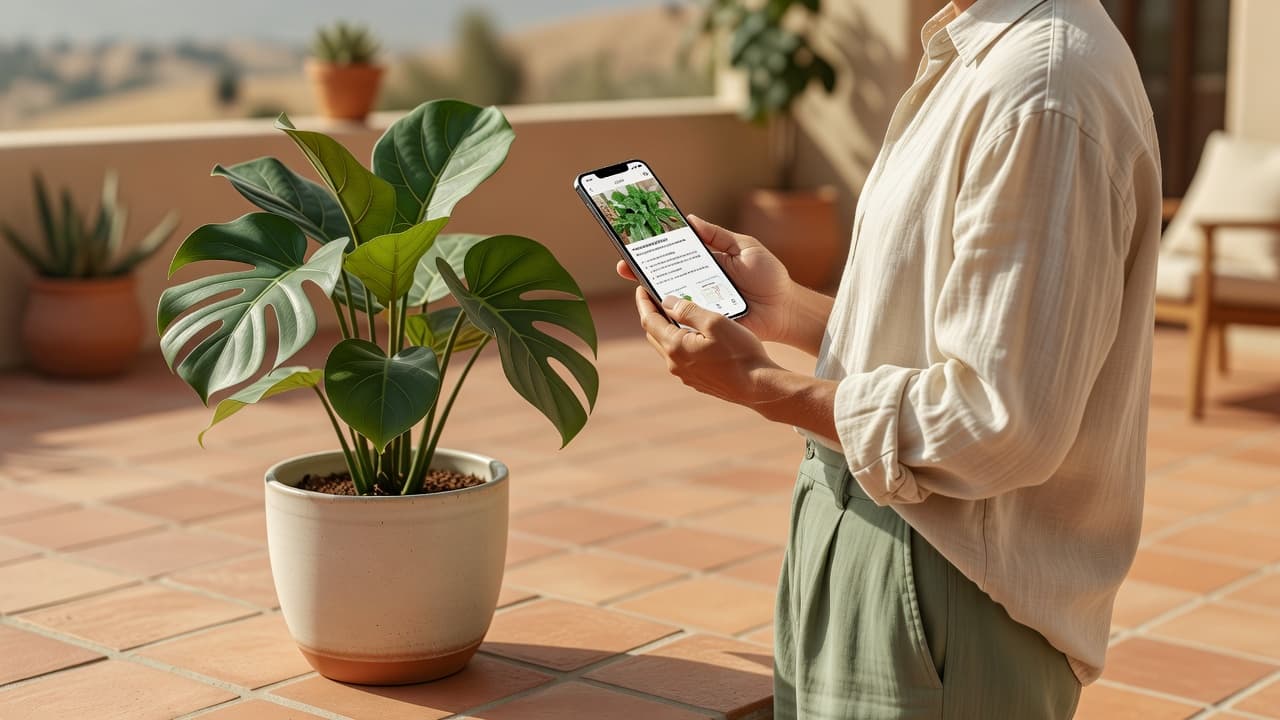
Gardening, in the everyday sense, is maintenance: knowing what a plant needs, noticing when something is wrong, and keeping a space alive week to week rather than deciding its layout once. An AI gardening app is built around that ongoing relationship.
- Plant identification — pointing a camera at something and finding out what it is.
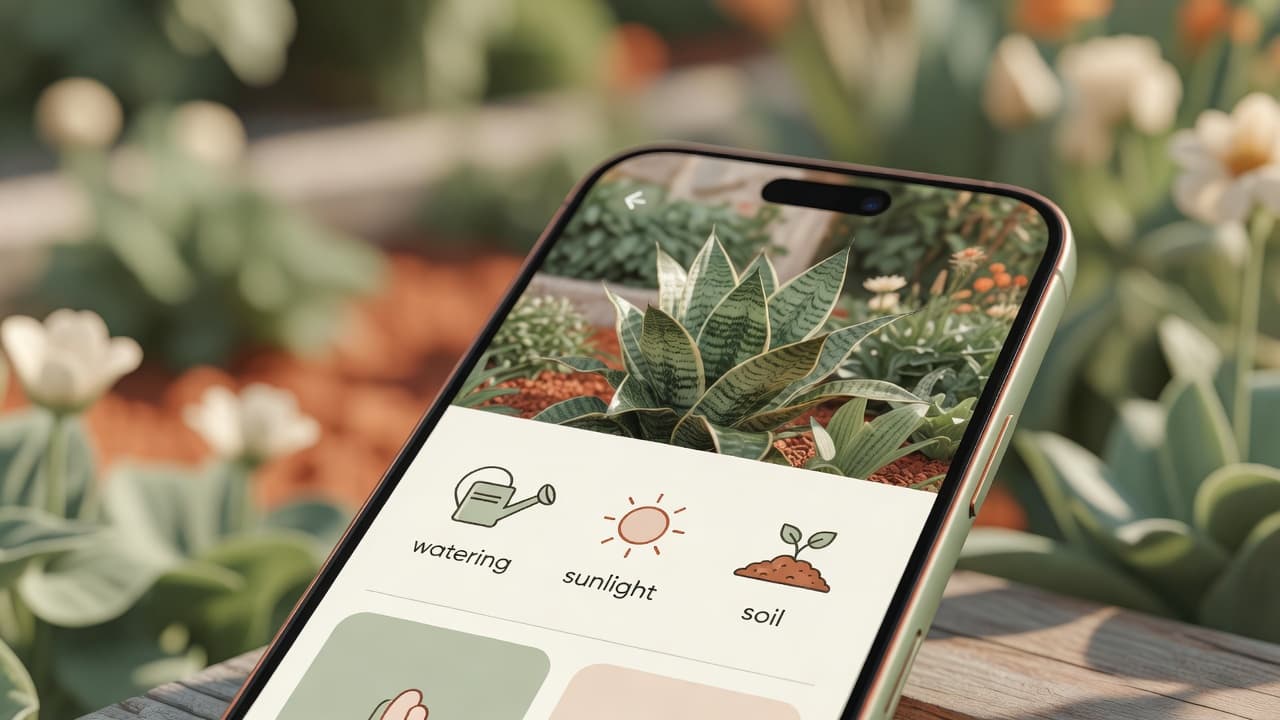
- Care guidance — water, sunlight, soil and temperature for a specific plant.
- Seasonal advice — what needs doing this month, not just once.
- Ongoing questions — why a leaf is yellowing, whether a plant needs repotting.
None of that is about the shape or style of the garden. You could use a gardening app for years on a garden whose layout never changes.
Where garden design is a different job
Garden design answers a different question: what should this space look like, and what goes where? It is usually a one-off or occasional decision — a redesign, a new border, a change of style — rather than a weekly task.
An AI garden design app, like FlorAI, takes a photo of a real space and generates a photorealistic redesign in seconds. That is a creative and decision-making job, distinct from the maintenance job a gardening app handles. See our full AI garden design guide for how that process works.
Why the best apps in 2026 do both
In practice, gardening and design questions arrive in the same conversation. You redesign a border, then need to know what to plant in it and how to keep it alive. Or a plant you already have needs identifying before you can design around it.
FlorAI covers both from a single app: AI garden design for redesigning a space from a photo, and a Plant Identifier that returns common and scientific name, a short description, a likely hardiness zone, and care guidance for water, sunlight, soil and temperature. Neither feature requires leaving the app to use the other — see our post on a garden design app with a plant database for the identification side in more depth.
What an AI gardening app cannot do
Worth being honest here. AI plant identification and care guidance are a strong starting point, not a substitute for a plant pathologist, an agronomist or a soil test. A specific fungal disease, a pest infestation, or a decision about whether a wild plant is safe to eat all deserve a human expert, not a photo-based guess.
What it genuinely handles well is the everyday case: naming an unfamiliar plant, giving sensible default care, and reminding you what a season typically calls for. For anything expensive or safety-related, check a reference like the RHS or your local extension service.
Seasonal gardening, made concrete
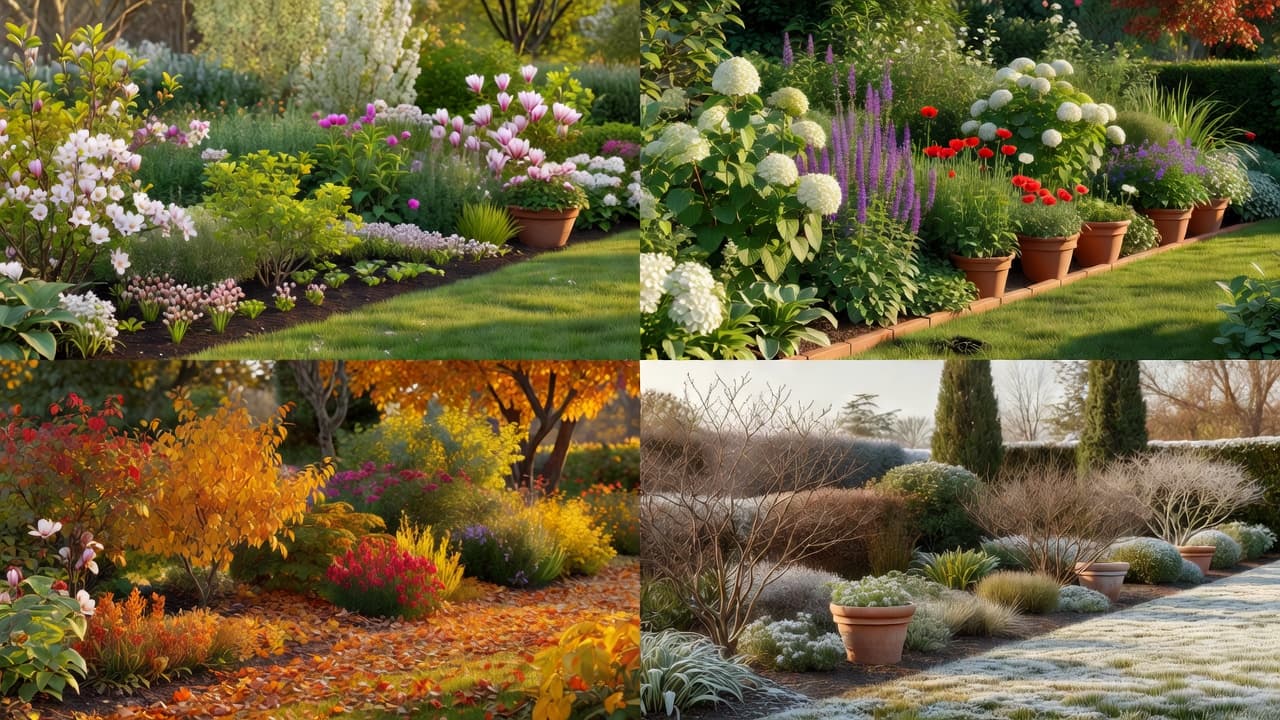
One genuinely useful thing an AI-assisted approach can do is show you the season, not just describe it. FlorAI's seasonal visualiser renders the same garden design across spring, summer, autumn and winter, which turns an abstract "prune in late winter" instruction into something you can actually picture in your own space.
That matters because most garden photography — and most garden inspiration — is taken in the three best weeks of the year. A design that only works in June is a common and avoidable mistake; seeing your own garden through all four seasons catches it early.
Frequently asked questions
Is an AI gardening app the same as an AI garden design app?
Not quite. Gardening covers ongoing plant care and identification; design covers the one-off decision of what the space should look like. FlorAI includes both.
Can an AI app tell me what plant I have?
Yes. FlorAI's Plant Identifier returns a common name, scientific name, description, likely hardiness zone and care guidance from a single photo.
Can it tell me why my plant looks unhealthy?
It can offer general care guidance based on identification, but it is not a diagnostic tool for specific diseases or pests. For a serious problem, a local garden centre or agricultural extension service is more reliable.
Does an AI gardening app cost extra on top of garden design?
No — plant identification is included in FlorAI's free tier alongside AI garden designs. See the pricing page for the full breakdown.
Can it give me seasonal gardening reminders?
FlorAI's seasonal visualiser shows how a garden design looks across all four seasons, which is useful for planning ahead even though it is not a task-reminder system.
Do I need a separate app for plant care and garden design?
Not with FlorAI — identification, care guidance and AI redesign all work from the same app and the same photos.
Last updated: August 2026. Written by the FlorAI garden team.